
Microsoft Teams Integration with Collaboard
Work with Collaboard directly in Microsoft Teams and bring everyone together in one place.


Collaboard App for Microsoft Teams
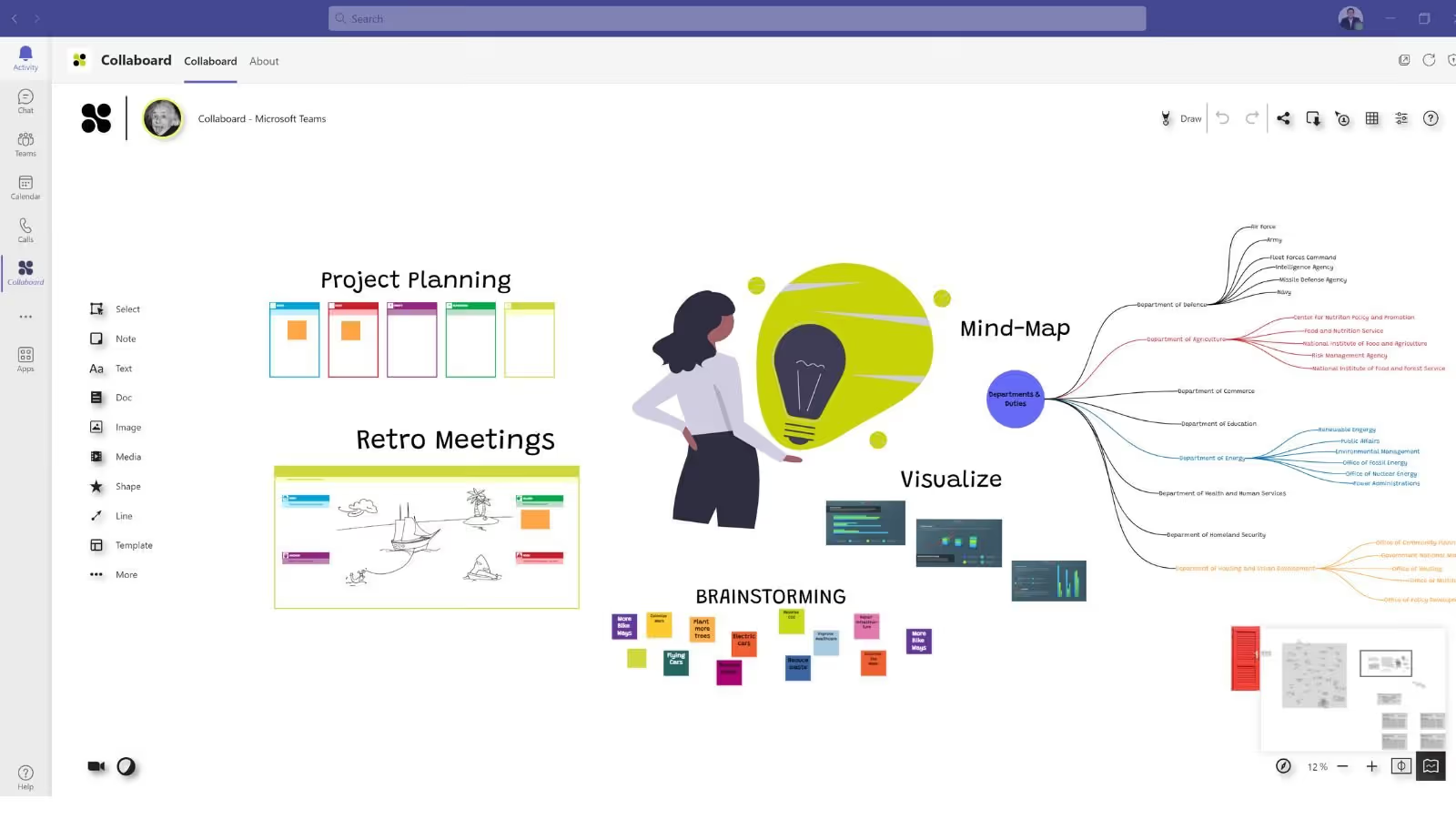
With the Collaboard app, you can access all whiteboard features directly in Microsoft Teams.
Use Single Sign-On (SSO) to authenticate in Collaboard and access all its features seamlessly.
With this setup, there’s no need to open Collaboard in a browser — you can open all your whiteboards directly within Teams.
Integrate Collaboard’s whiteboard into your Microsoft Teams calls
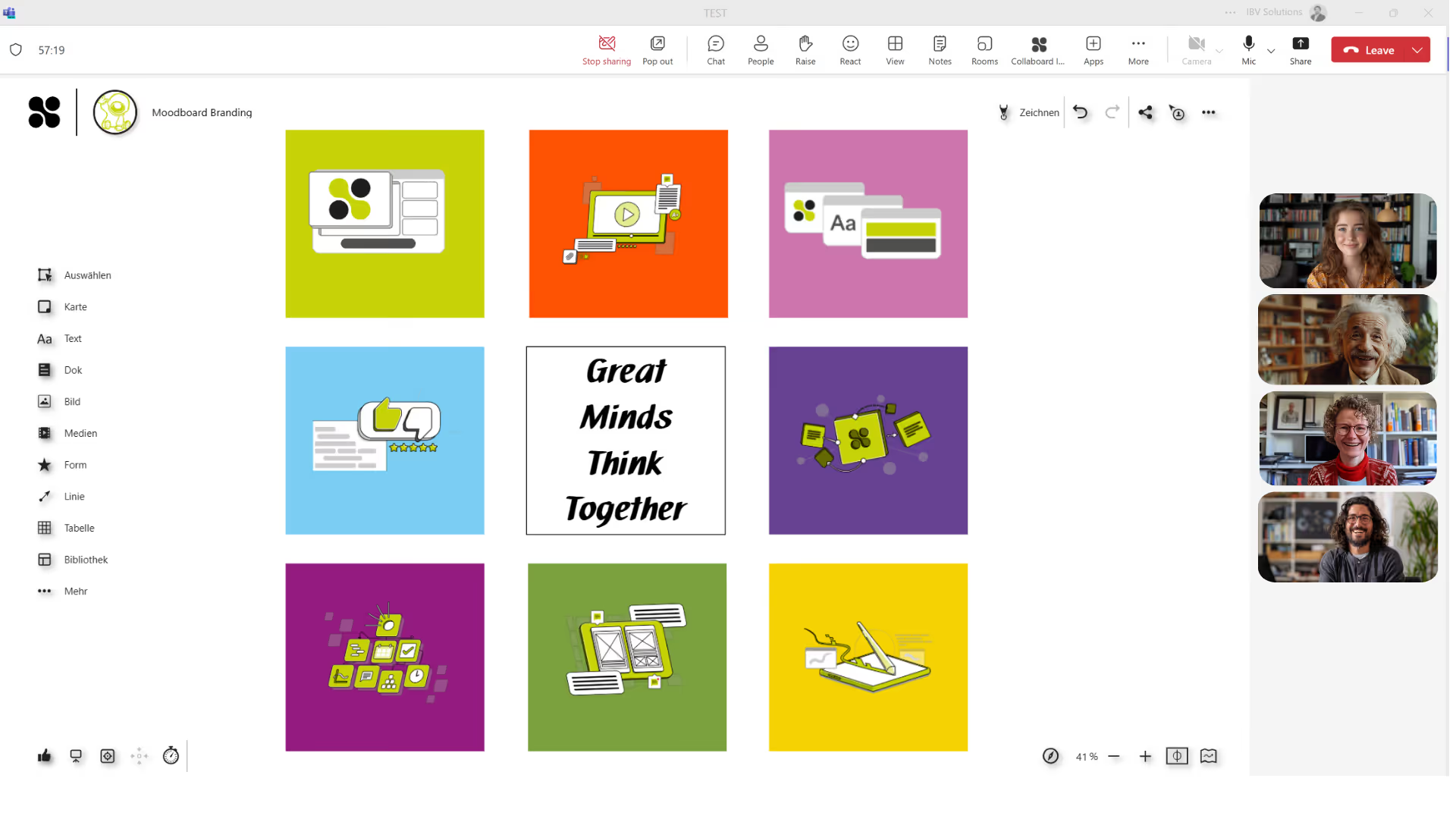
Use the whiteboard directly in your Microsoft Teams calls. Simply add an existing board, and everyone in the call can start collaborating instantly.
- Activate Collaboard right within an ongoing Teams call
- Collaborate on the same board — all changes appear in real time
- Guests can join and contribute without having their own account
- All results remain saved on the board and can be edited at any time
Add a whiteboard to a channel in Microsoft Teams
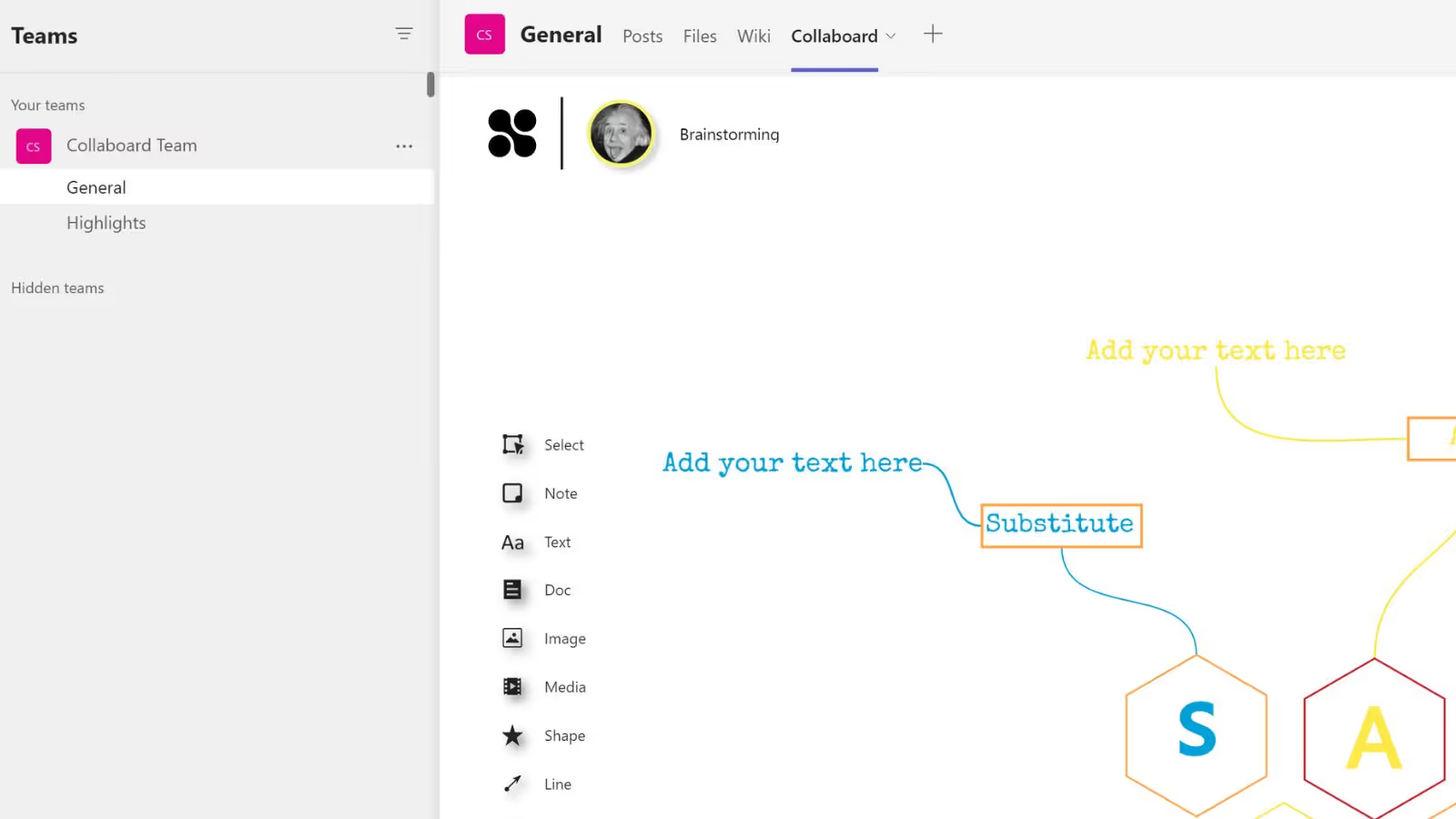
In Microsoft Teams, each Team is organized into different channels — and every channel has tabs where you can add your Collaboard projects.
Easily add a whiteboard to a channel in Teams. With just one click, any channel member can open the whiteboard directly in Teams and access the Collaboard project to continue working on it collaboratively.
What are the benefits of the Collaboard integration in Microsoft Teams?
Seamless collaboration
No need to switch between tools. Start, edit, and save your boards directly in Microsoft Teams.
Maximum data protection
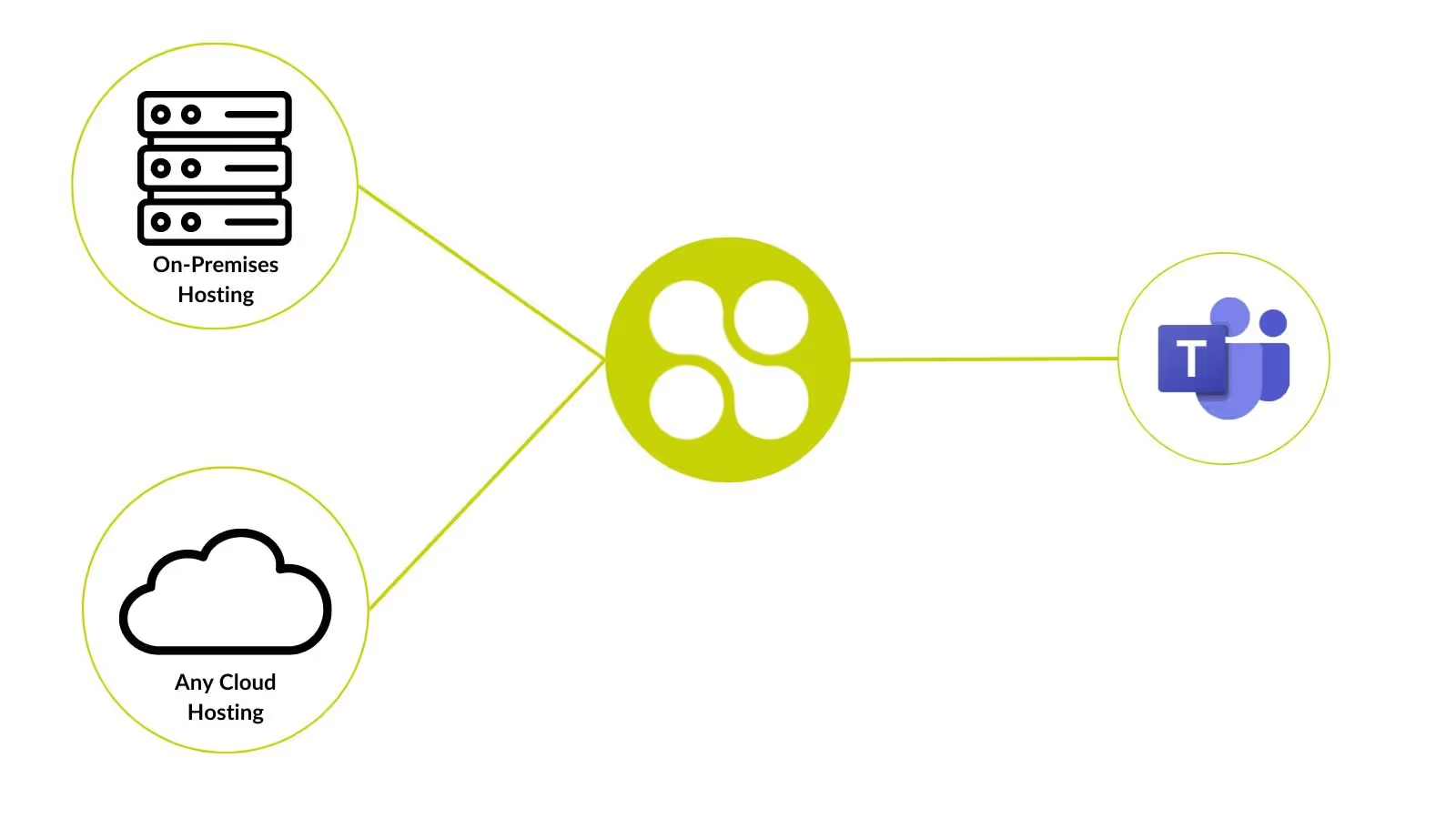
Collaboard runs on European servers or locally within your own infrastructure. All data remains protected and fully under your control.
One board for every meeting
From brainstorming to project completion - your board supports the team through every stage.
How you can use a whiteboard in Teams
1. Collaborative brainstorming directly in Teams meetings
Start Collaboard as an app during a Teams meeting. All participants can see changes in real time, comment on ideas, and add content without leaving Microsoft Teams. The board stays available in the meeting chat afterward and can be edited at any time.
2. Mind maps and strategy sessions in Teams channels
Add Collaboard as a tab in a channel to create a permanent visual workspace for mind maps, SWOT analyses, or strategy workshops. All channel members share the same space, making it ideal for ongoing discussions and continuous updates.
3. Project planning with roadmaps and Kanban boards in Teams
Use Collaboard within your project team to visualize tasks, timelines, and responsibilities. The integration keeps boards embedded in the channel, so everyone can easily follow progress.
4. Interactive training sessions and workshops in Teams calls
Launch Collaboard during a Teams meeting to make training sessions or workshops truly interactive. Participants can draw, highlight, and share ideas in real time right inside the video call. After the session, the board remains saved in Teams for review and follow-up.
5. Secure collaboration for the public sector and sensitive environments
Combine Microsoft Teams with Collaboard On-Premises to take advantage of full Teams functionality while keeping all data within your own infrastructure. Perfect for public administrations, universities, and organizations with strict security requirements.
Use an on-premises whiteboard with Microsoft Teams
While Microsoft Teams is a cloud-based platform, Collaboard offers flexible hosting options. You can host Collaboard yourself — on-premises or in a private cloud — and integrate it seamlessly with Microsoft Teams.
When using Microsoft Teams for meetings or workshops, Collaboard adds the perfect visual workspace. Ideas, sketches, and notes are created directly during the meeting and remain securely stored on your own servers afterward.
Contact us to learn more about how to integrate Collaboard into your Microsoft Teams environment.
On This Page

Test Collaboard for 14 days free of charge
Immerse yourself in the breathtaking experience of smooth moderation - whether in meetings or brainstorming sessions. And the best thing? You can try it all for free!
Start your next whiteboard now
Get a free trial of Collaboard with up to 3 boards and five people per session. All key features are available for you to try out.

