Online Drawing with Collaboard
Welcome to the creative world of online drawing! Whether you are a professional, a creative mind or just someone who likes to visualize ideas - online drawing gives you the freedom to bring your ideas to a digital canvas.
With Collaboard, you can get started right away with just a few clicks.
.avif)
Use Collaboard to Draw and Sketch Your Ideas
Collaboard makes drawing and sketching your ideas online a breeze. Whether you are working on a brainstorming session for a new project, preparing a complex concept sketch for a meeting or simply want to capture creative thoughts - Collaboard offers you the tools you need.
With Collaboard, you can not only visualize your ideas, but also share them with others in real time and develop them further together. In this way, a simple sketch quickly becomes a finished concept that convinces everyone.
Digital Pens for more Creativity
Using a digital pen opens up completely new possibilities for unleashing your creativity when drawing and sketching.
Compared to a conventional mouse, the pen allows you a more precise and natural handling that comes very close to traditional drawing on paper. This intuitive operation helps you to concentrate fully on the creative process and let your ideas flow more freely.
Pen
The pen in Collaboard is ideal for precise drawings and detailed sketches. With its fine lines, it allows you to draw clear contours and depict even complex ideas effortlessly.

Pencil
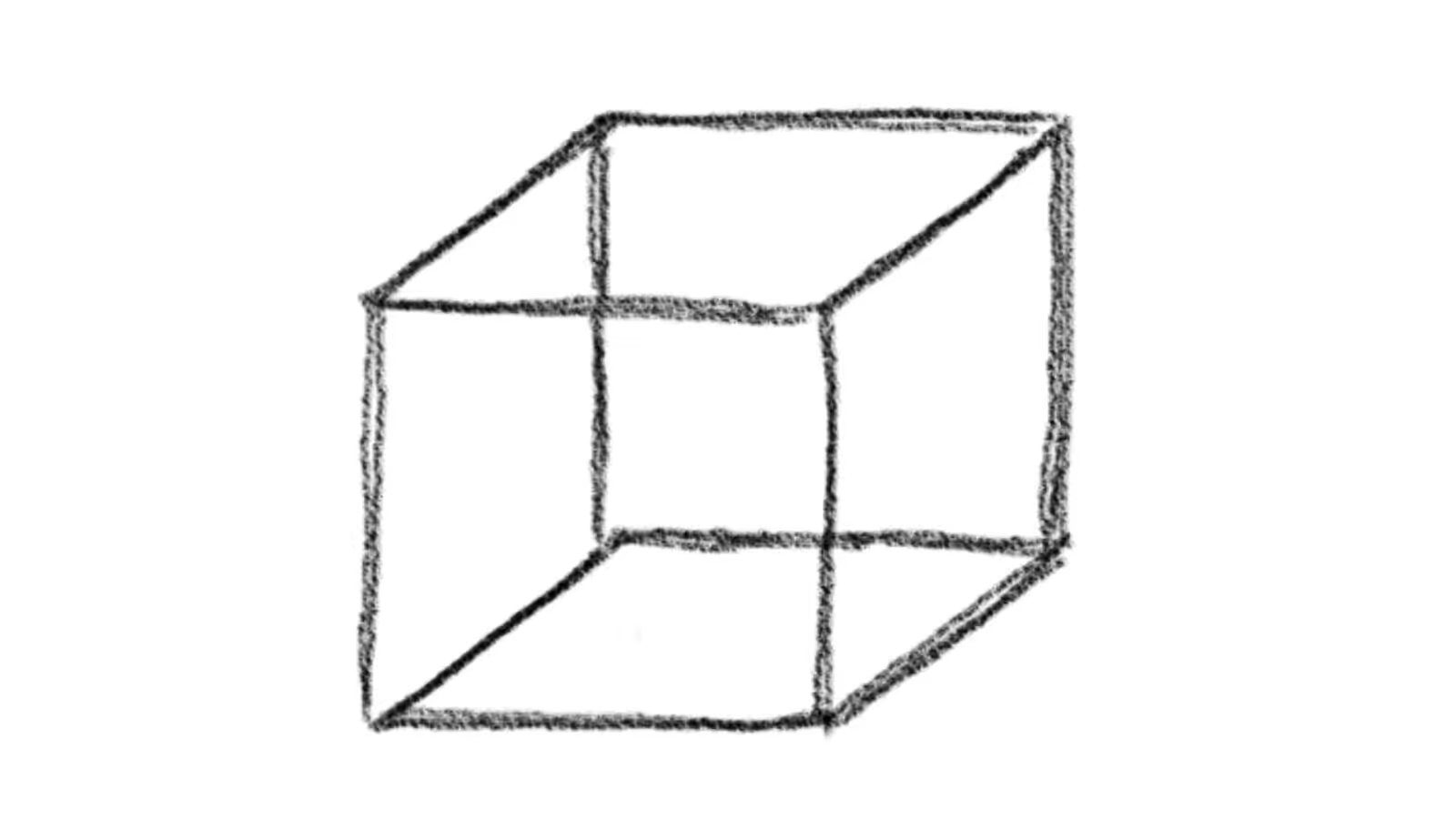
The pencil in Collaboard offers an authentic, hand-drawn feel that is perfect for sketches and first sketches. You can use it to create fine shading and light lines that bring your ideas gently and naturally to the canvas.
Brush
The brush in Collaboard is perfect for creative projects where you want to work with different colors and textures. It allows you to create soft transitions and dynamic strokes, giving your drawings a lively, painterly quality.

Marker
The Marker in Collaboard is versatile and perfect for highlighting important details or as a highlighter. With its strong, continuous line, you can mark key information or highlight areas in color to make your sketches and notes clearer and more memorable.
Nib
The nib in Collaboard gives your drawings and lettering an elegant, classic touch. It is ideal for curved lines and calligraphic work where precise and stylish lines are important.

Online drawing - possible applications
Online drawing offers a wide range of possible applications that go far beyond simple sketching. Here are some of the best-known use cases:
Brainstorming and Ideation
With online drawing tools, teams can quickly capture and share their ideas visually. Brainstorming sessions become more productive through collaborative drawing, as each participant can display their thoughts directly on a digital canvas.
Visual Notes (Sketchnotes)
Instead of taking traditional written notes, visual notes can be used to capture information through drawings and symbols. This not only helps to better understand complex topics, but also helps to remember the content discussed.
Mind Mapping
Online drawing tools are perfect for mind maps, where key ideas and concepts are represented in a network of connections. This supports structured thinking and the visualization of relationships between different topics.
Prototyping and Wireframing
In design and software development, the rapid creation of prototypes or wireframes is essential. With online drawing tools, designers and developers can quickly visualize their ideas and work together on drafts before moving on to the development phase.
Creation of Organizational charts and Flowcharts
Organizational charts and flowcharts are indispensable for planning business processes or depicting hierarchies. With online drawing tools, these diagrams can be easily created, adapted and shared with others.
Creative Art Projects
Artists and creatives use online drawing tools to create digital artworks or to design initial sketches for their projects. The flexibility of the digital canvas makes it possible to try out different styles and techniques and share the result directly with an audience.
These uses show how versatile and useful online drawing tools can be in a variety of fields - from business to creative art.
Step-by-step guide to online drawing
Online drawing with Collaboard is simple and intuitive. Follow this step-by-step guide to get started:
- Register and log in: Visit the Collaboard website and create an account if you don't already have one. Then log in with your access data.
- Create a new project: After logging in, you will be redirected to the project overview. Click on “New project” or “Create project” to open a new blank canvas.
- Select drawing tools: You will find various drawing tools in the toolbar at the top right. Select the pencil icon to start drawing. You can also select other tools such as the brush, marker or eraser, depending on what you need.
- Adjust color and line width: Below the toolbar, you can select the color and line width of your pen. Experiment with different settings until you achieve the desired results.
- Drawing and sketching: Now you can bring your ideas to the digital canvas. Draw freely with the pen or use the shape tools to create circles, rectangles and lines. Use the zoom and pan functions to edit details or view your sketch as a whole.
- Arrange and edit elements: When you complete your drawing, you can move, scale or rotate elements by selecting and adjusting them. Collaboard gives you full control over every component of your sketch.
- Collaborate and share: Invite team members to work together on the sketch in real time. Use the sharing function to share your drawing with others, collect feedback and develop the project further.
- Export and share: Collaboard allows you to export your work in various formats, be it as an image file, PDF or any other common format.
- Resume and continue working: Your project remains saved in your overview so that you can access it and continue working on it at any time.
On This Page
Start your next whiteboard now
Try Collaboard for free and convince yourself.
Online Drawing - Frequently Asked Questions and Answers
Do you have any questions? We're here to help.
Online drawing is the process of using digital tools and platforms to create drawings and sketches directly on your computer, tablet or smartphone. It allows you to visualize your ideas in real time and share them with others.
Yes, many online drawing platforms, such as Collaboard, offer real-time collaboration features. You can work on the same drawing together with others, track changes live and receive immediate feedback.
An online roadmap offers real-time collaboration, instant updates, flexible customization options and the ability to access it from anywhere, which improves collaboration and efficiency.
For basic drawings a mouse or touchpad is sufficient. However for more precise work and a more natural drawing experience a graphics tablet or digital drawing device with a stylus is recommended.
Online drawing offers numerous advantages, such as unlimited undo options, easy corrections, the ability to save and share work, and access to a wide variety of digital tools and colors.
Yes, most online drawing tools, including Collaboard, allow you to save your drawings and export them in various formats such as PNG, JPEG or PDF.
An effective roadmap should have clear goals and milestones, realistic timelines, clear communication of expectations and regular reviews and updates to ensure it meets changing requirements.
Yes, you can export your online drawings to a common file format and then print them out on any standard printer. This allows you to present your digital works in physical form.
Start your next whiteboard now
Get a free trial of Collaboard with up to 3 boards and five people per session. All key features are available for you to try out.


