
Collaboard Realese Notes
Collaboard Version 9.5 - Mont Blanc
June 2026: Collaboard Version 9.5 is a major release containing several important new features and optimizations.
New Features
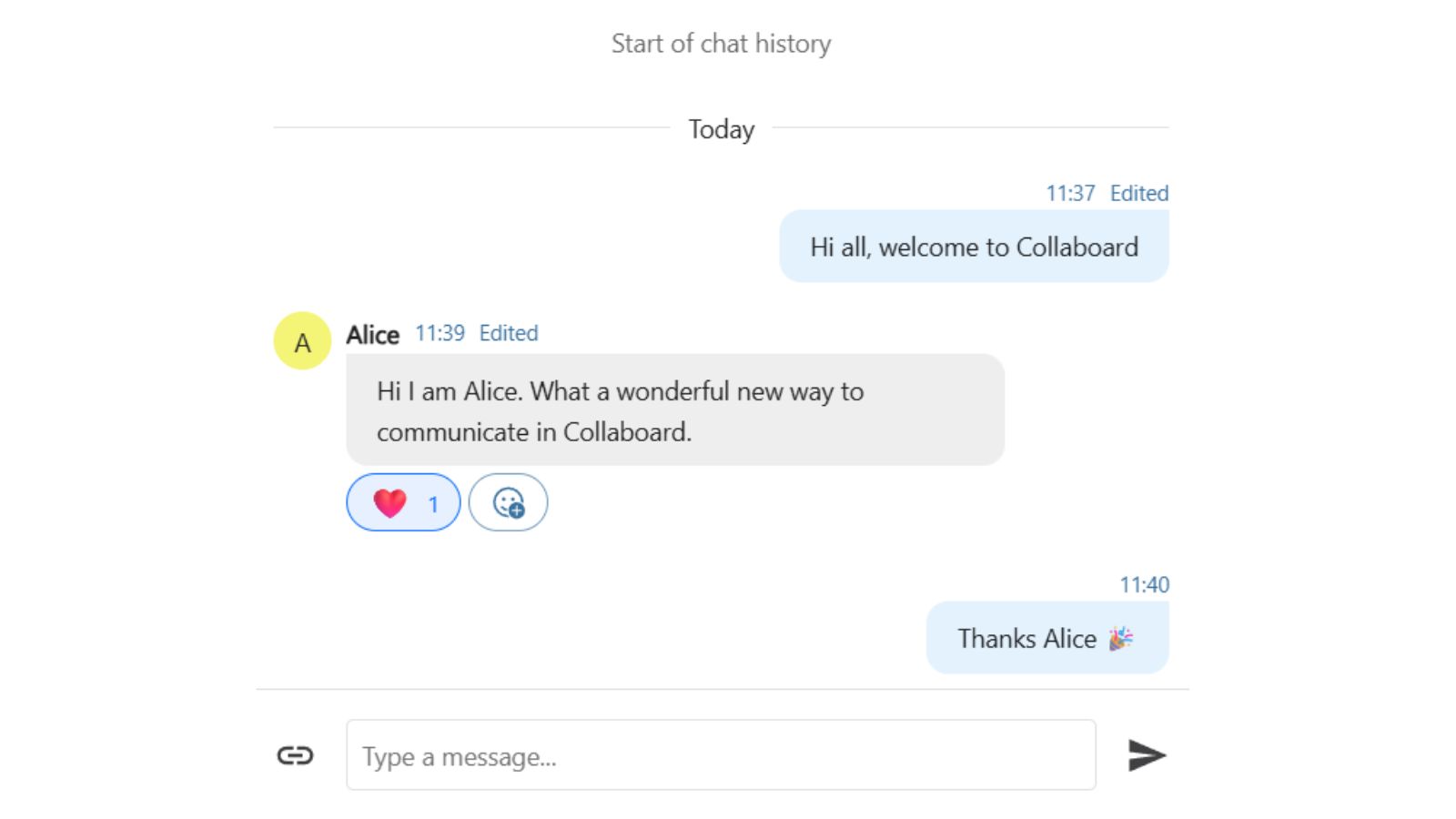
- Global Chat for each whiteboard
- Stack of sticky notes
- Alt + Drag to quickly create and position a copy of an element
- Create templates from full boards
- Collaboard MCP Server Beta
Optimization of Existing Features
- Automatic detection of touchpad or mouse usage
- Improved import for Miro, Mural and Conceptboard
- Improved branding options
Collaboard Version 9.4 - Rigi
April 2026: Collaboard version 9.4 is a major release and includes the following new features and improvements.
New Features
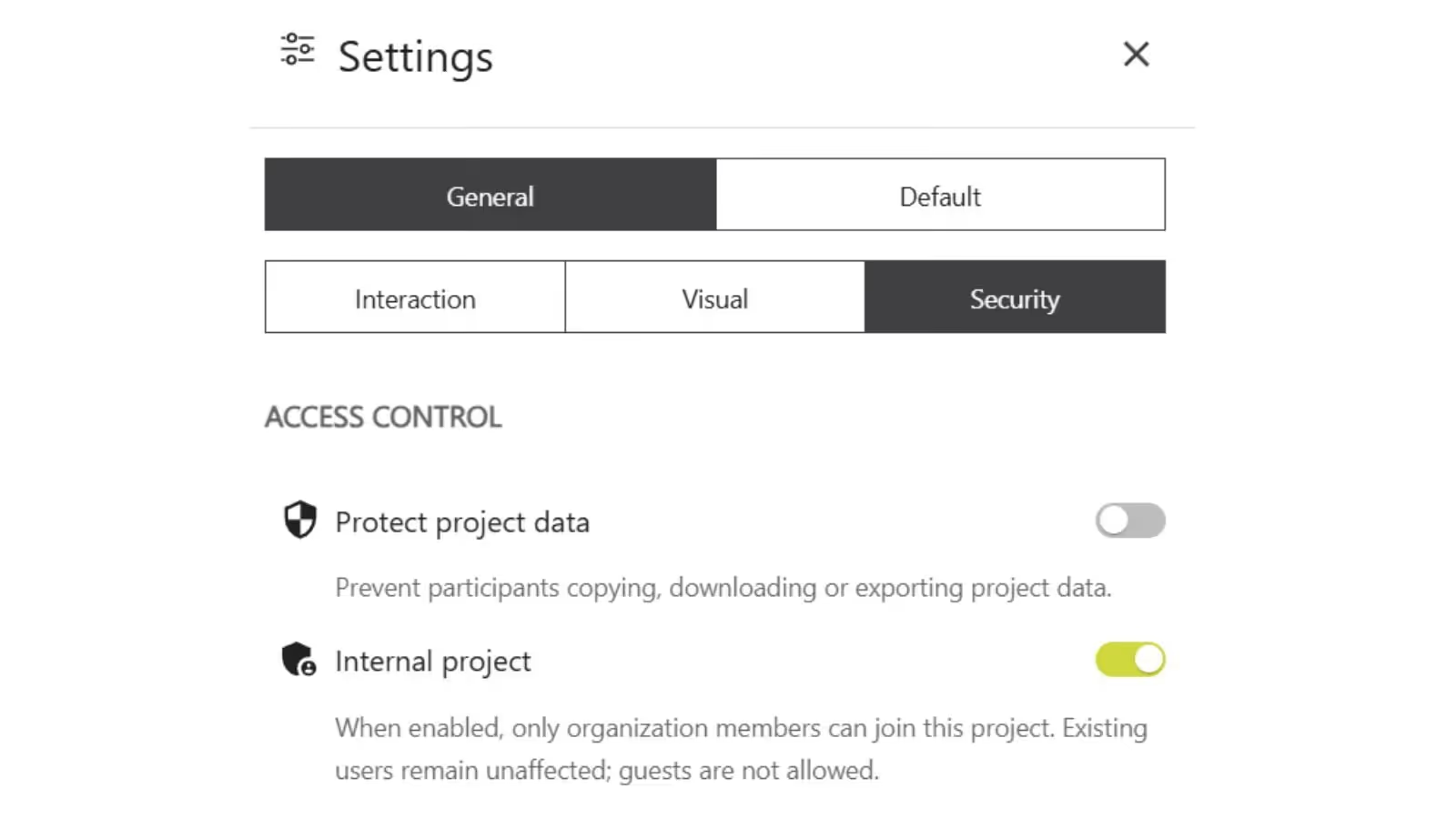
- Access control (Protect project/board data)
- Access control (Internal project/board)
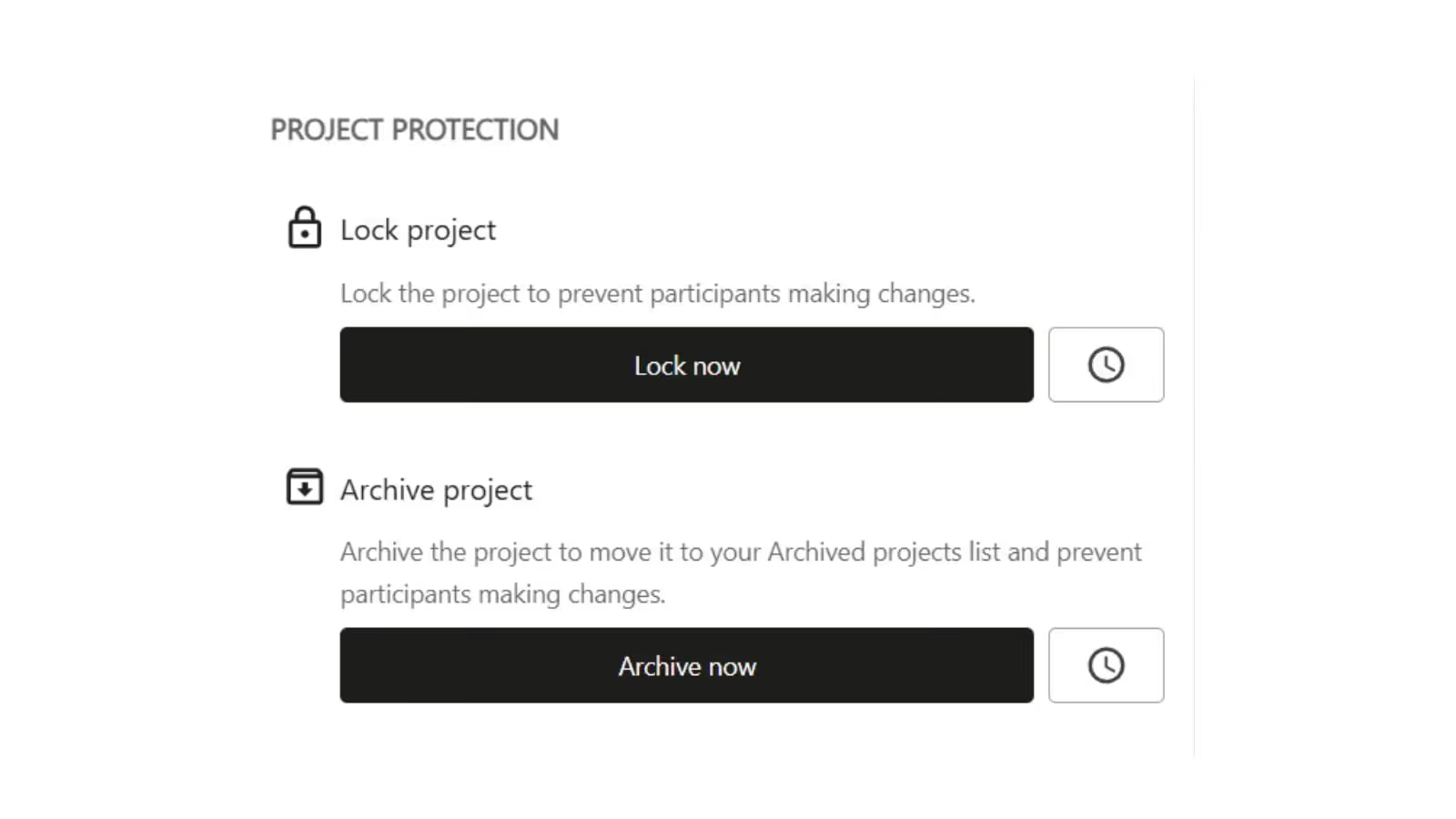
- Project/Board protection (lock)
- Project Board protection (archive)
Optimization of Existing Features
- General settings UI
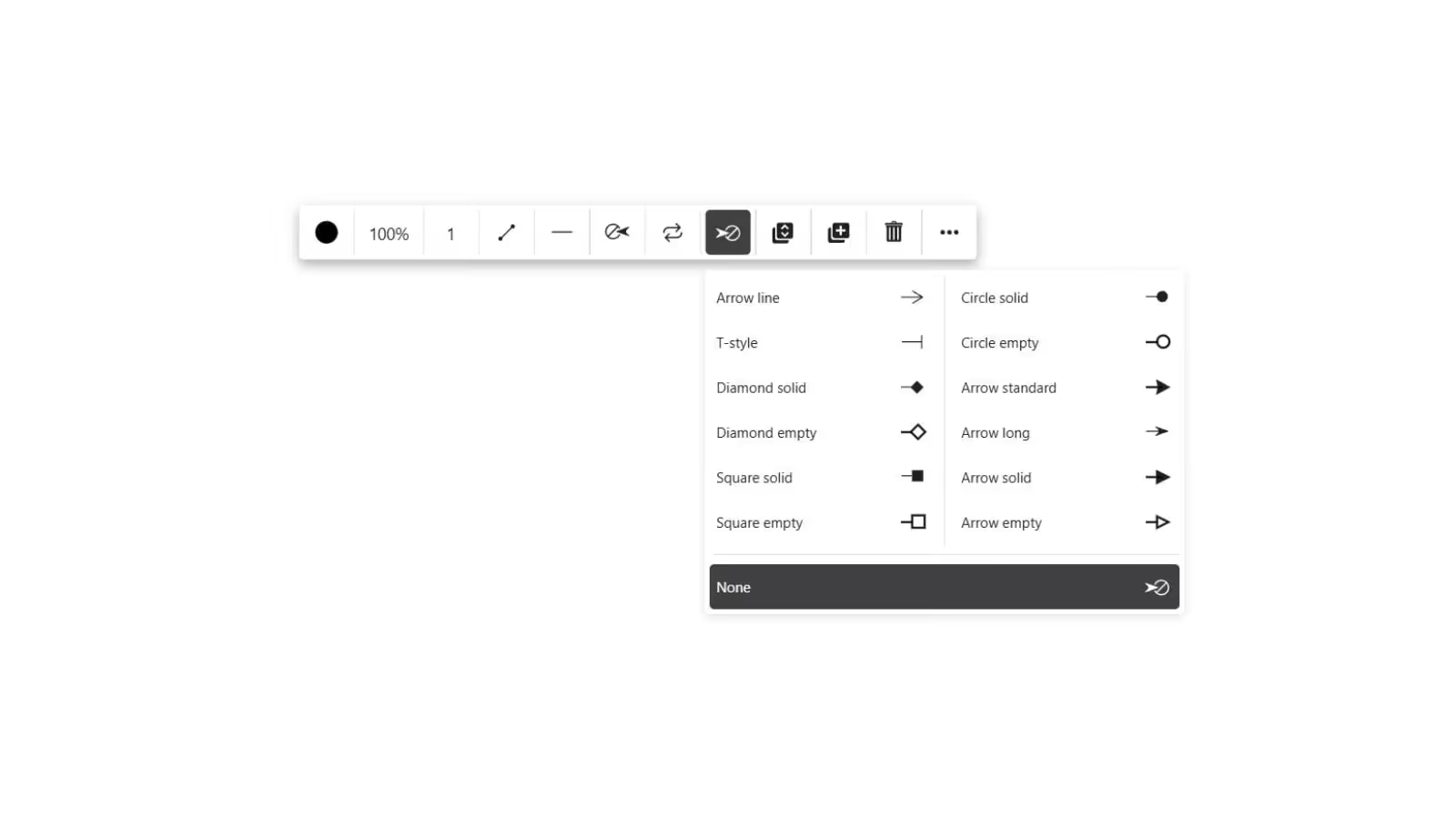
- Additional line endings
Collaboard Version 9.2 - Pilatus
February 2026: Collaboard version 9.2 is a minor release and includes the following new features and improvements:
New Features
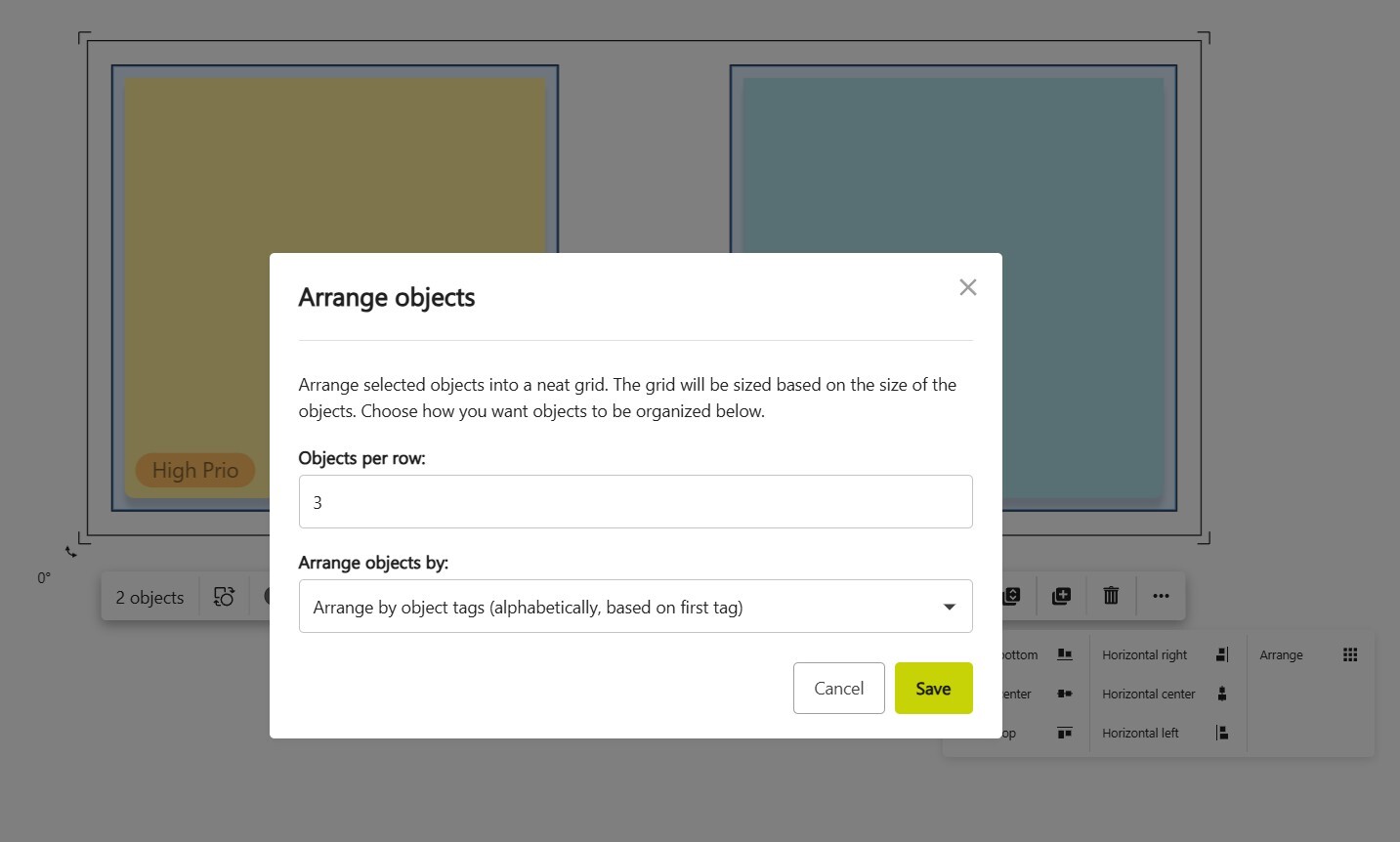
- Arrange objects by tags
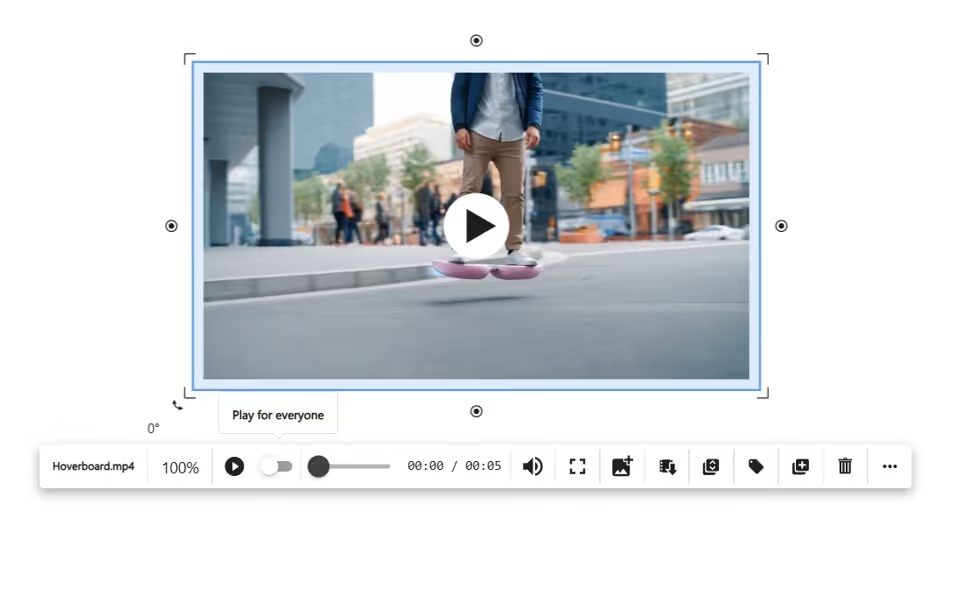
- Play audio and video for everyone on the board
Optimization of Existing Features
- Maximum line size increased to 30
- Minor dashboard and space improvements
Collaboard Version 9.1 - Lauterbrunnen
January 2026: Collaboard version 9.1 is a minor release and includes the following new features and improvements:
New Features
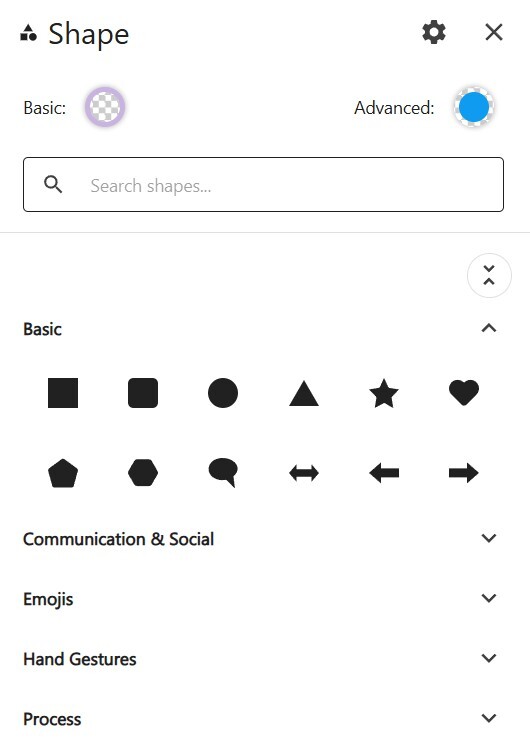
- New Shape experience
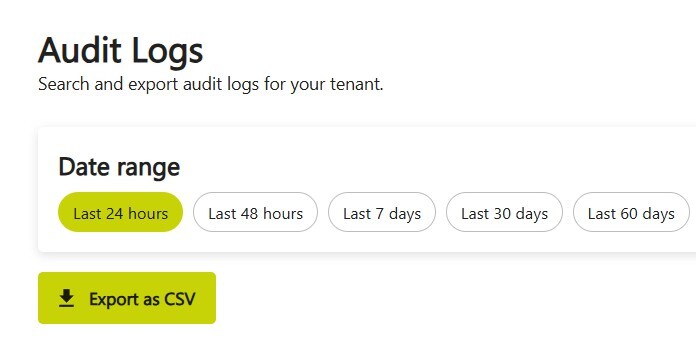
- Download Audit Logs
Collaboard Version 9 - Jungfrau
December 2025: Collaboard version 9 is a major release and includes the following new features and improvements:
New Features
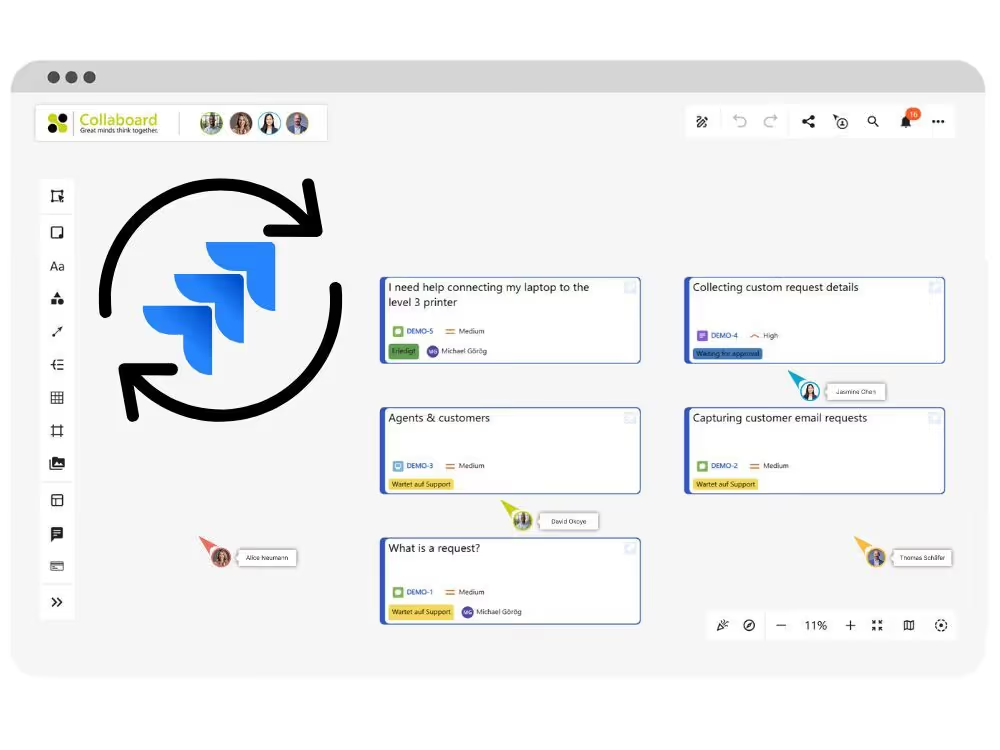
- Jira Integration
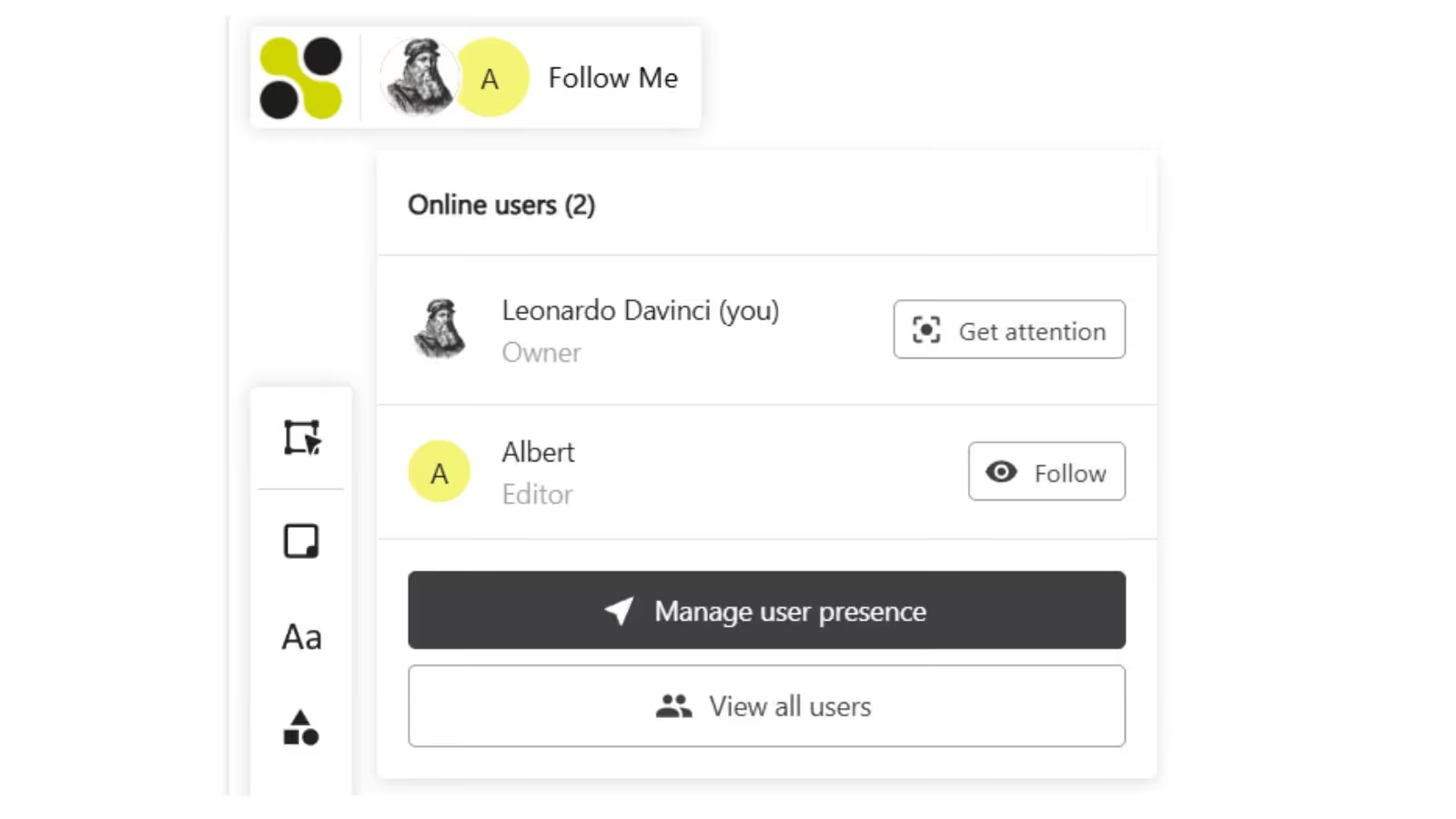
- Follow a user
- Audit Logs
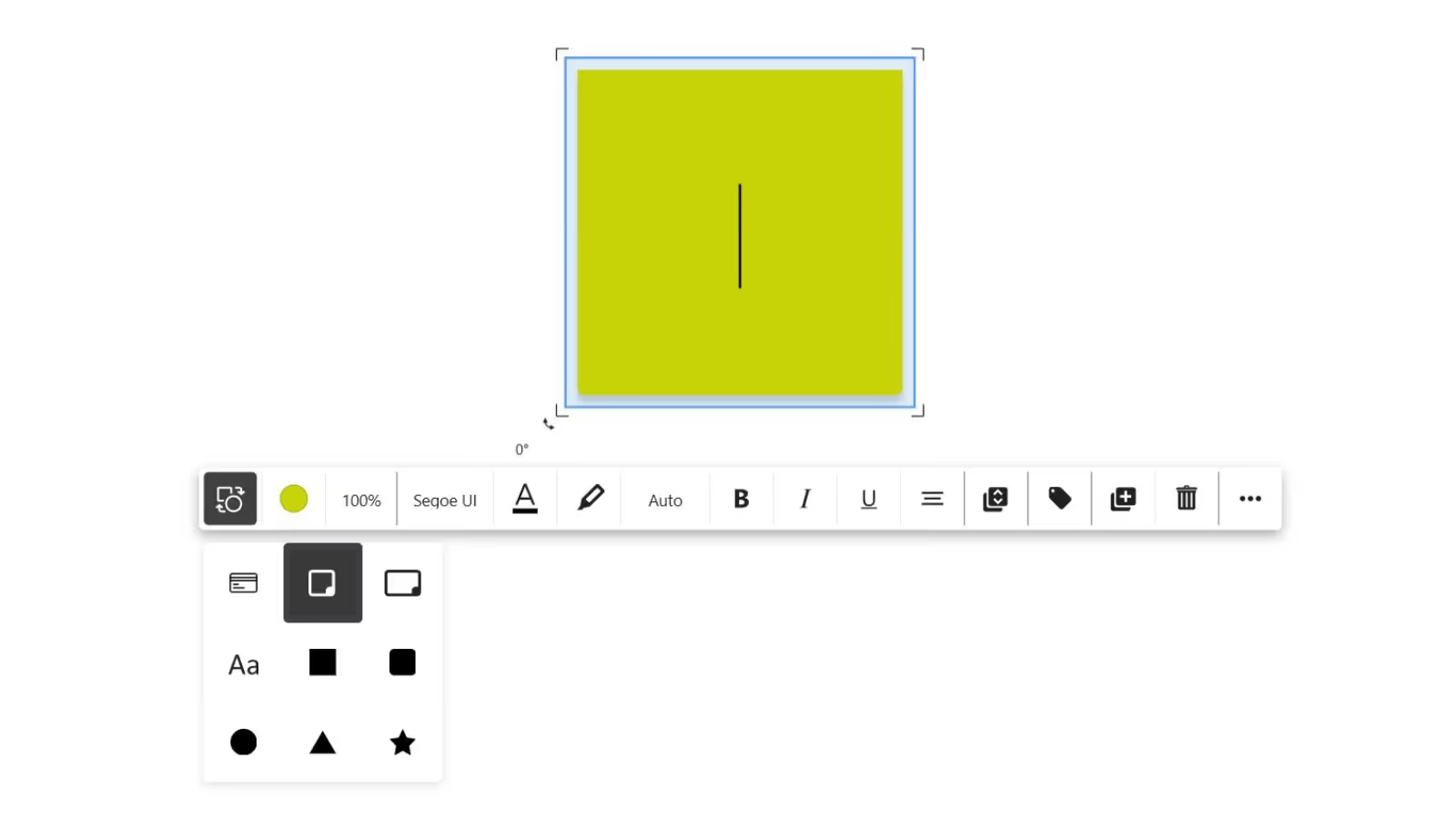
- Convert Objects into other Objects
Optimization of Existing Features
- Sharing projects restricted to owners and facilitators
- Remove the floating toolbar option
- Remove the old dashboard
- Improved responsiveness for the toolbar
Collaboard Version 8.4.1 - Codename Fronalpstock
October 2025: Collaboard version 8.4.1 is a minor release and includes the following new features and improvements:
New Features
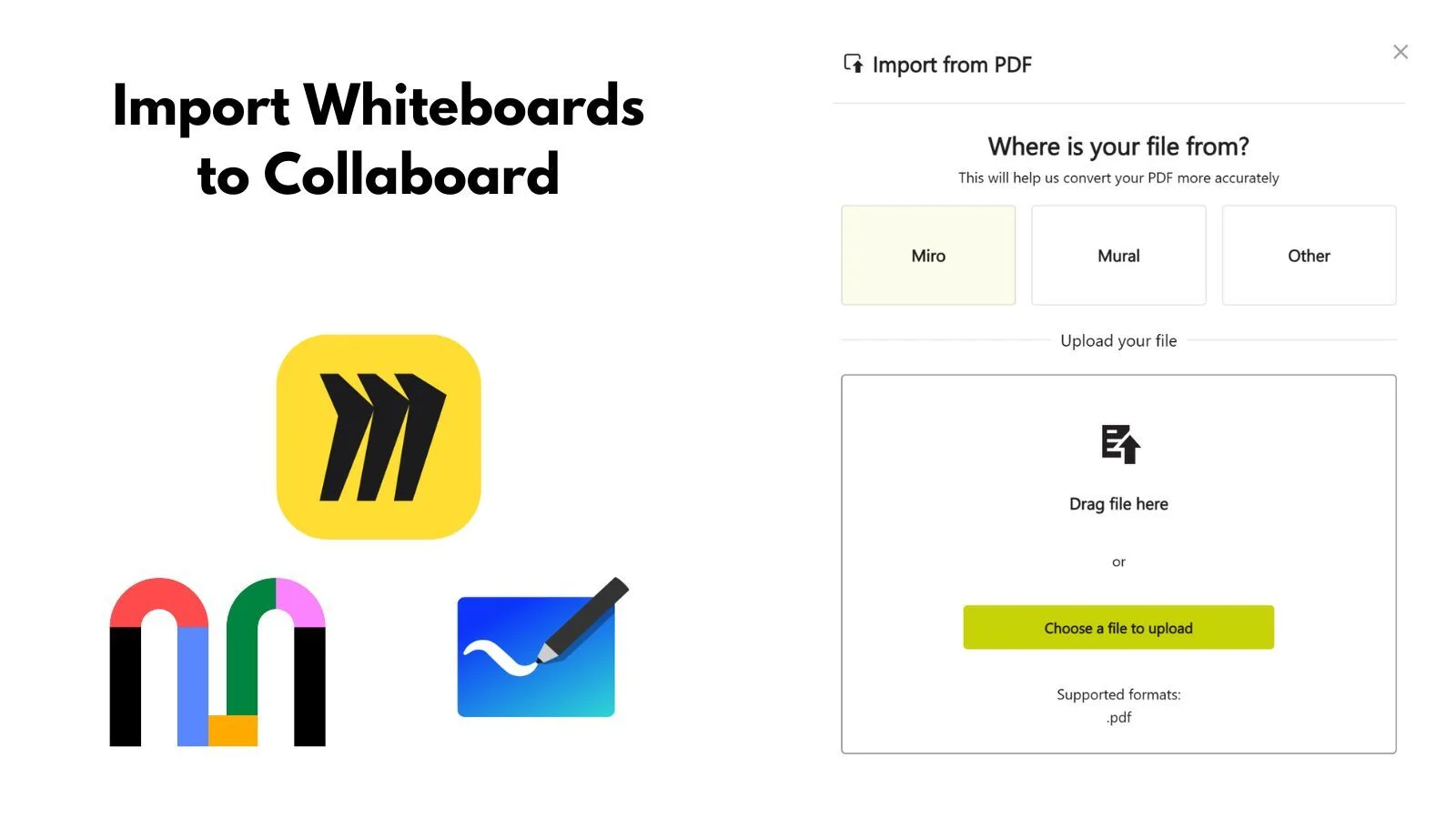
- Import function for Miro and Mural
- Waypoints for lines
Optimization of Existing Features
- Editing comments
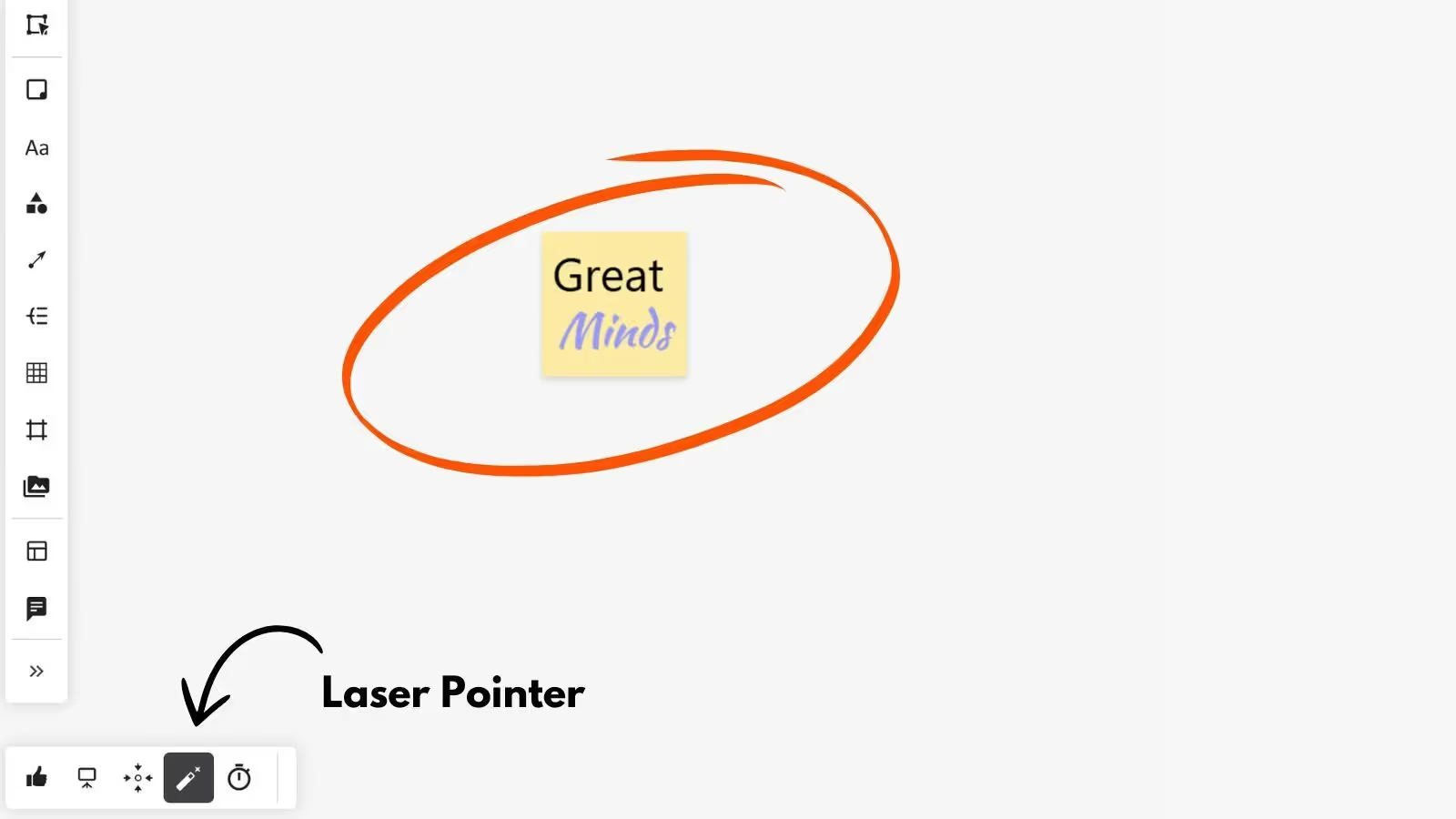
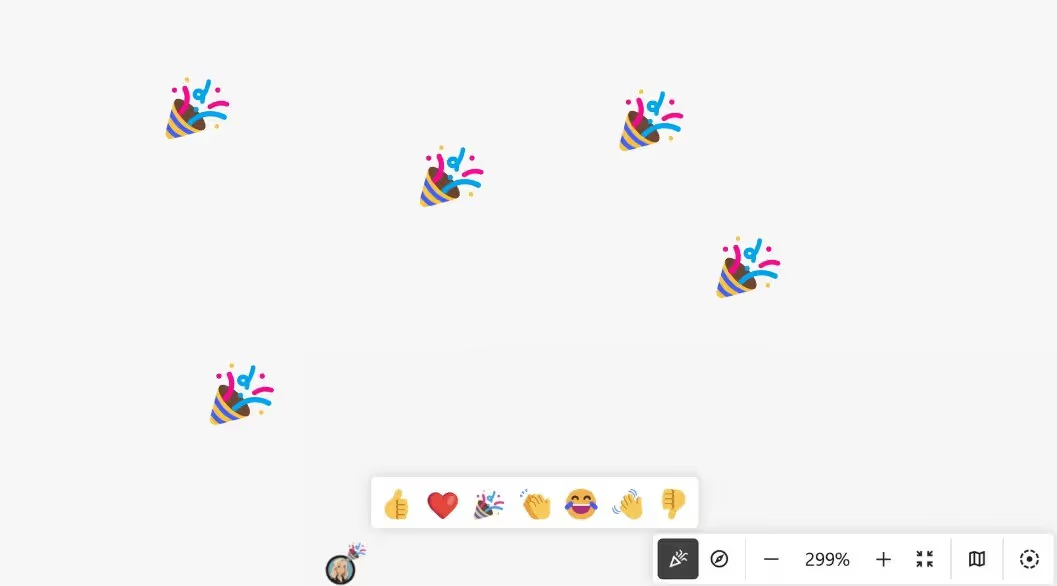
- Improvements to cursor display, emoji reactions, and laser pointer
.webp)
Collaboard Version 8.4 - Codename Stoos
September 2025: Collaboard version 8.4 is a major release and includes the following new features and improvements:
New Features
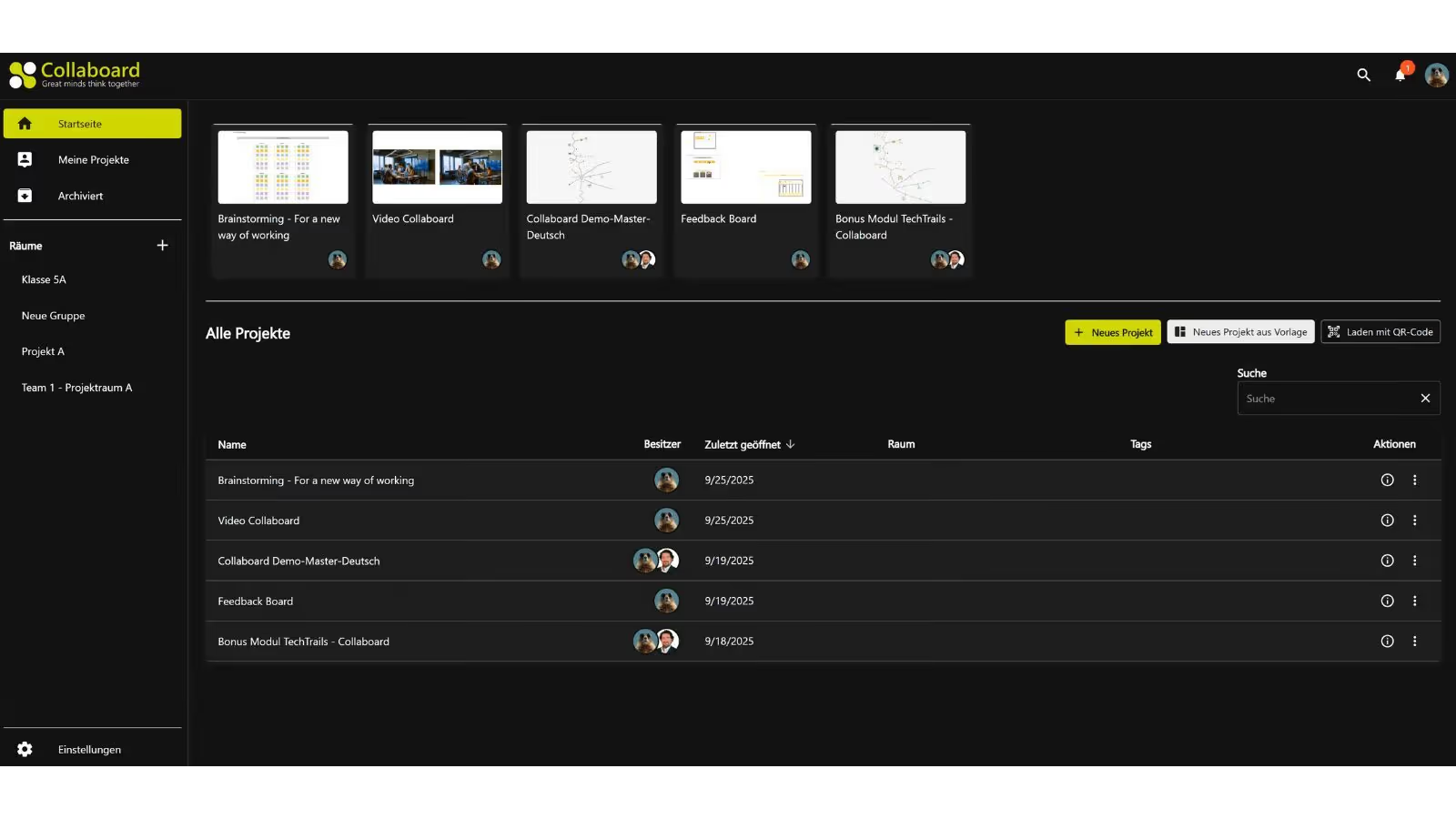
- Darkmode for the new dashboard
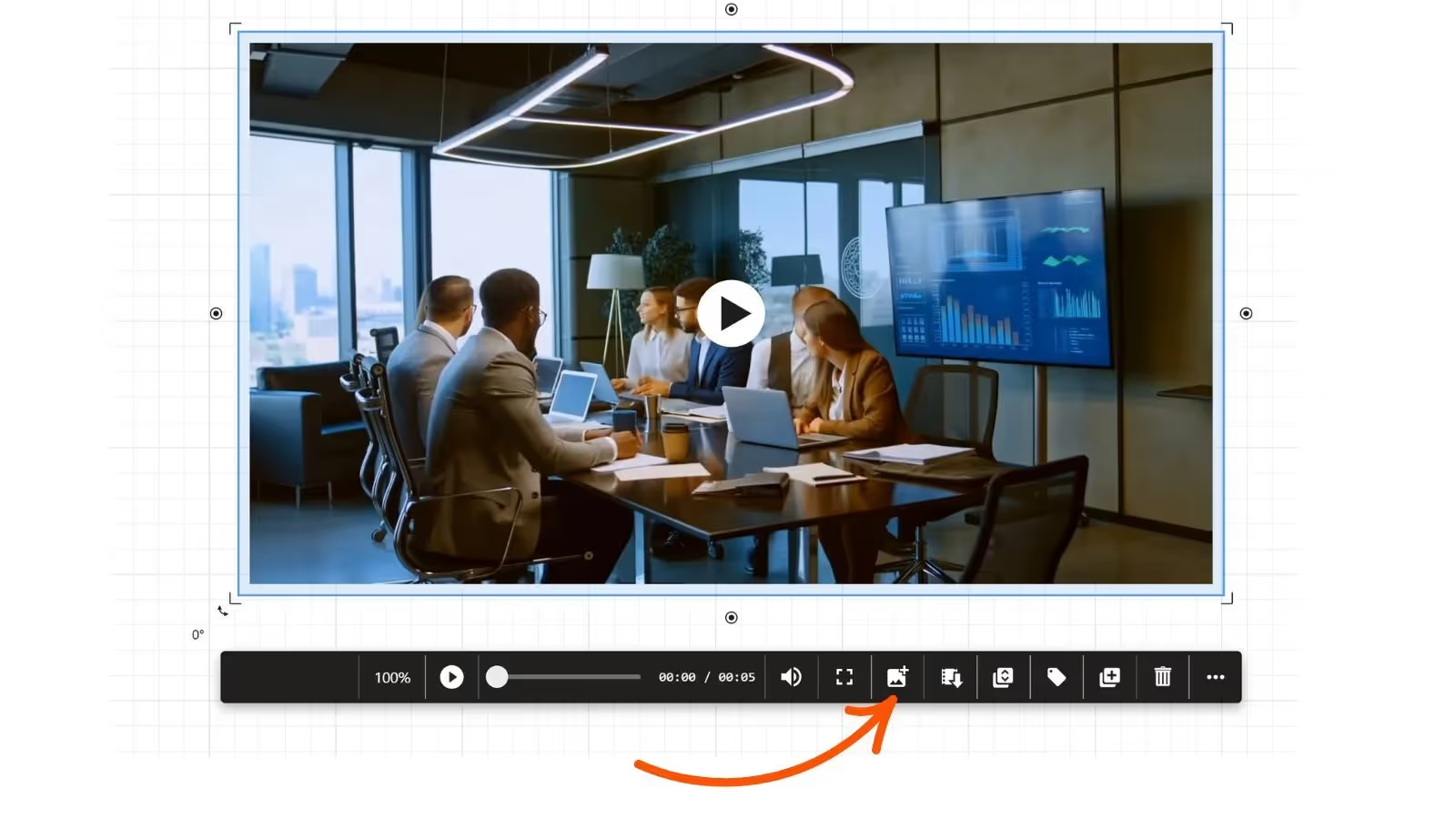
- Take screenshots from uploaded videos
- Write on sticky notes / draw on images
- Right click for panning
- In-App user onboarding
Optimization of Existing Features
- Collaboard AI now using Mistral AI
- New Video controls
- Display who liked a comment


Collaboard Version 8.3 - Codename Rhine Falls
July 2025: Collaboard version 8.3 is a major release and includes the following new features and improvements:
New Features
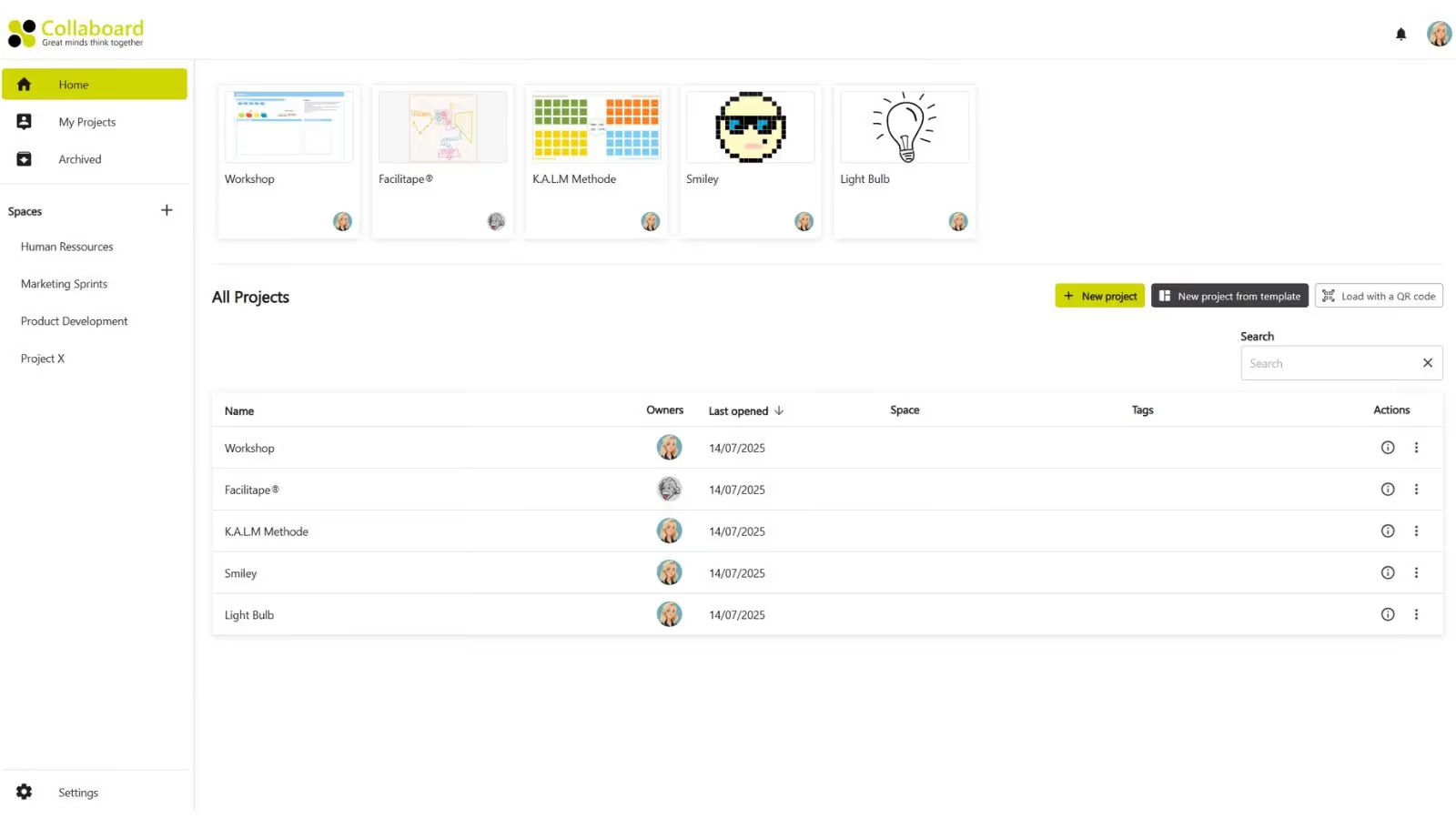
- New Dashboard
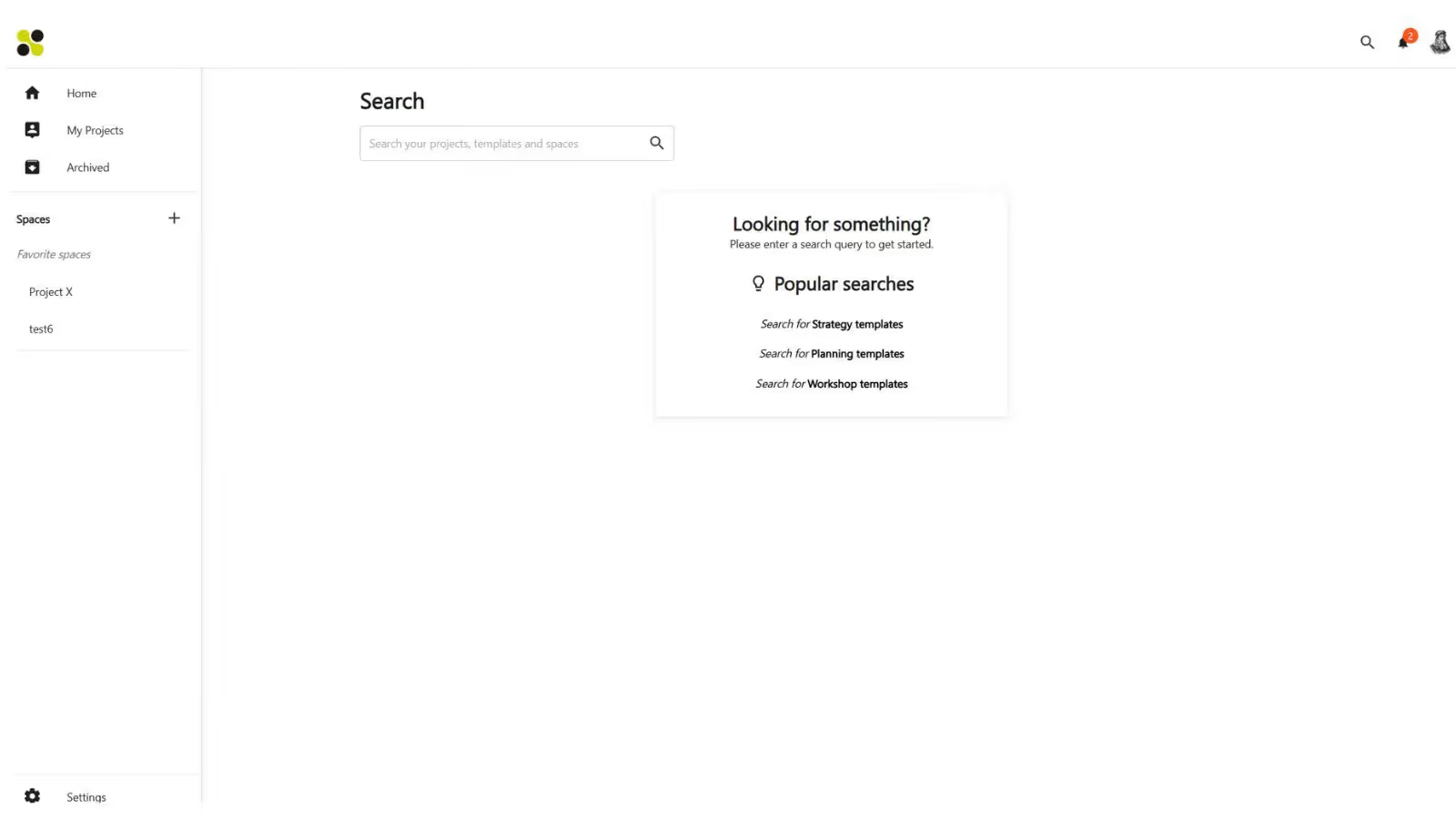
- Global Search
- Tape Brush
Optimization of Existing Features
- Template Experience
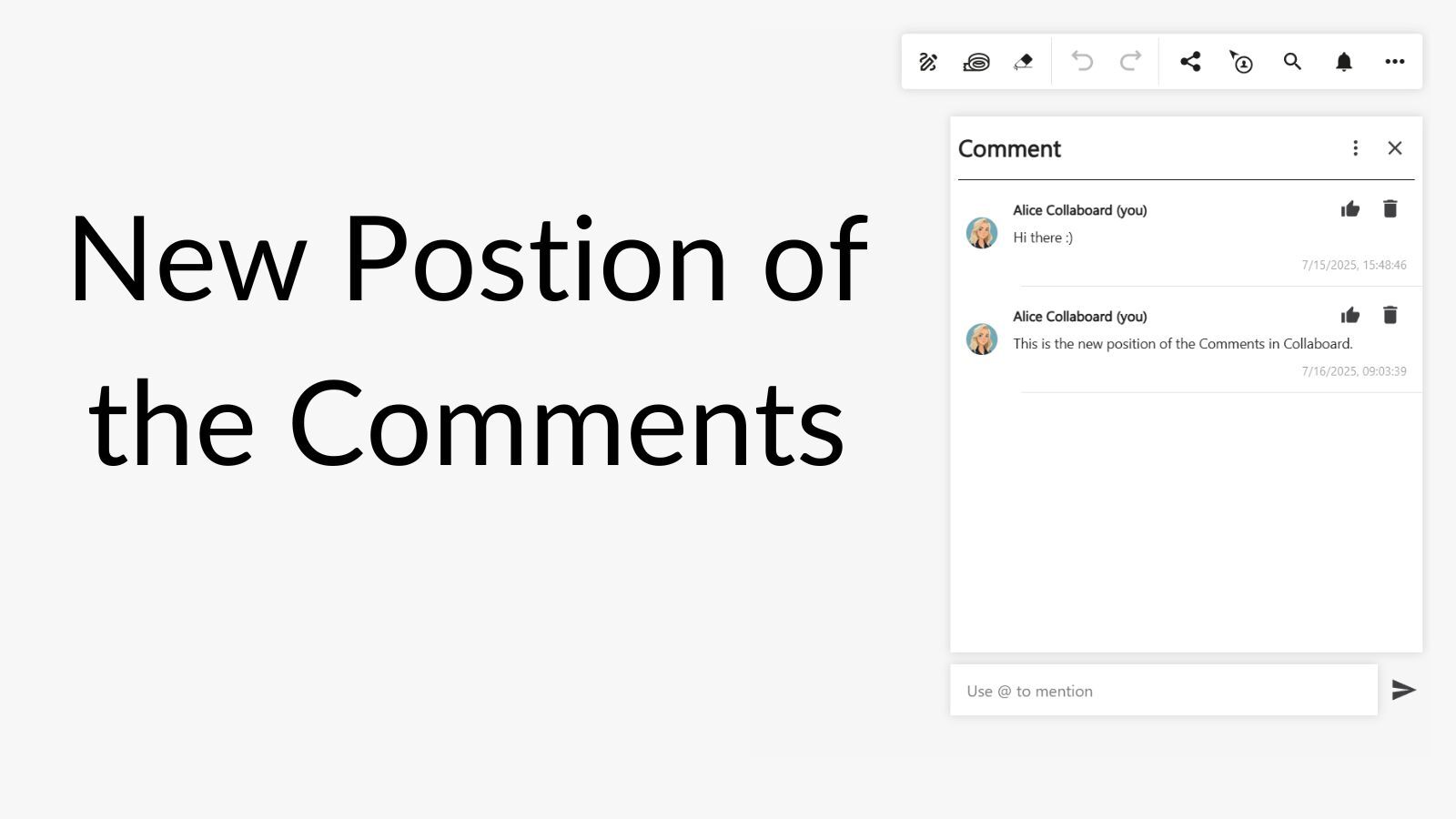
- Comments
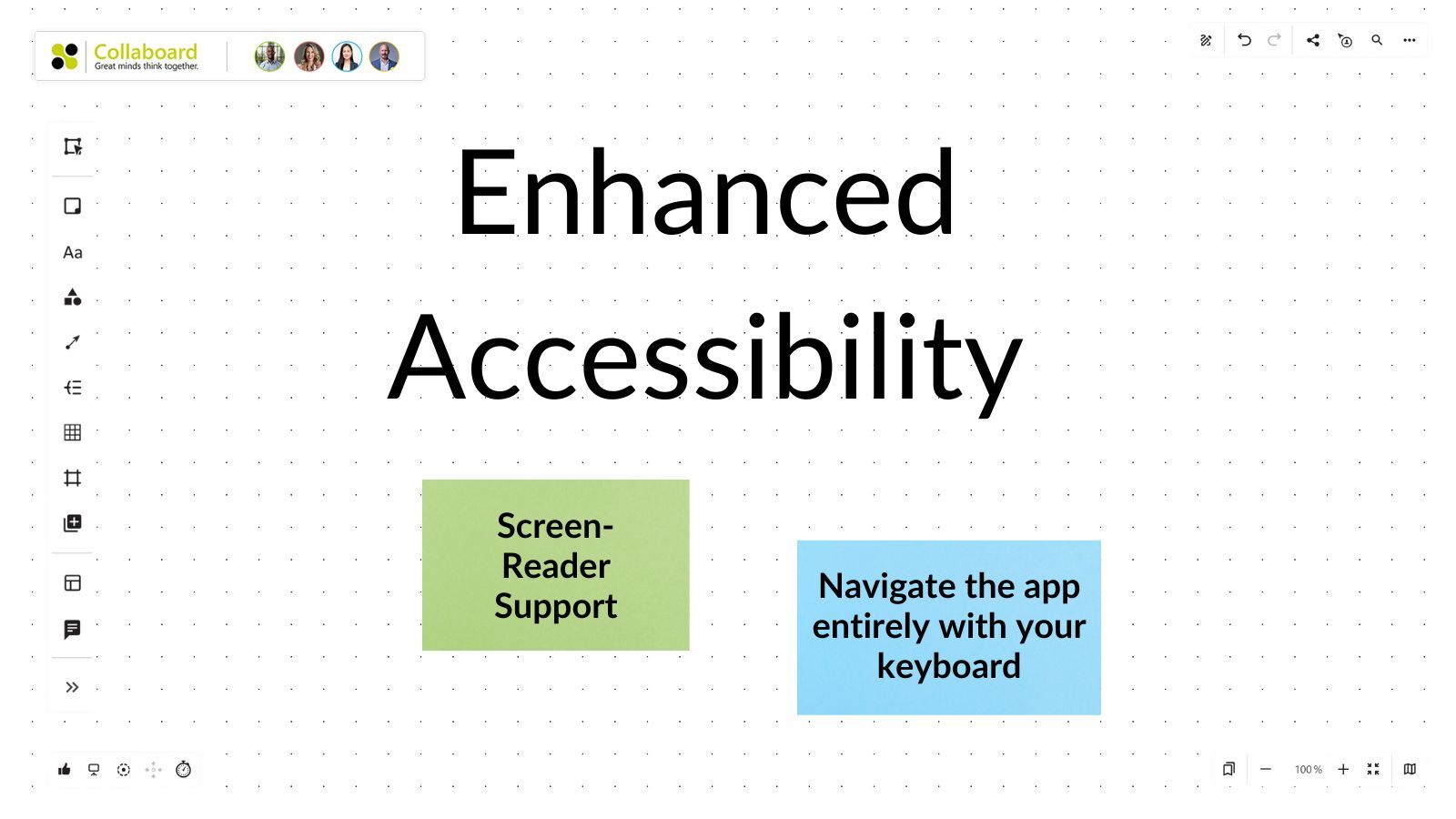
- Accessibility


Collaboard Version 8.2 - Codename Davos
April 2025: Collaboard version 8.2 is a major release and includes the following new features and improvements:
New Features
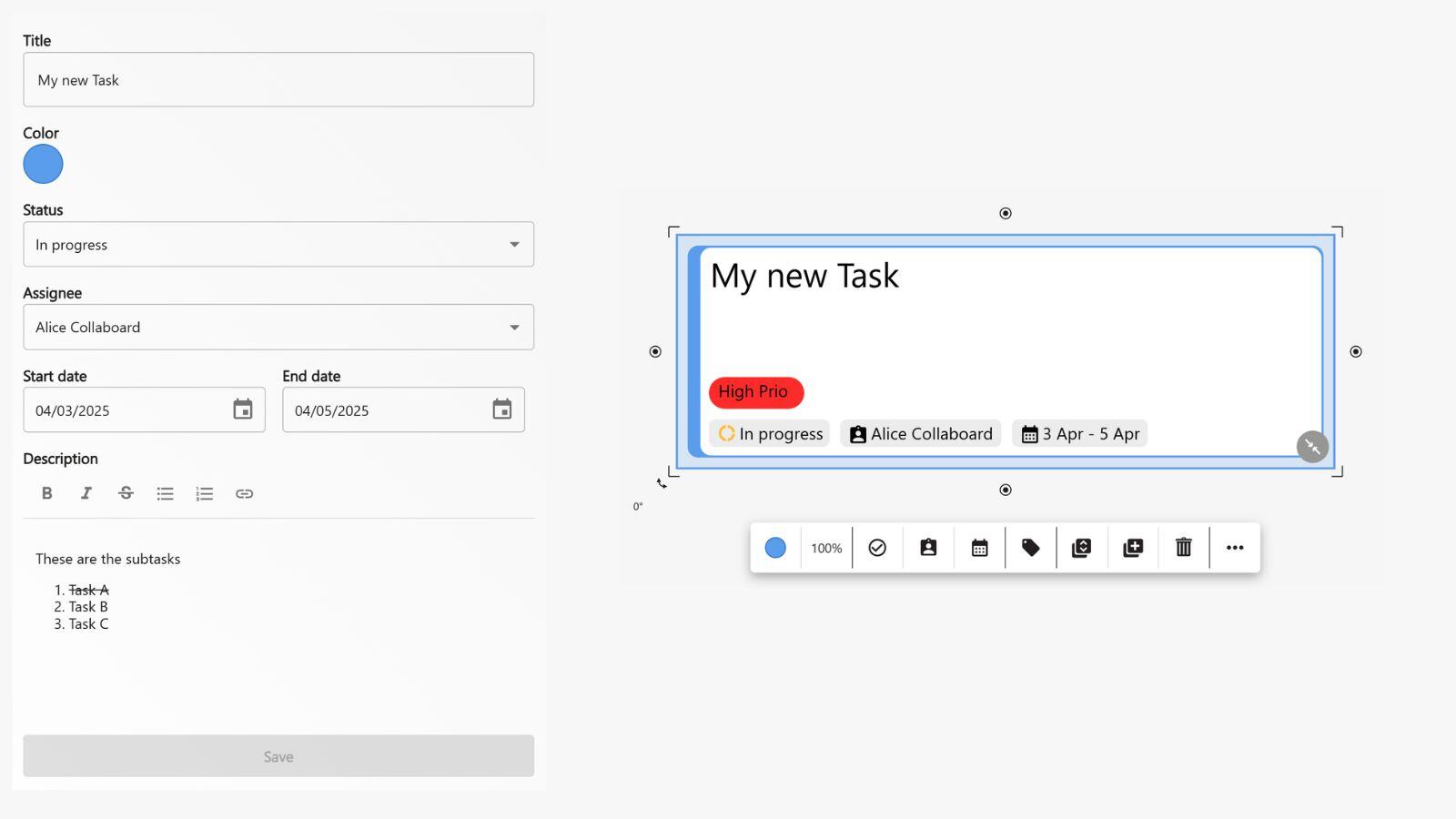
- Task Object
- Notification Center
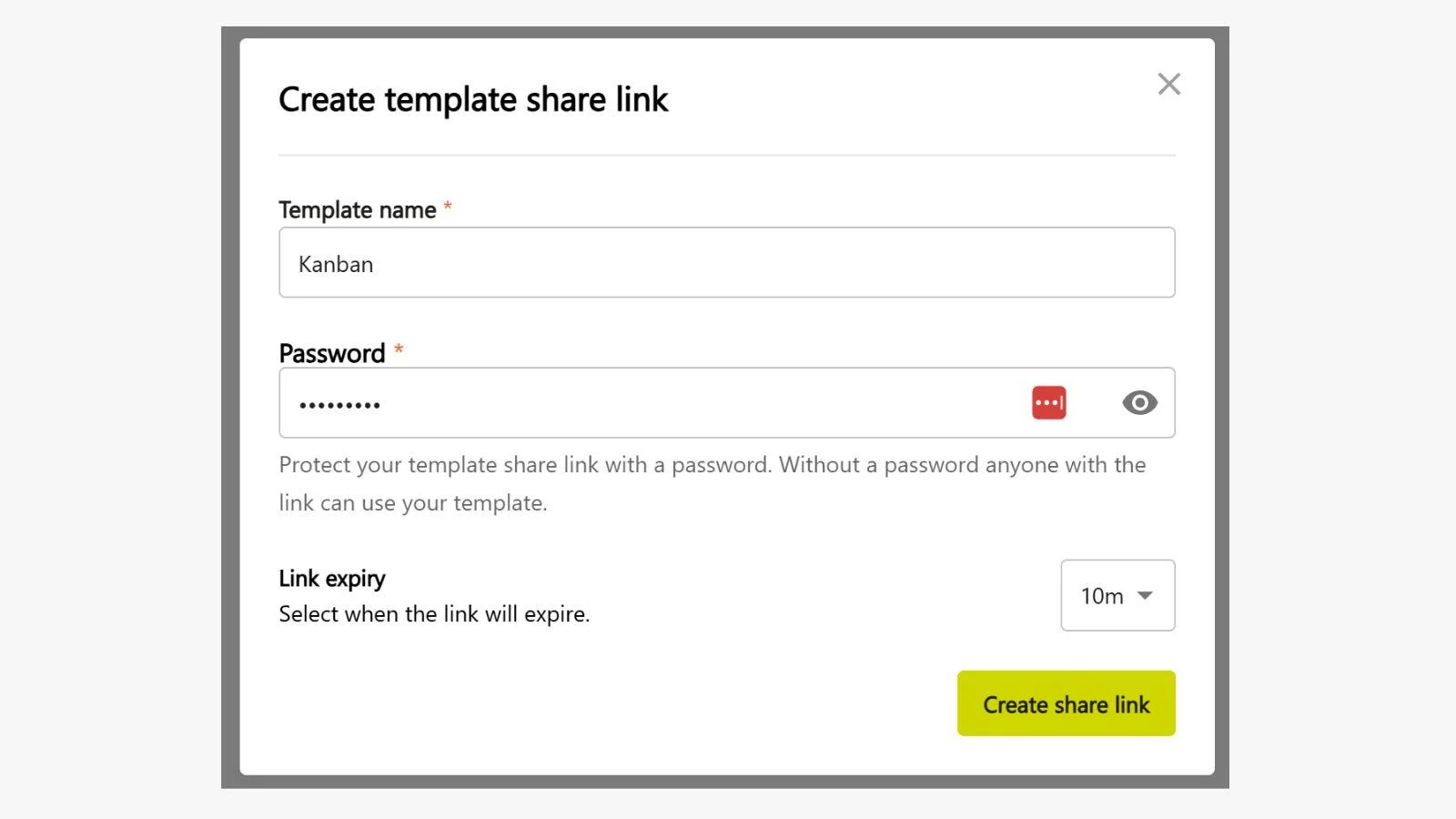
- Secure Sharing of Templates via Link
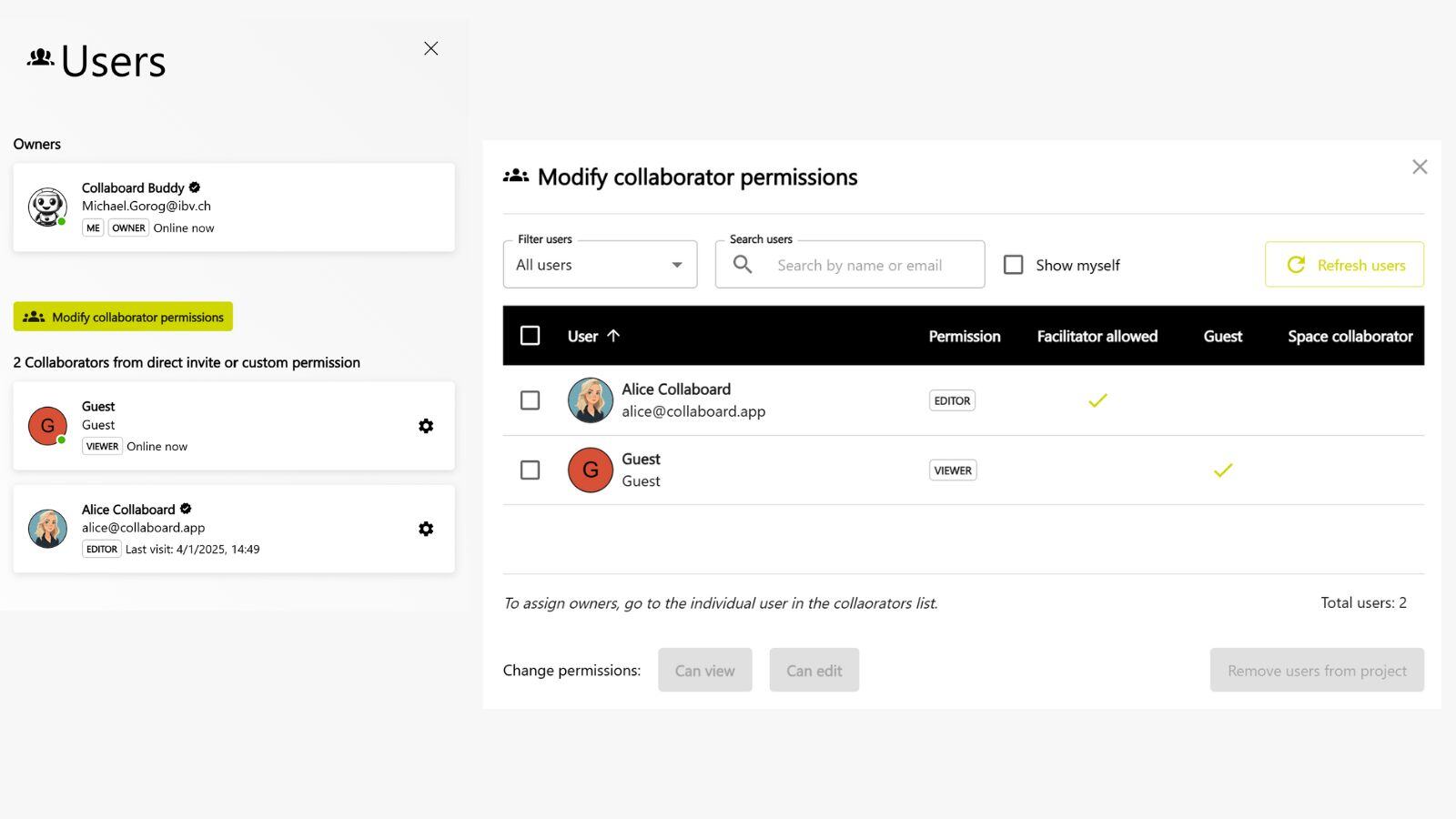
- New Participant View & Centralized Permission Management
Optimization of Existing Features
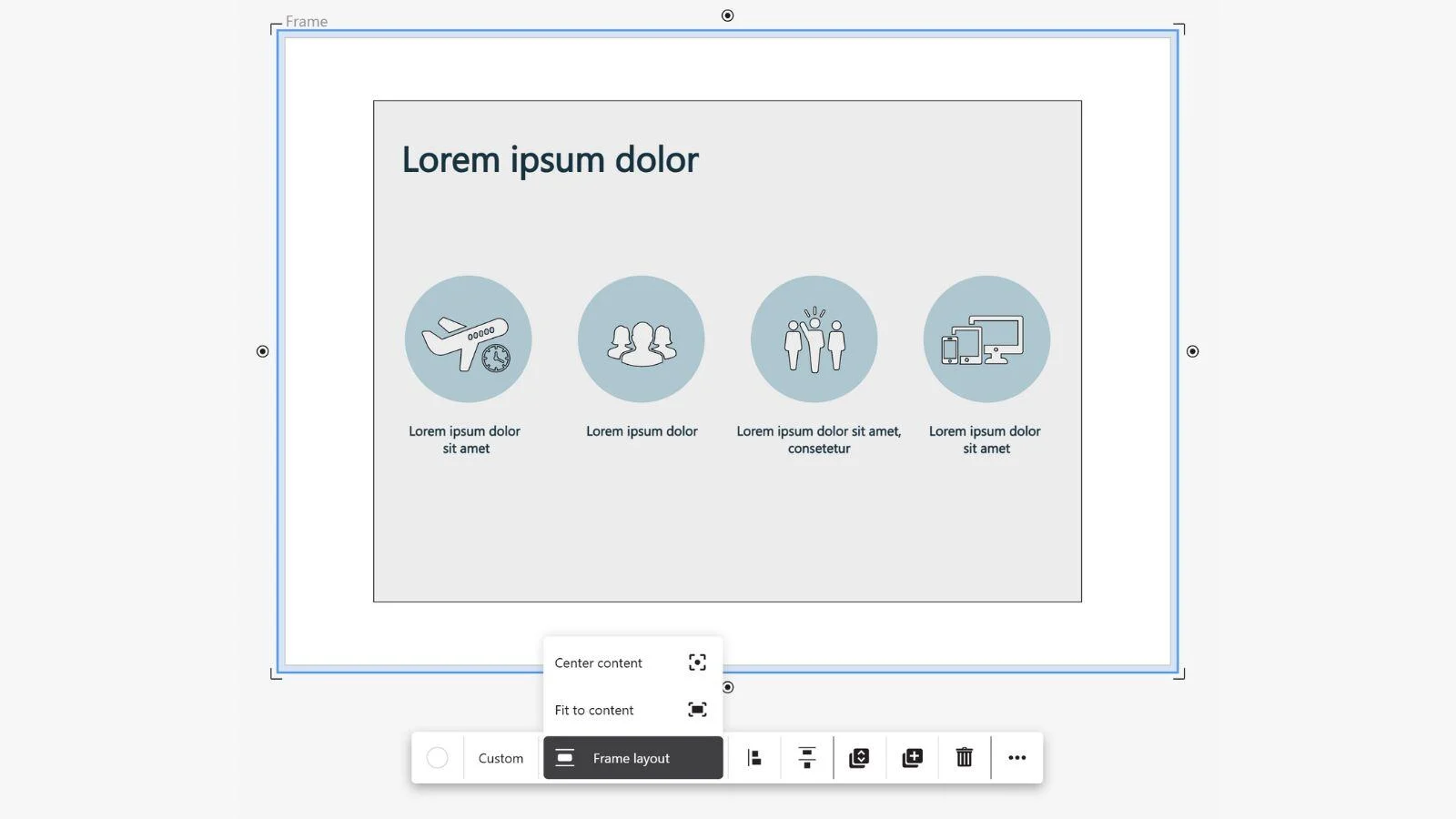
- Frame Upgrade
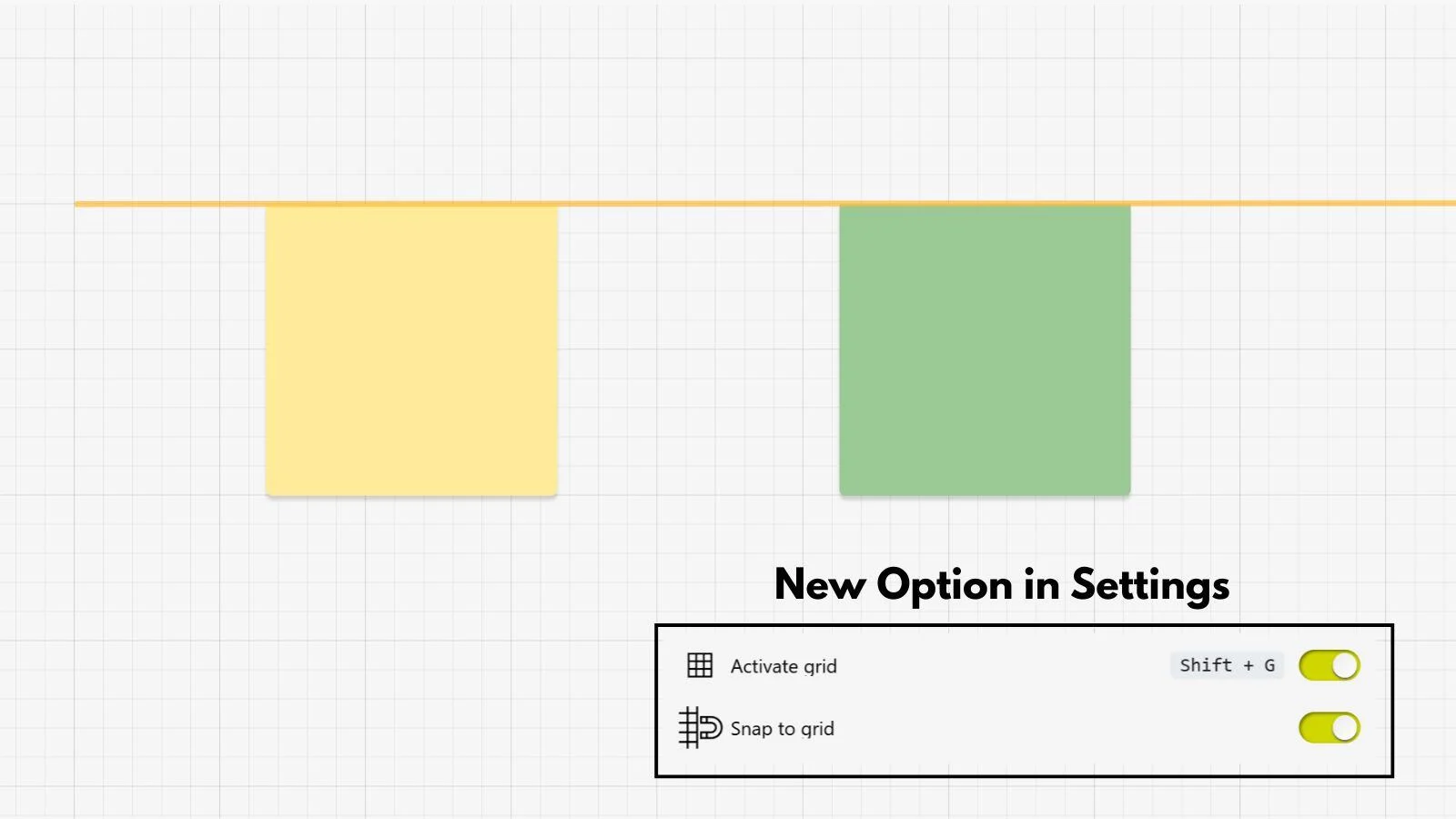
- Improved Object Alignment
- New Color Selection
.webp)

Collaboard Version 8.1 - Codename Paracelsus
February 2025: Collaboard Version 8.1 is a minor release and includes the following new features and improvements:
New Features
- Emoji reactions
- Laser pointer
- Tags for nodes, media & documents
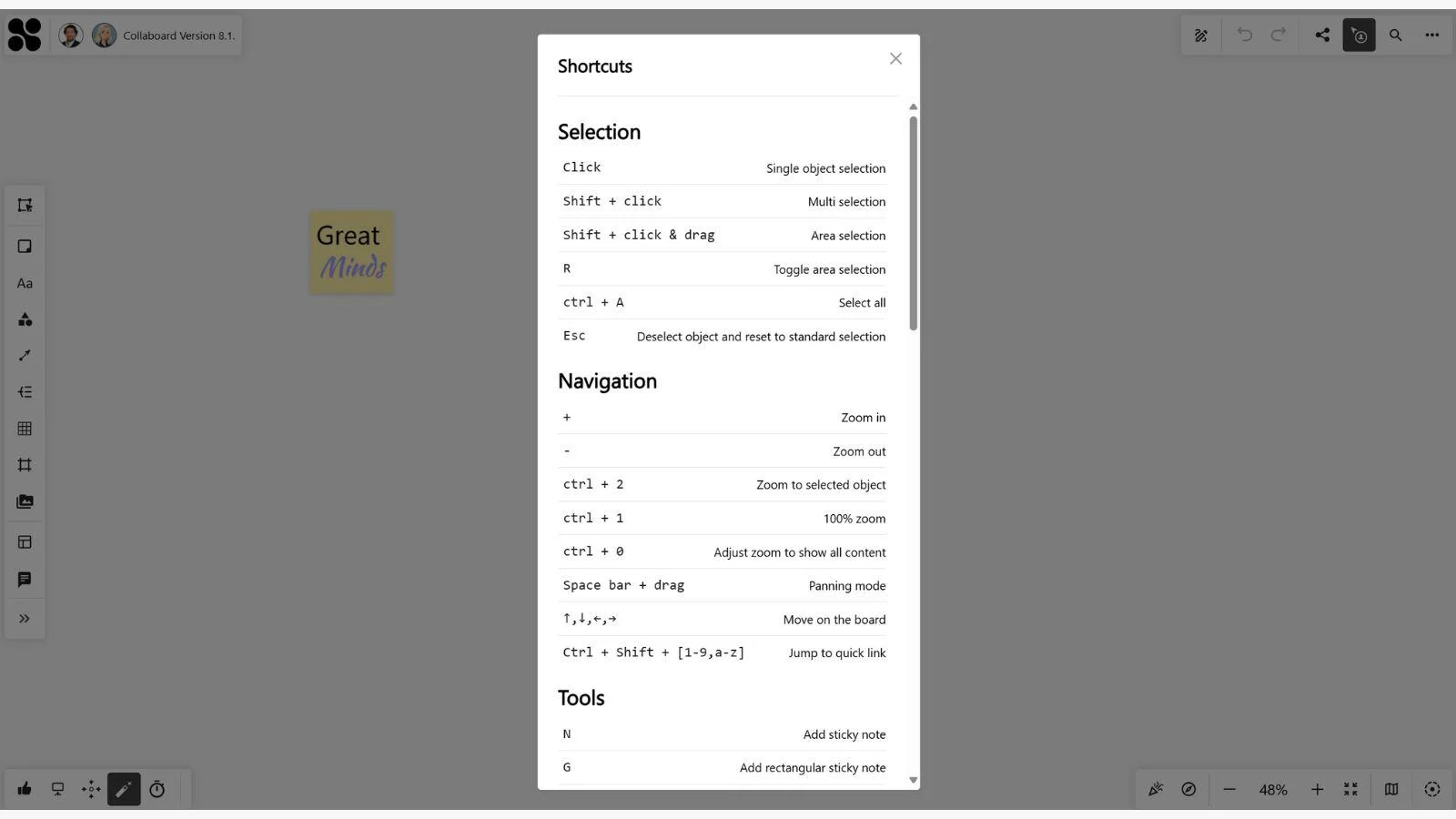
- Tooltipps & keyboard shortcuts
Optimization of Existing Features
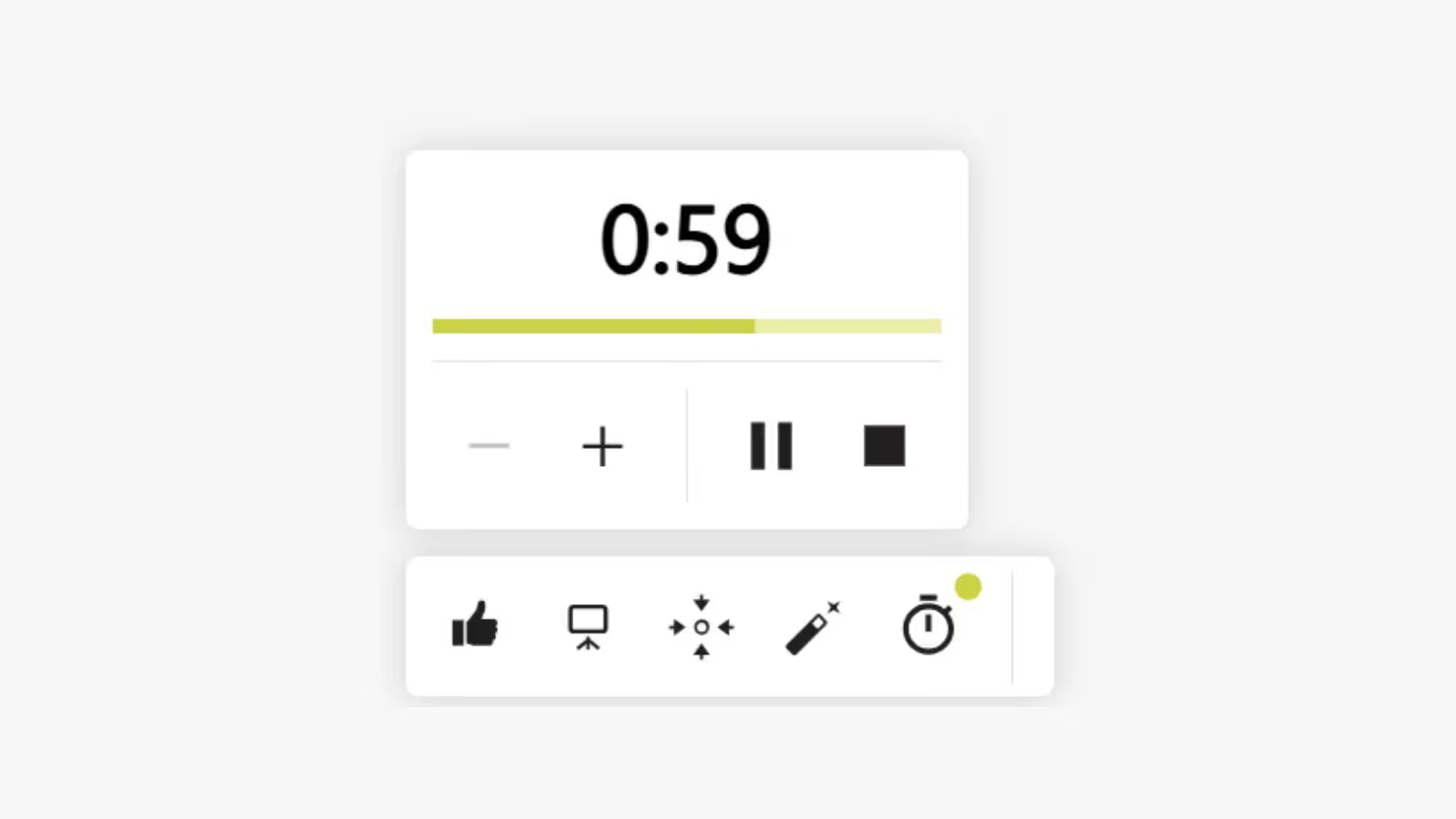
- Timer
.avif)
Collaboard Version 8 - Codename Zurich
December 2024: Collaboard Version 8 is a major release and includes the following new features and improvements:
User Interface & UX
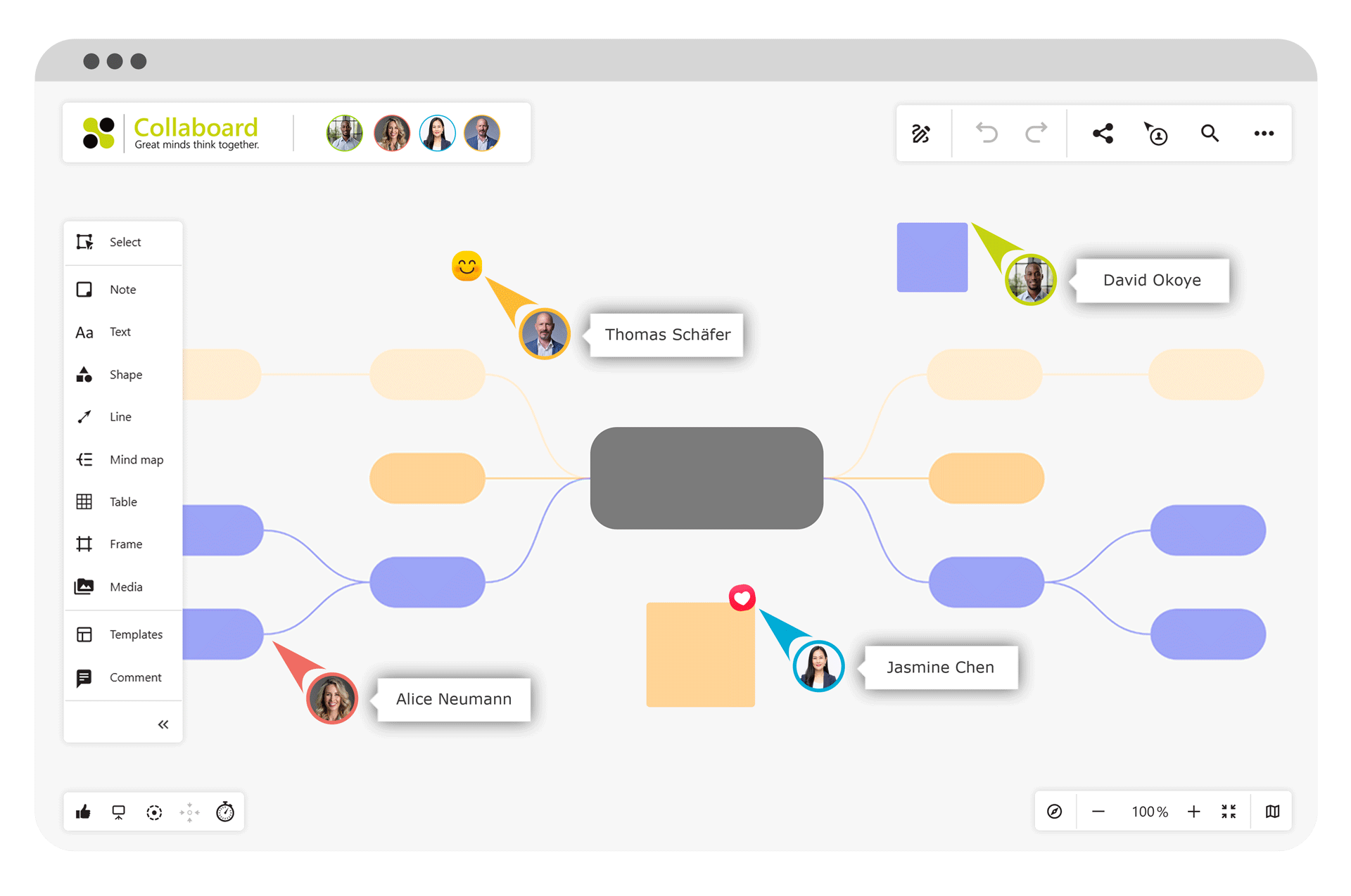
- New look & feel
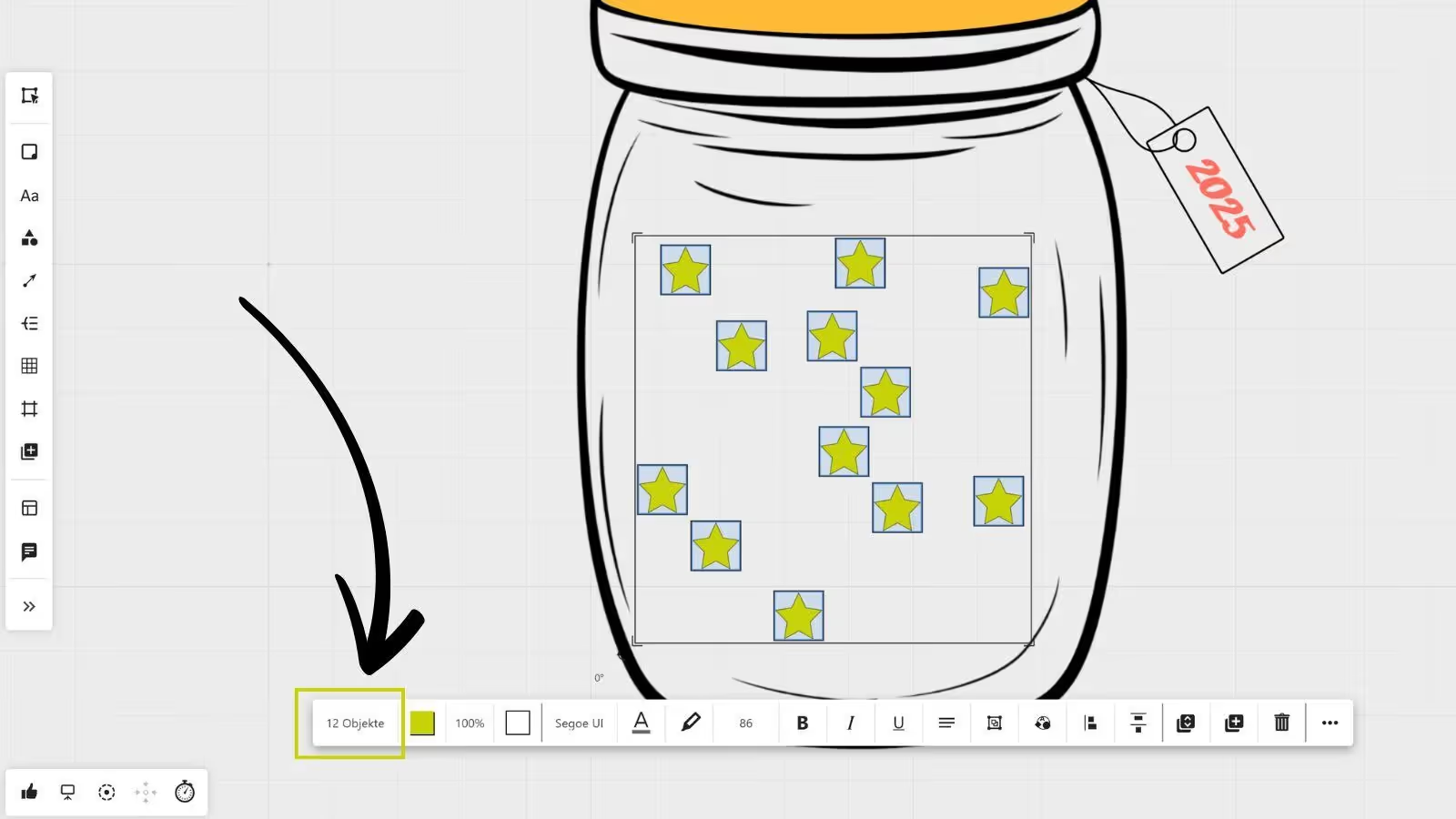
- Counter and filter for multi-selection of objects
- Change notes directly from square to rectangle
New Features
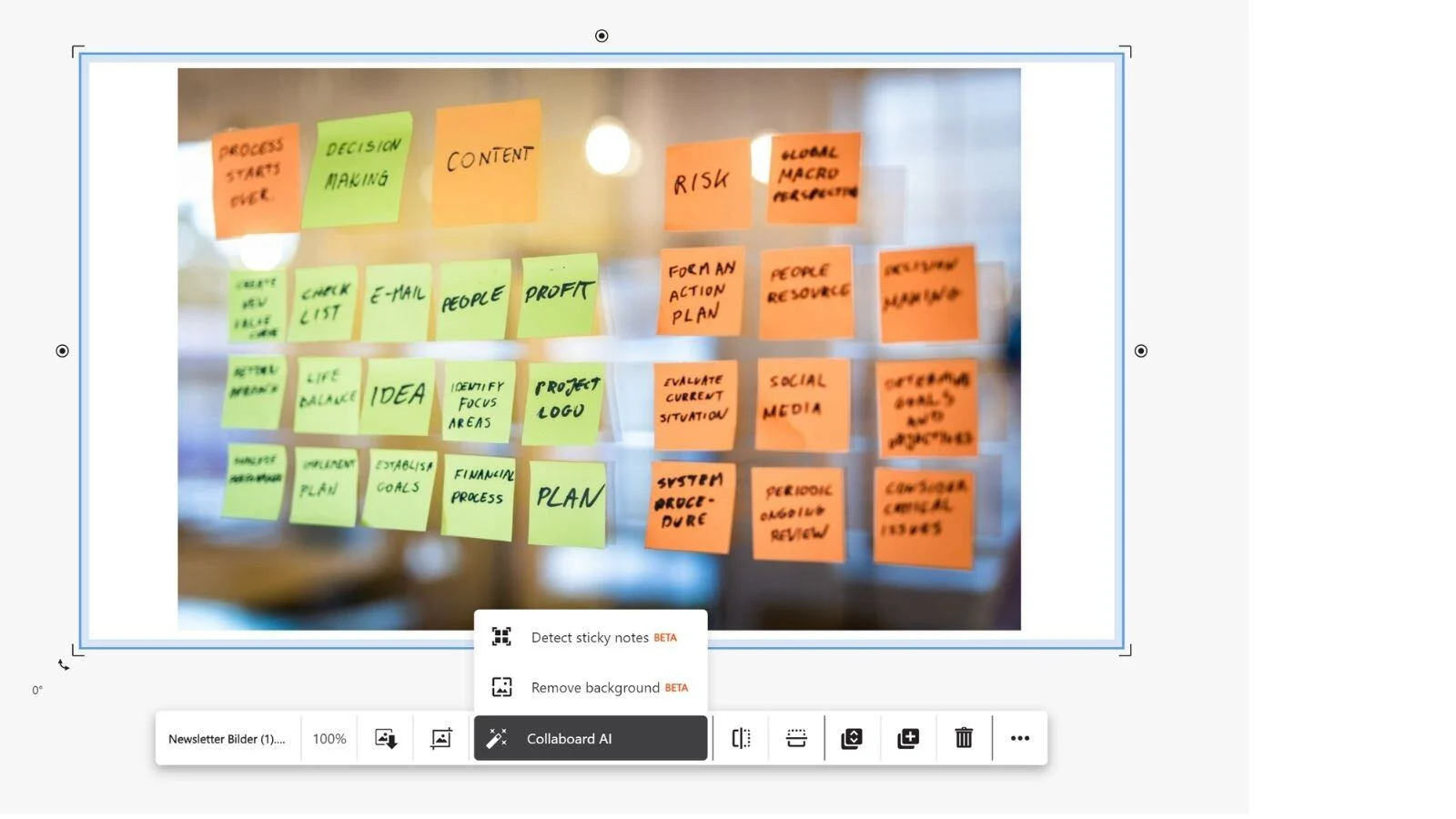
- AI function - Sticky Note detector
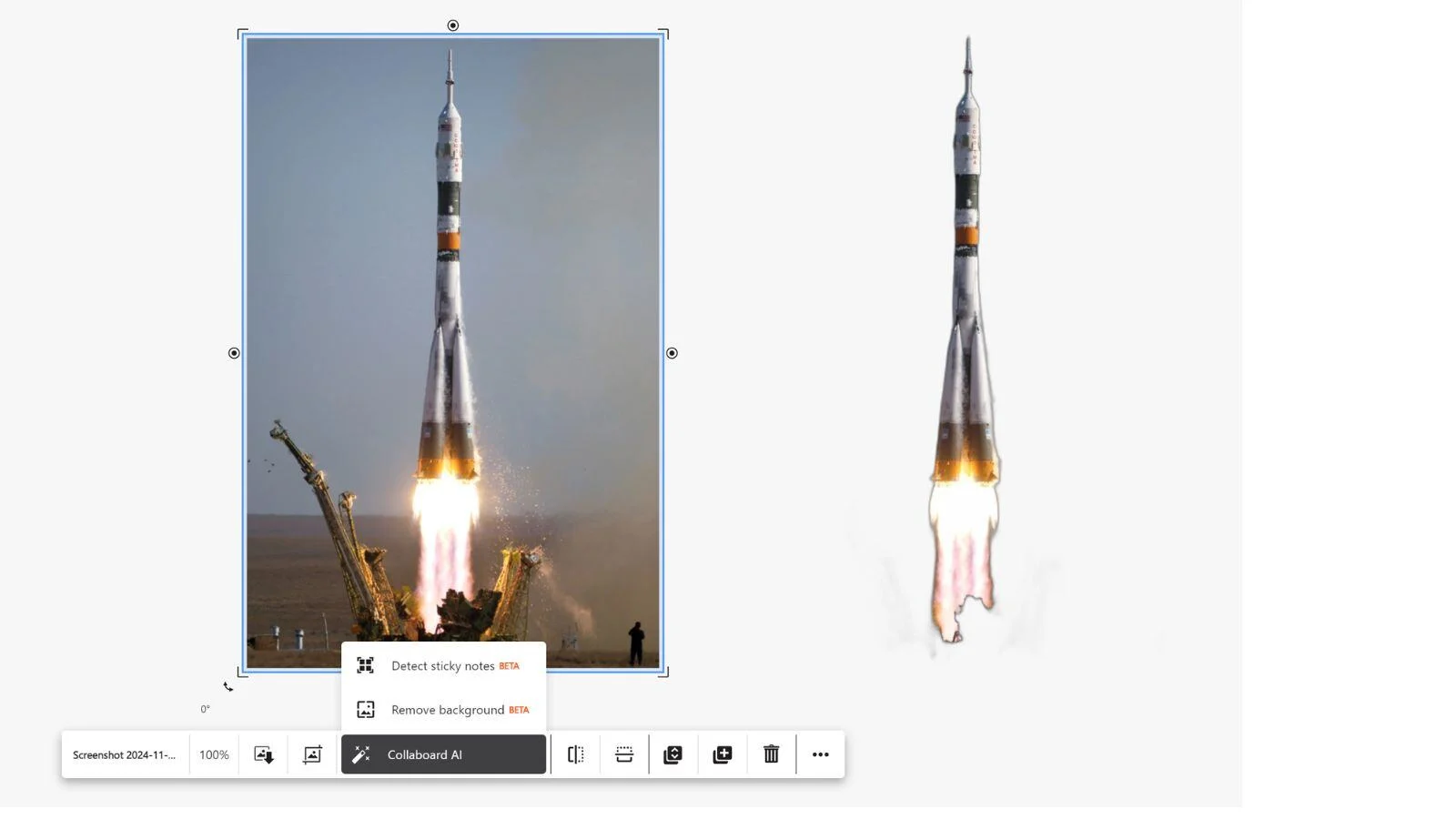
- AI function - remove background from images
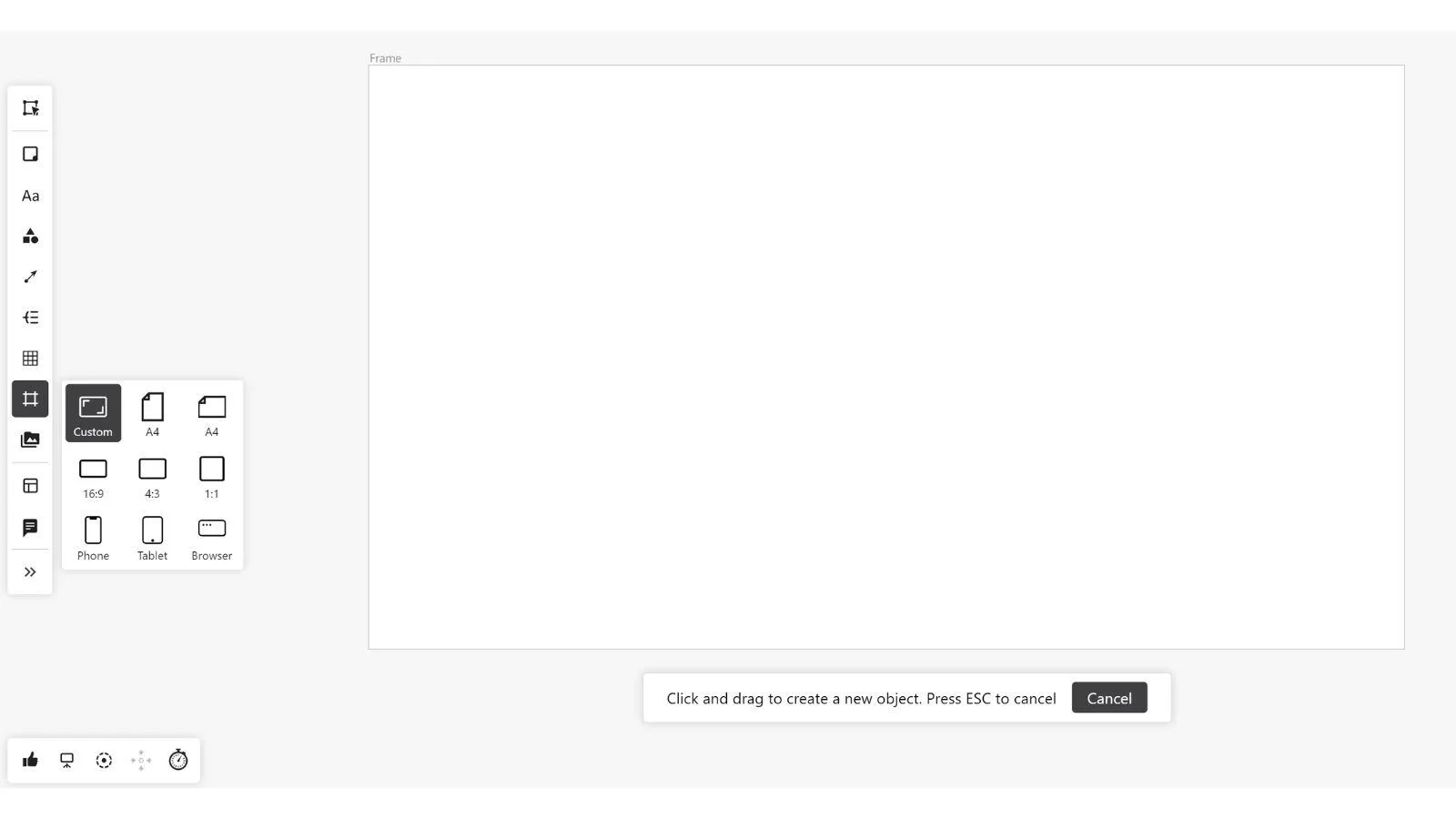
- Frames
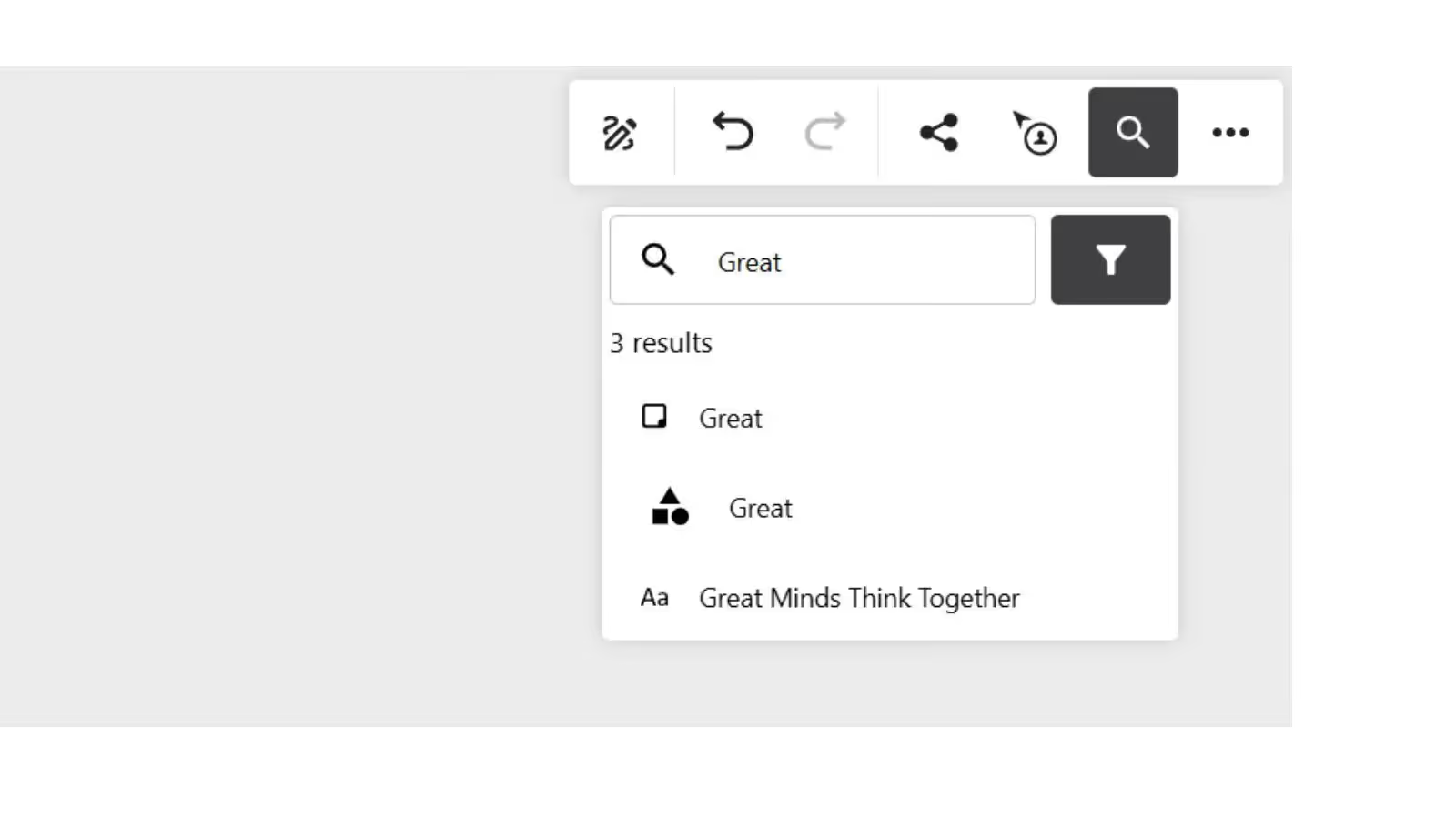
- Search within a board
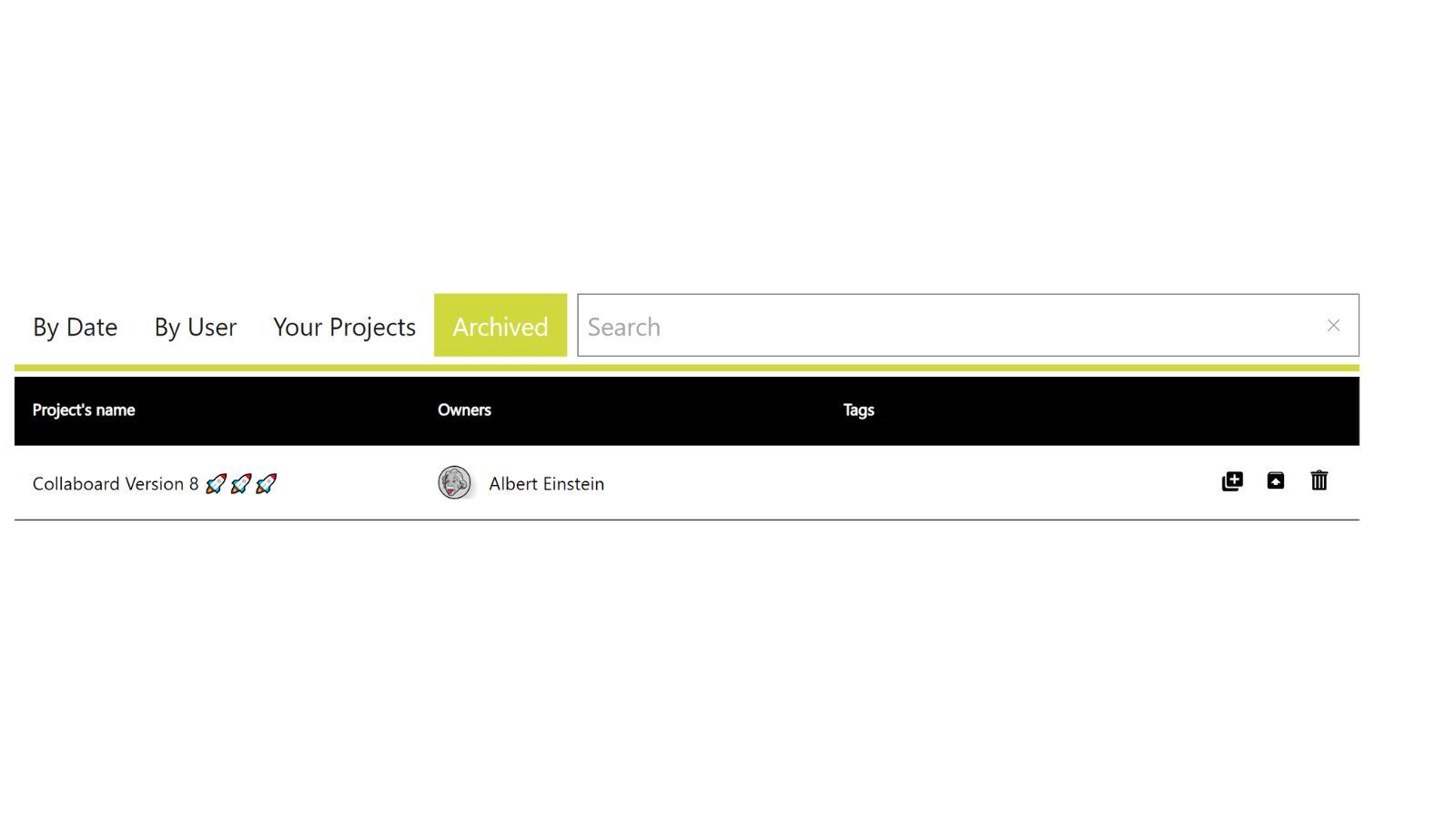
- Archiving function for boards
Optimization of Existing Features
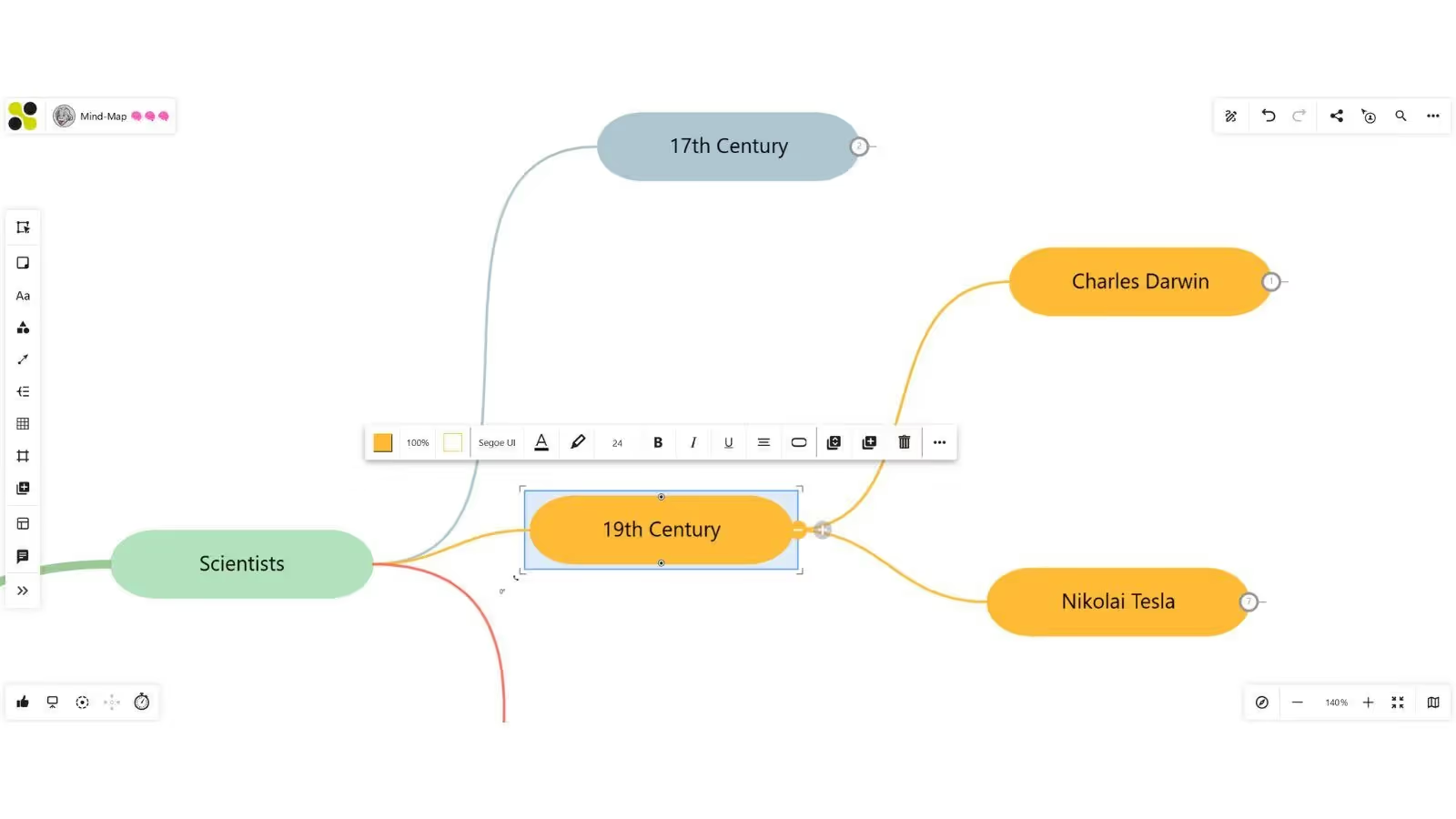
- Mind map optimizations
- Text on connectors can be placed anywhere on the connector
- Shortening of invitation links
- Extension of mobile mode: Uploading photos and interacting with objects on the board
.jpeg)
Collaboard Version 7
October 2024: Collaboard version 7 is a major release and contains the following new features and improvements:
- Mind-Map Module
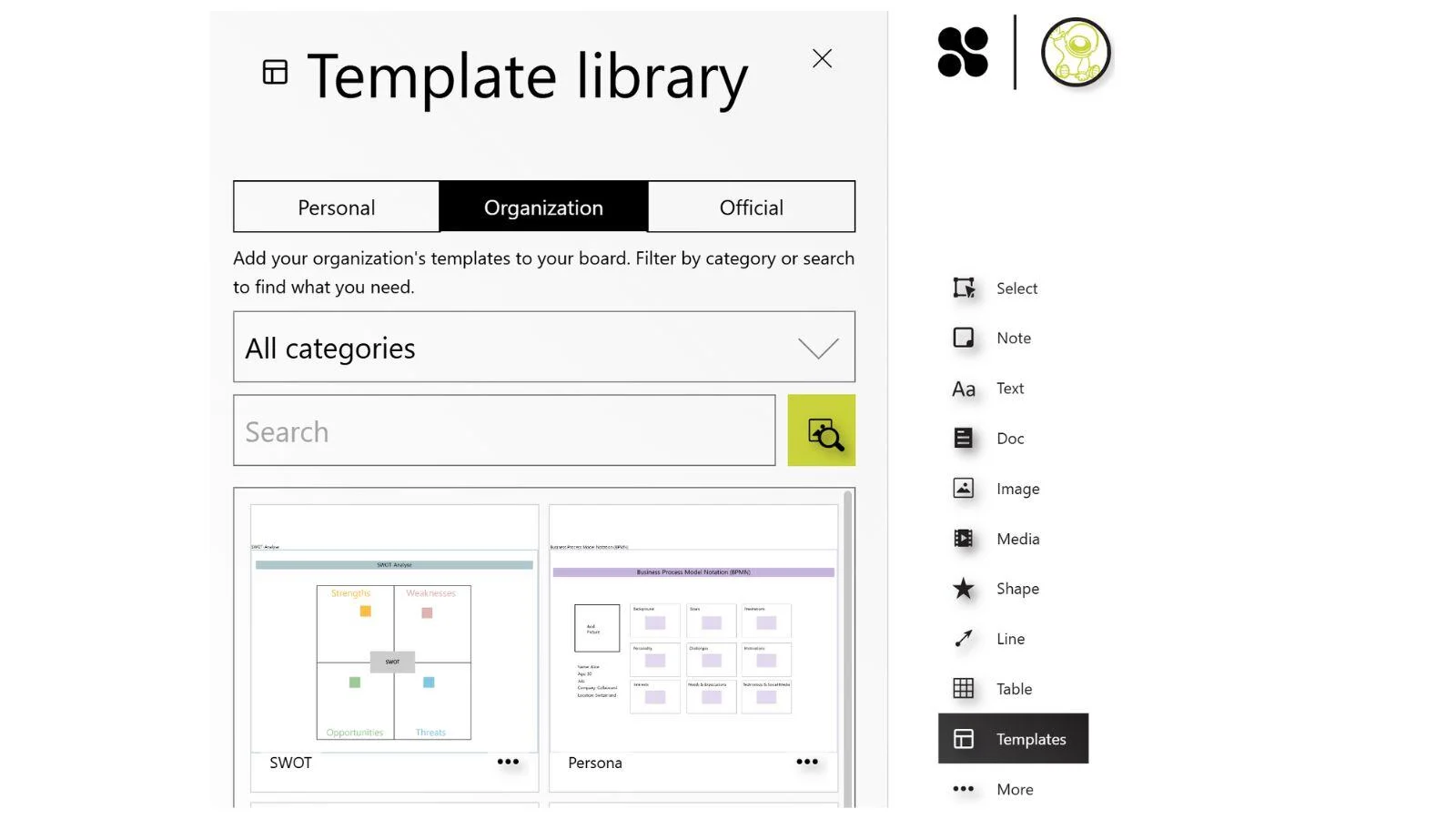
- Organizational Templates
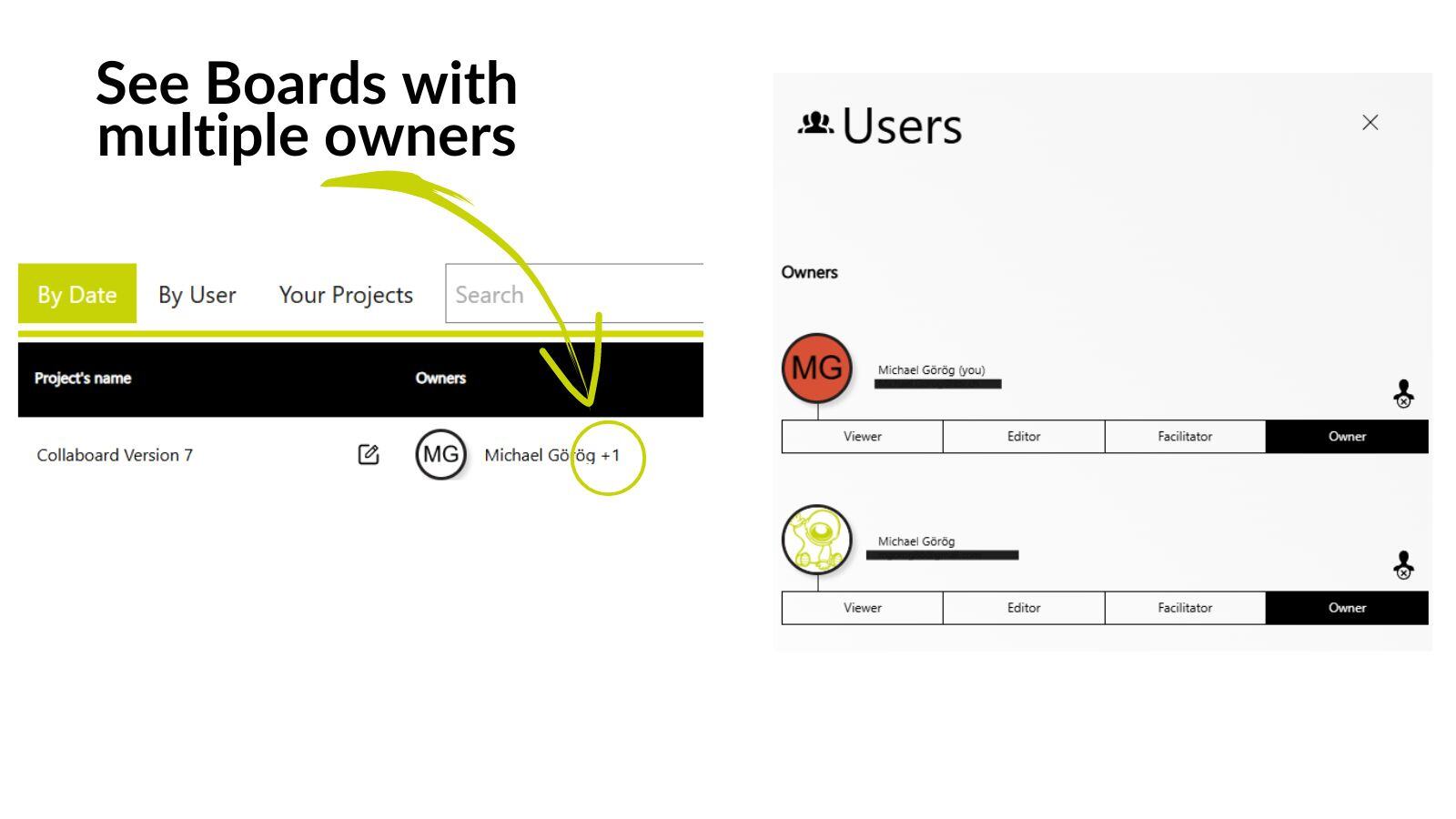
- Multiple Owners per Board
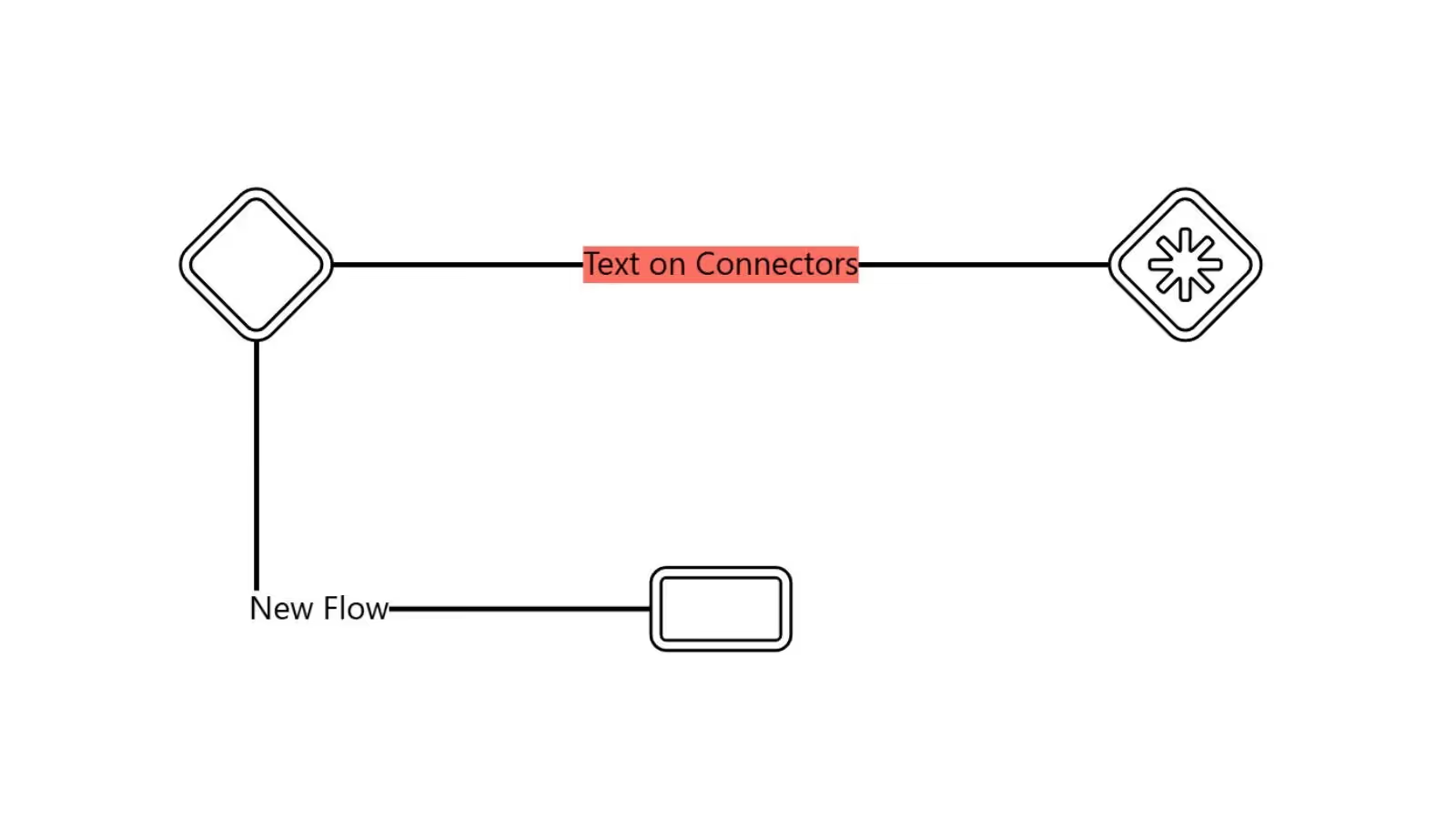
- Improved Connectors
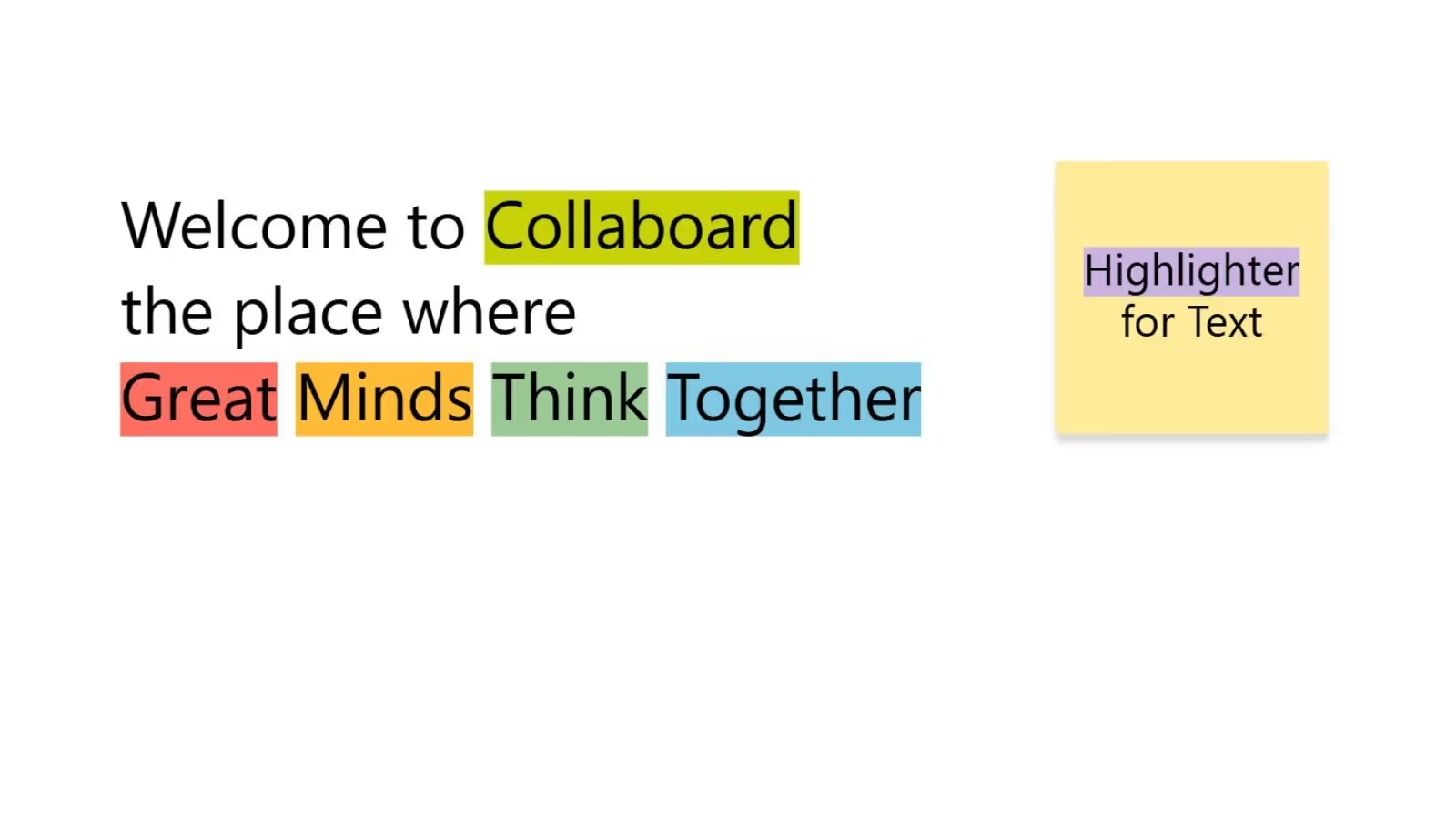
- Highlighter for Text
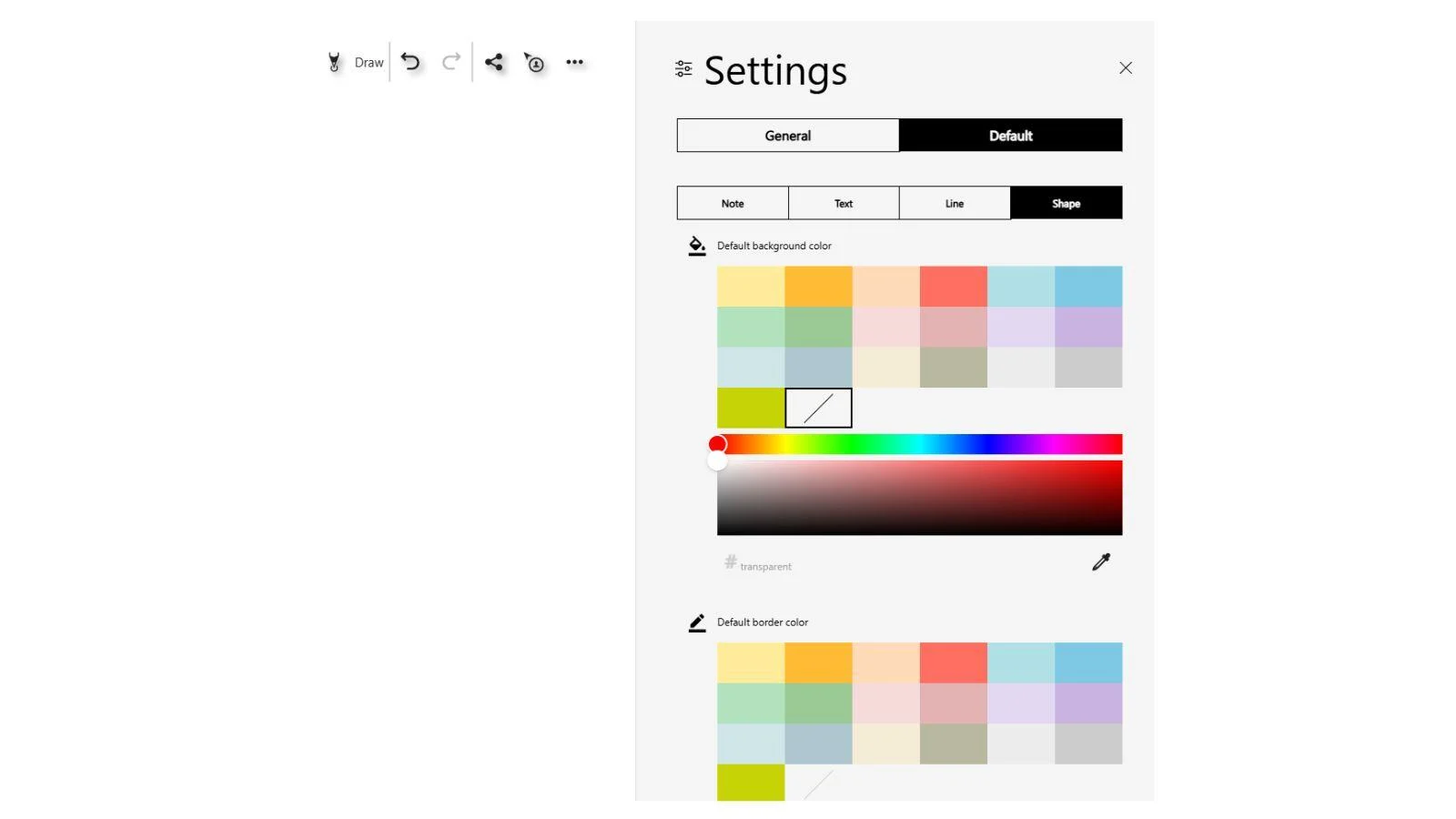
- Default Settings for Shapes
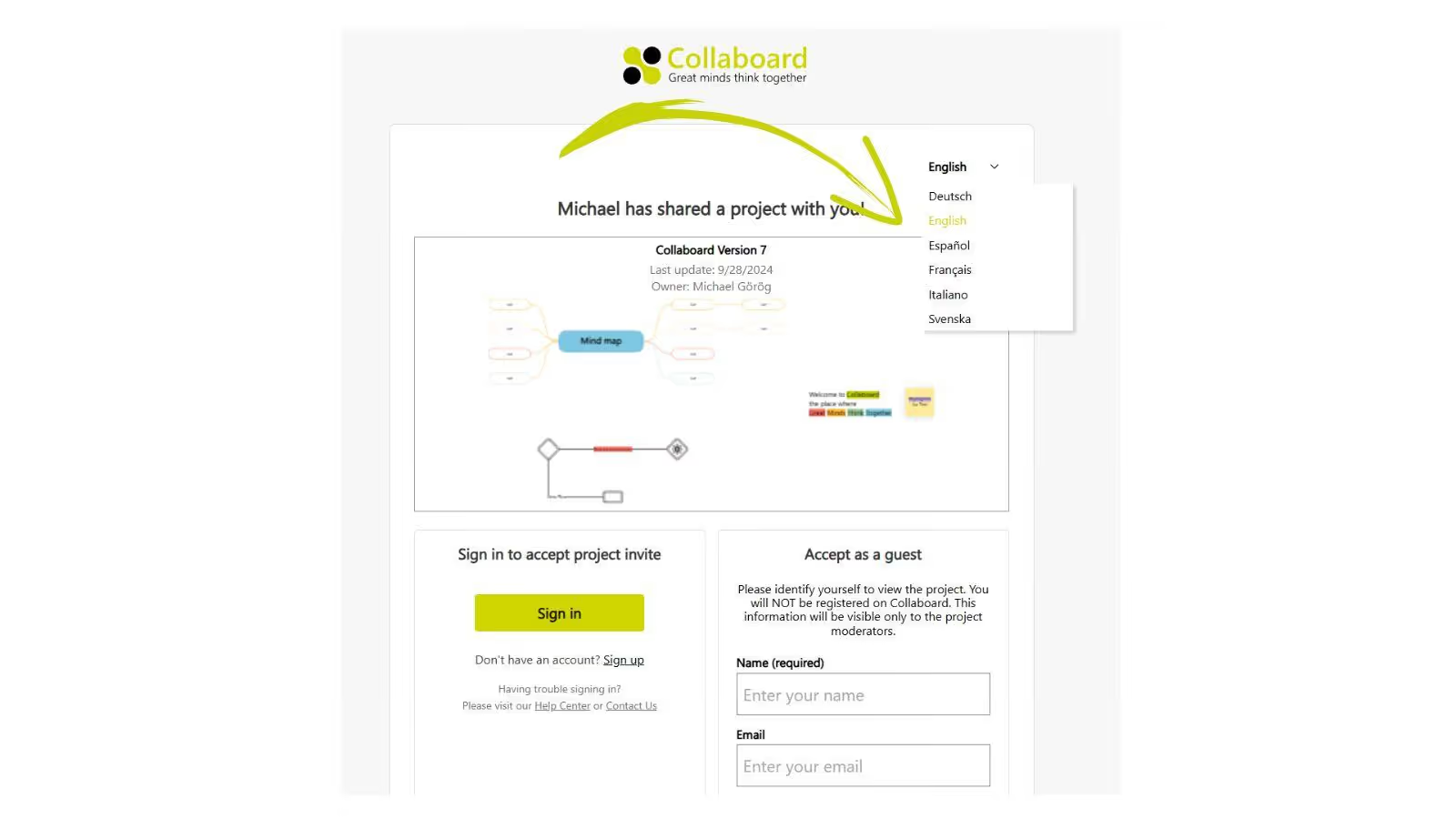
- Guest Users can choose App Language
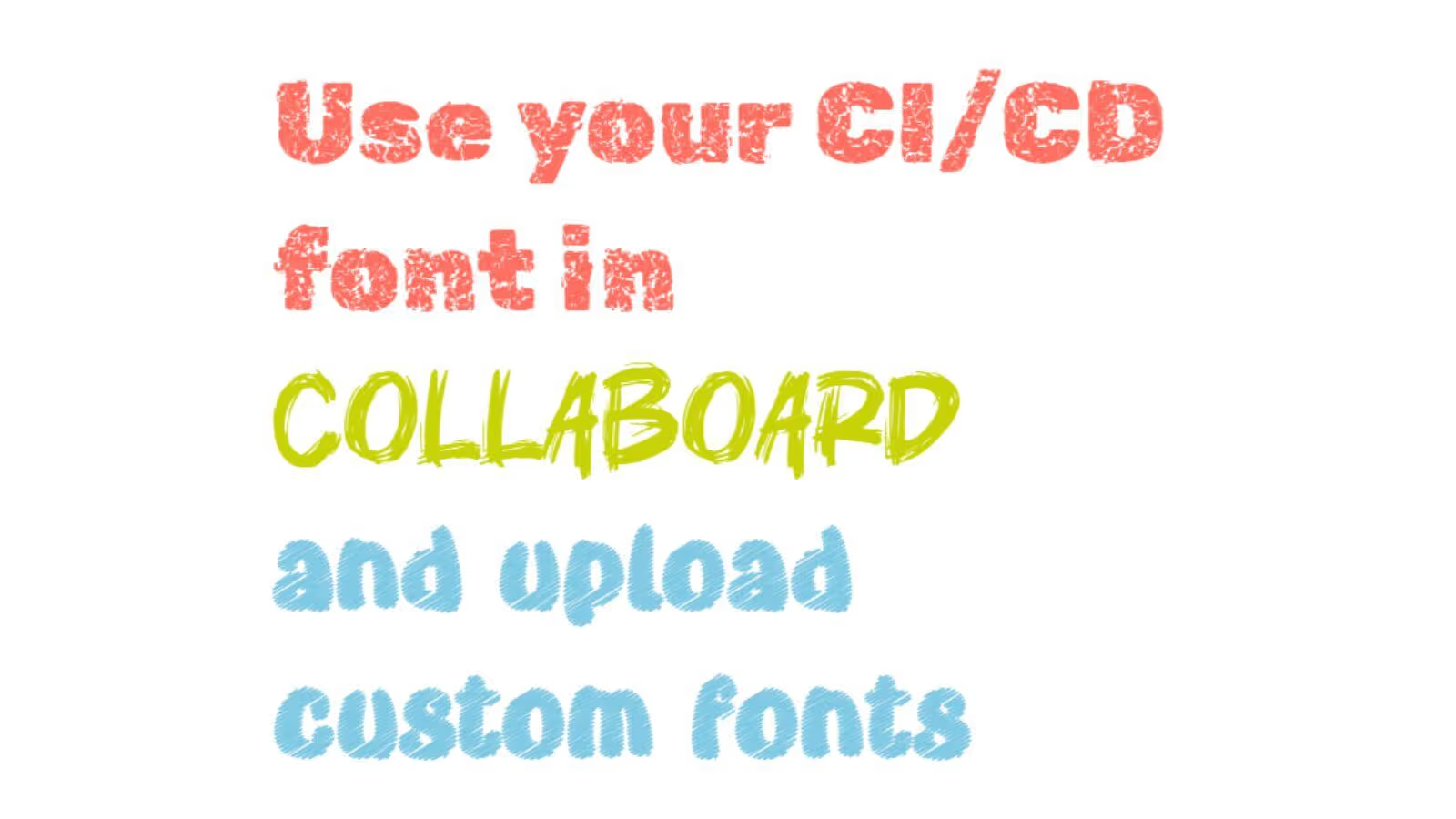
- Upload Custom Fonts
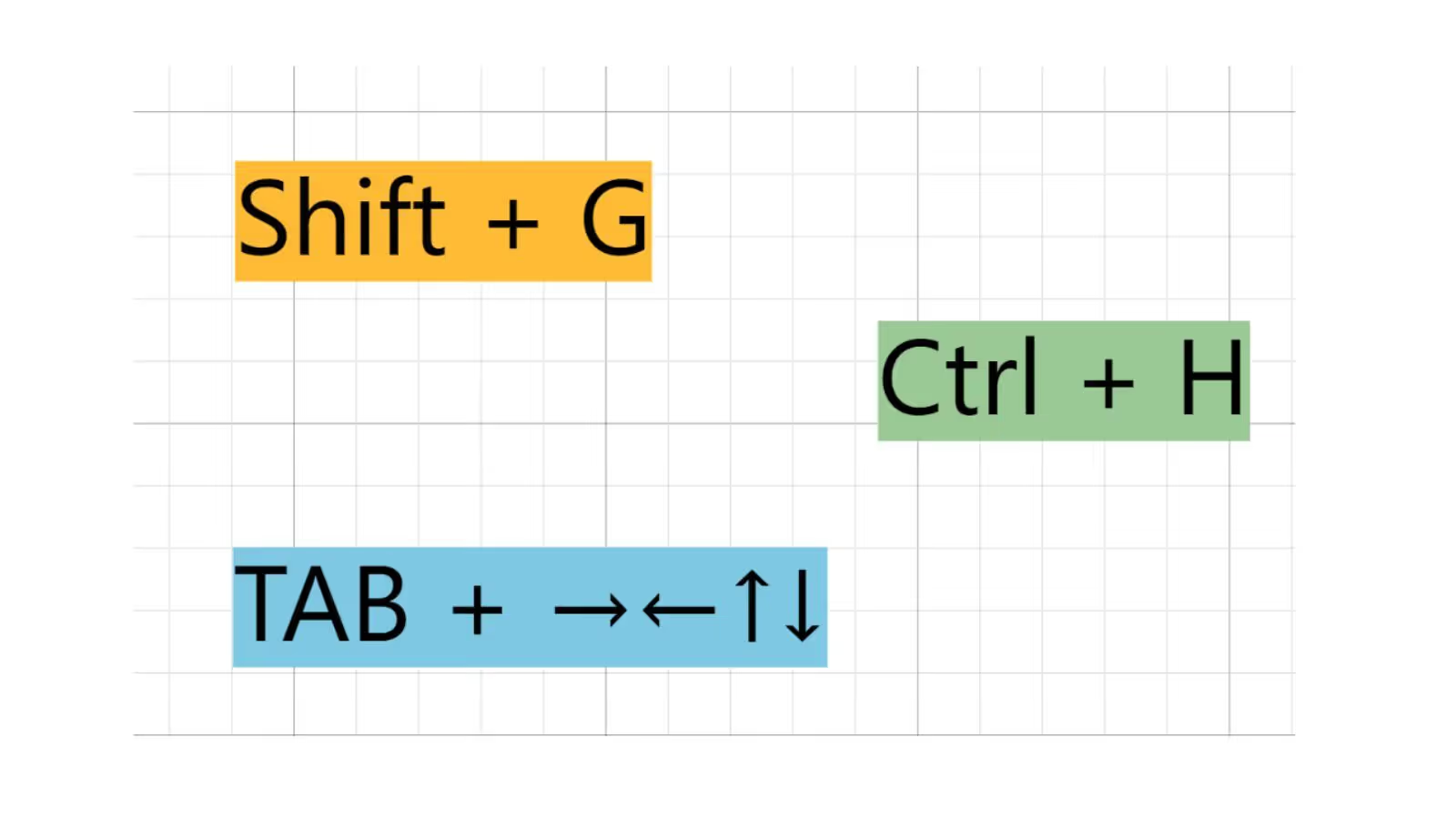
- New Keyboard Shortcuts
Collaboard Version 6.5
September 2024: Collaboard version 6.5 contains the following functions and improvements:
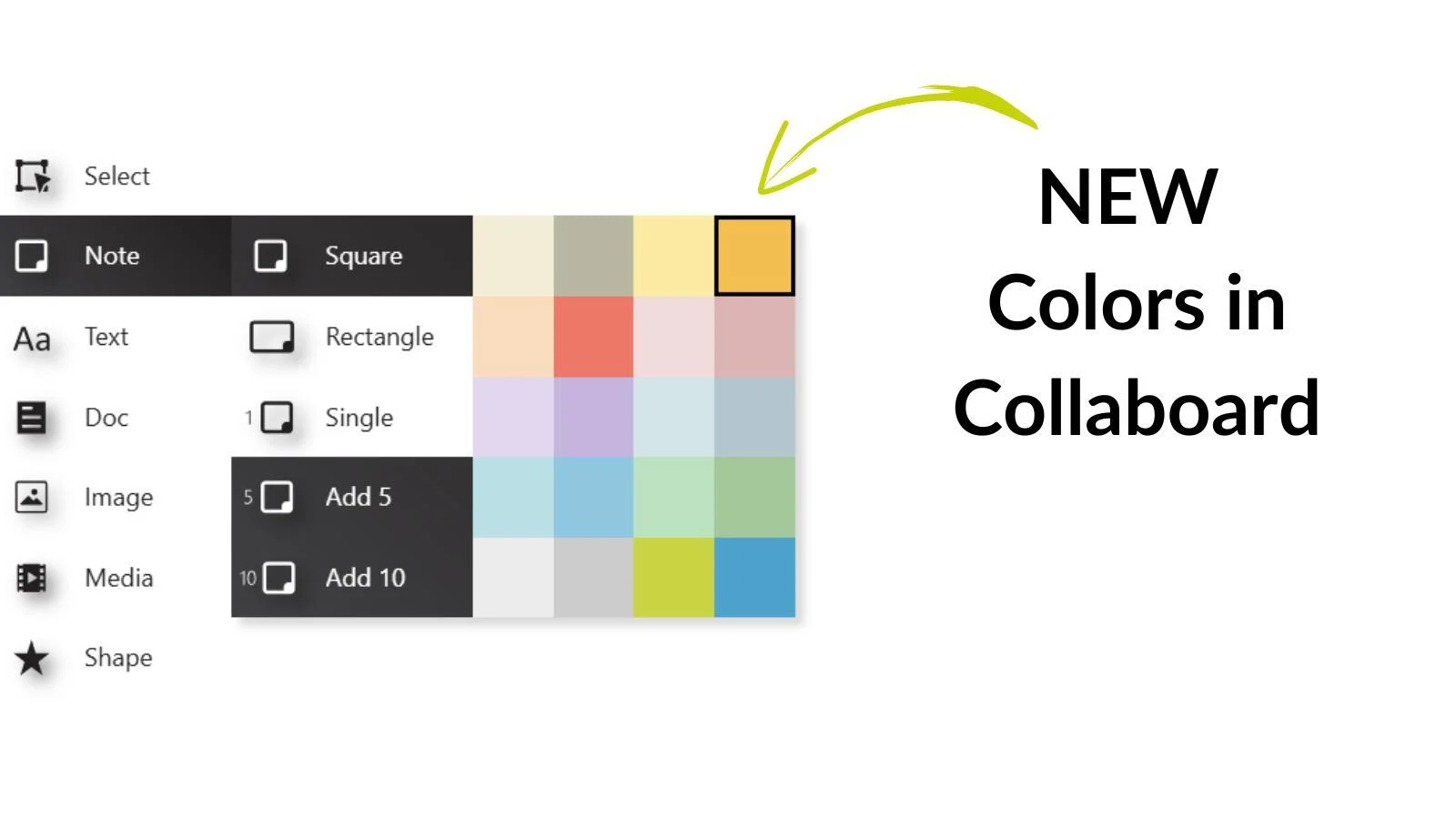
- New color set
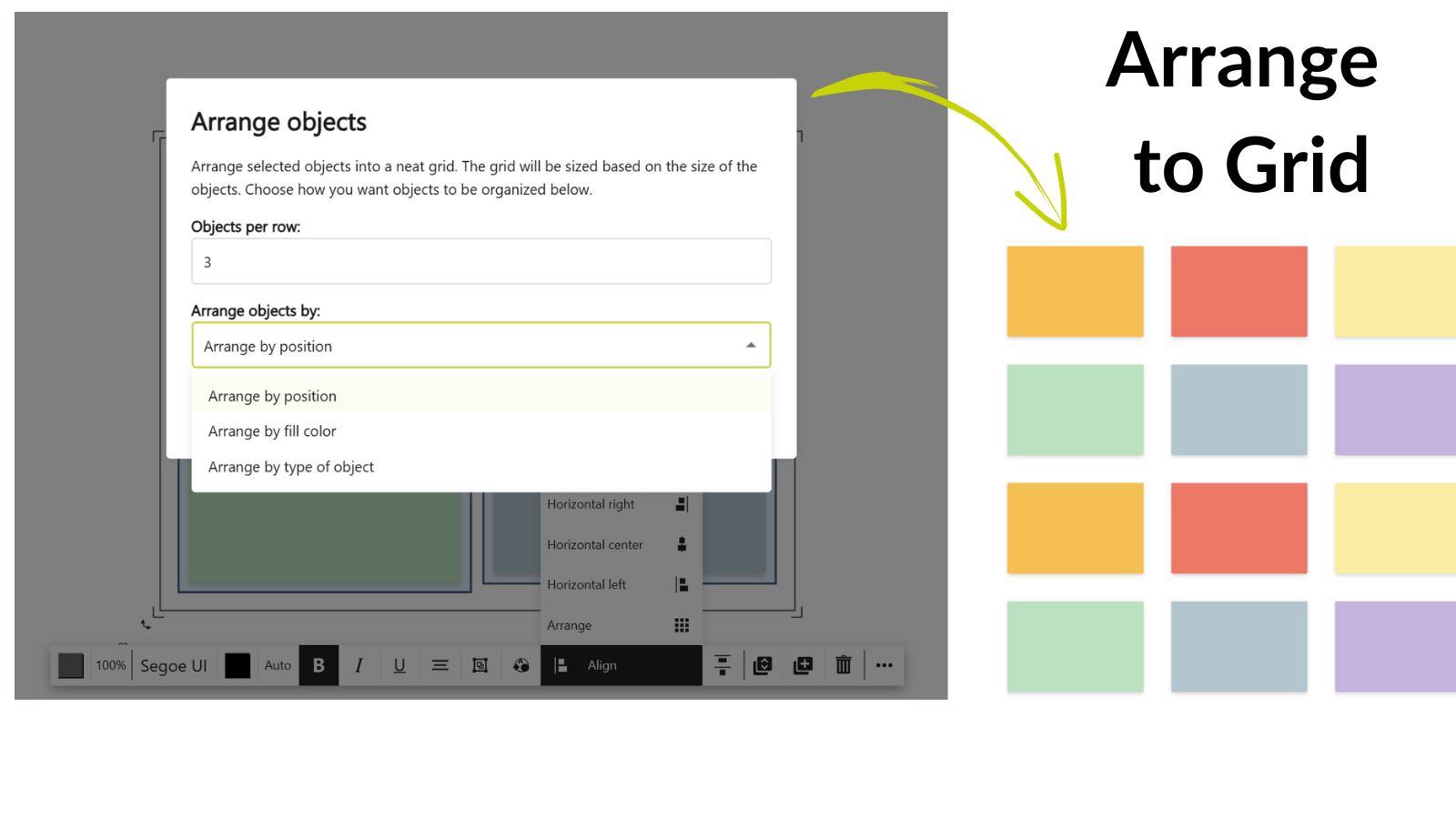
- Arrange to grid
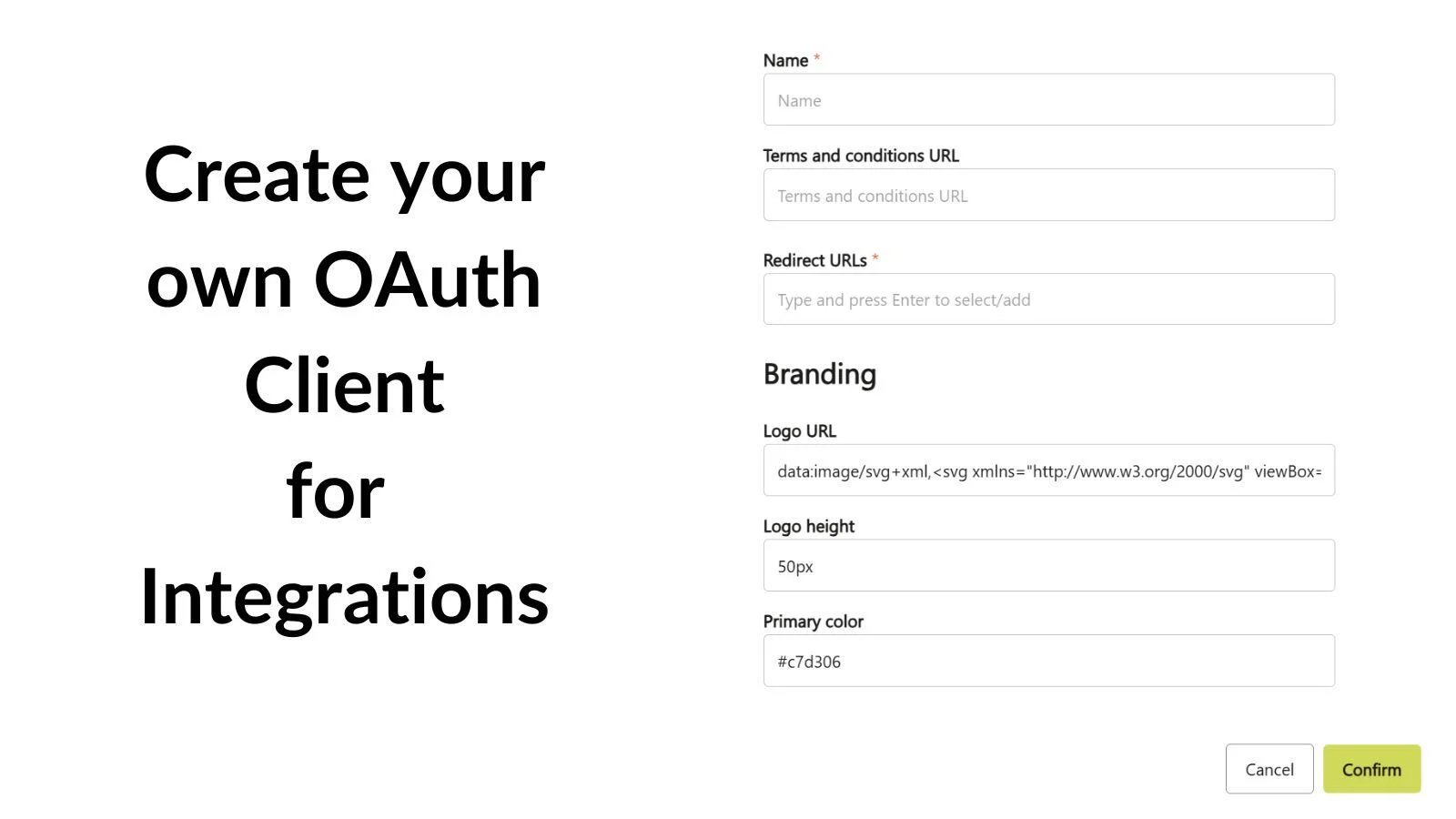
- Create your own oAuth Collaboard client for your integrations
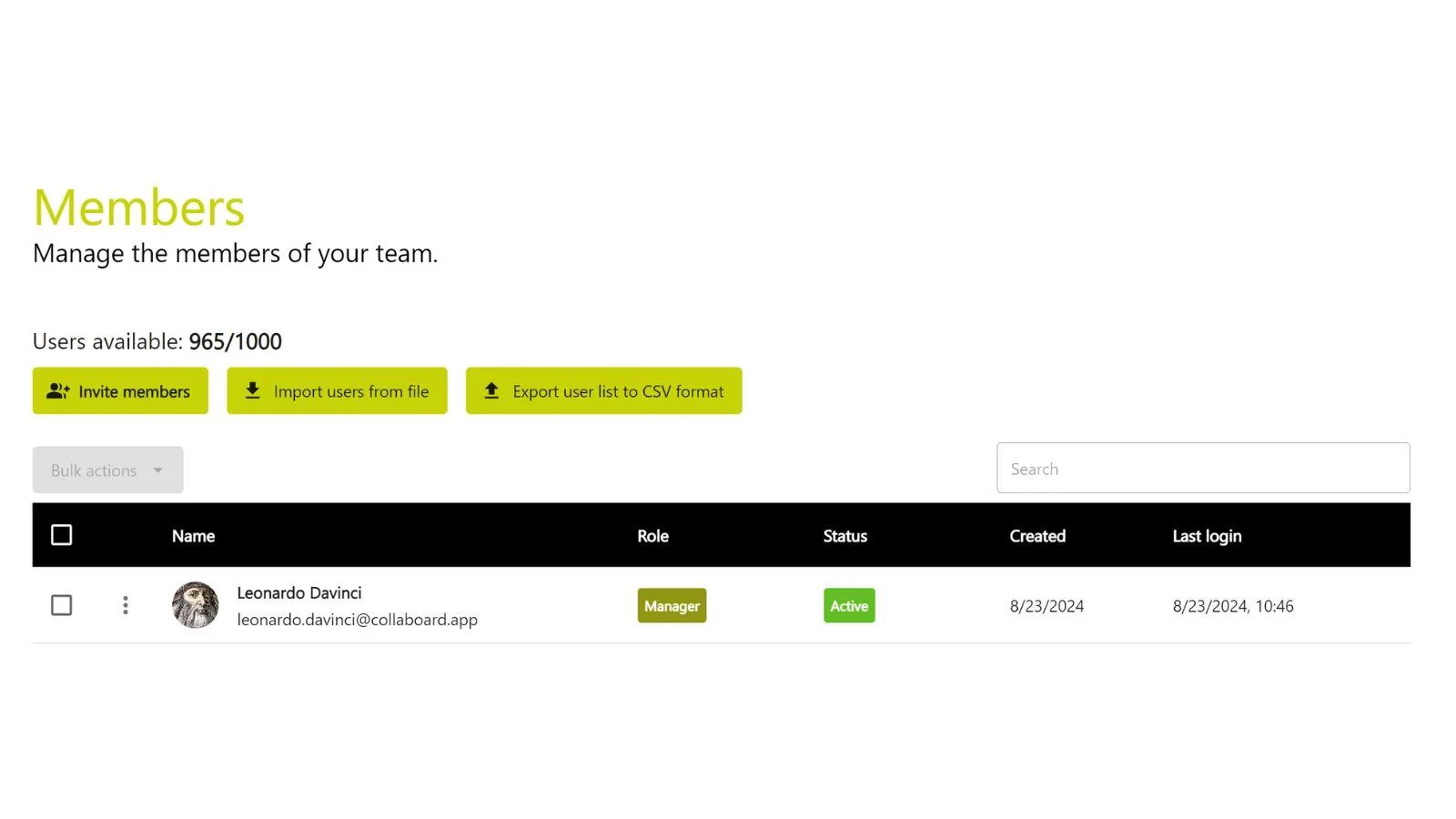
- Improved user & license management
Collaboard Version 6.4.3
June 2024: Collaboard version 6.4.3 contains the following functions and improvements:
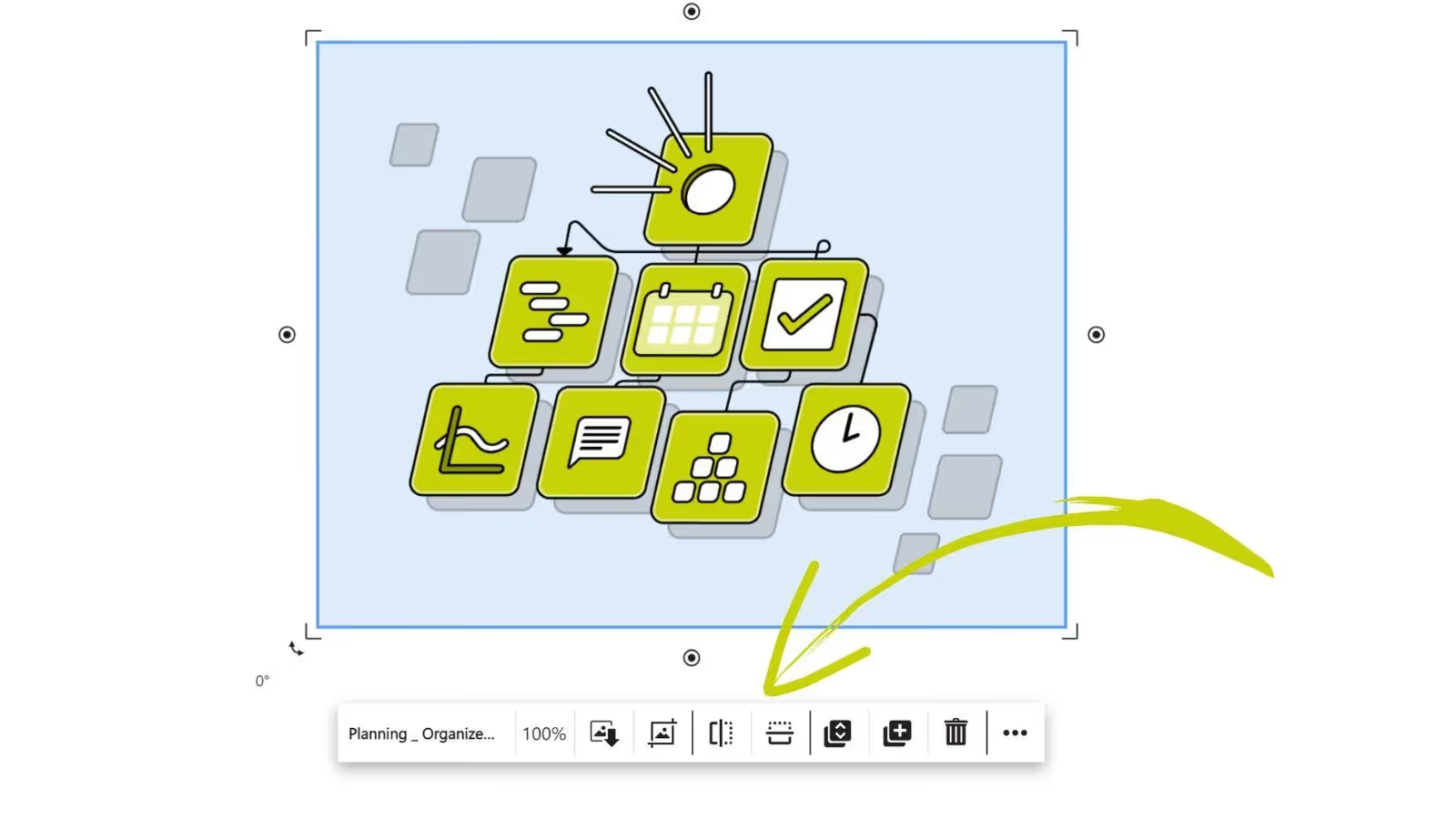
- Flip images
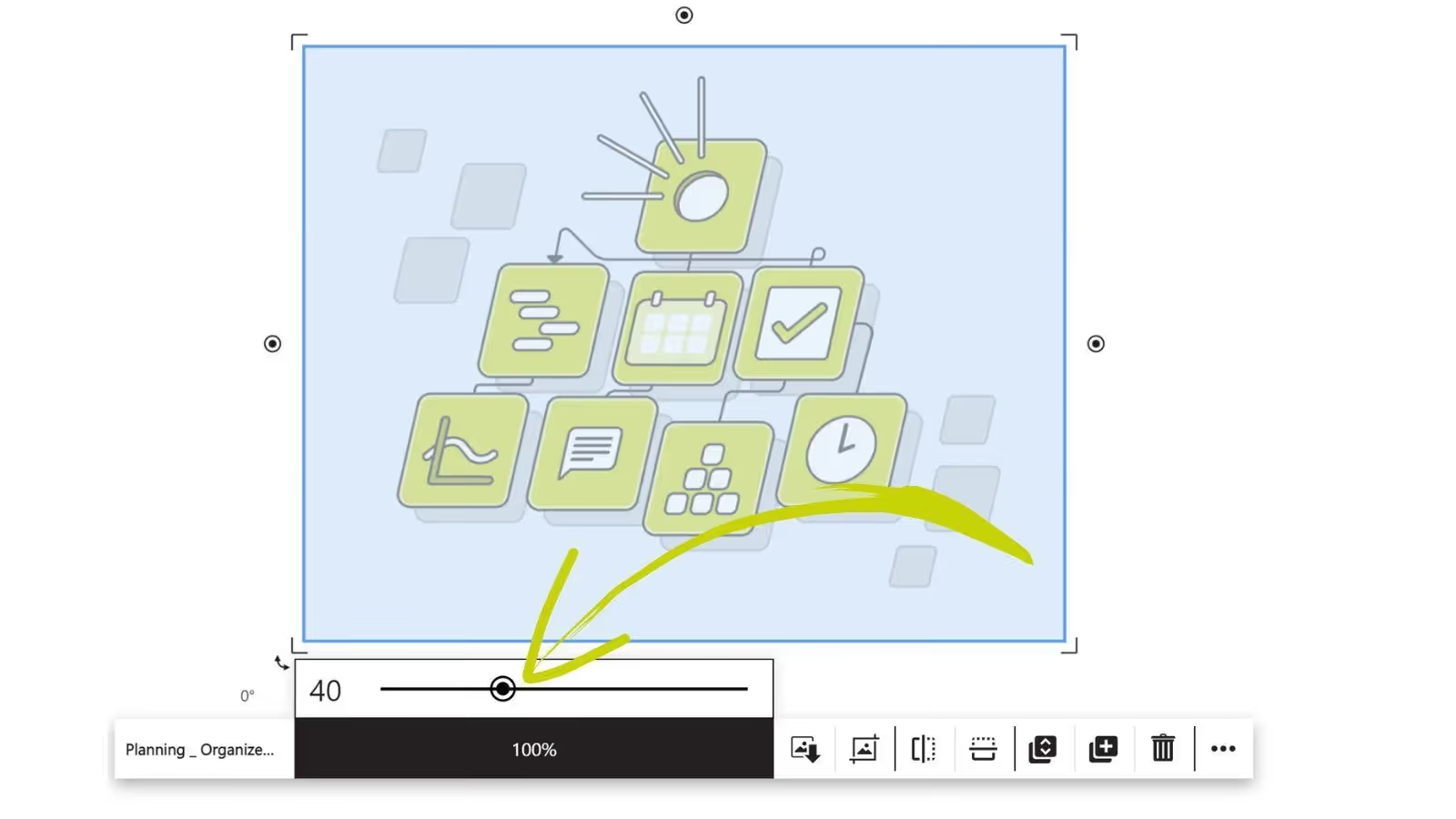
- Transparency for elements on the board
- Dashed and dotted boarders for shapes
- Improved text object (text wrappes automatically when copied)
- Resize multiple shapes horizontally and vertically
- Optmization when rotating lines with SHIFT key
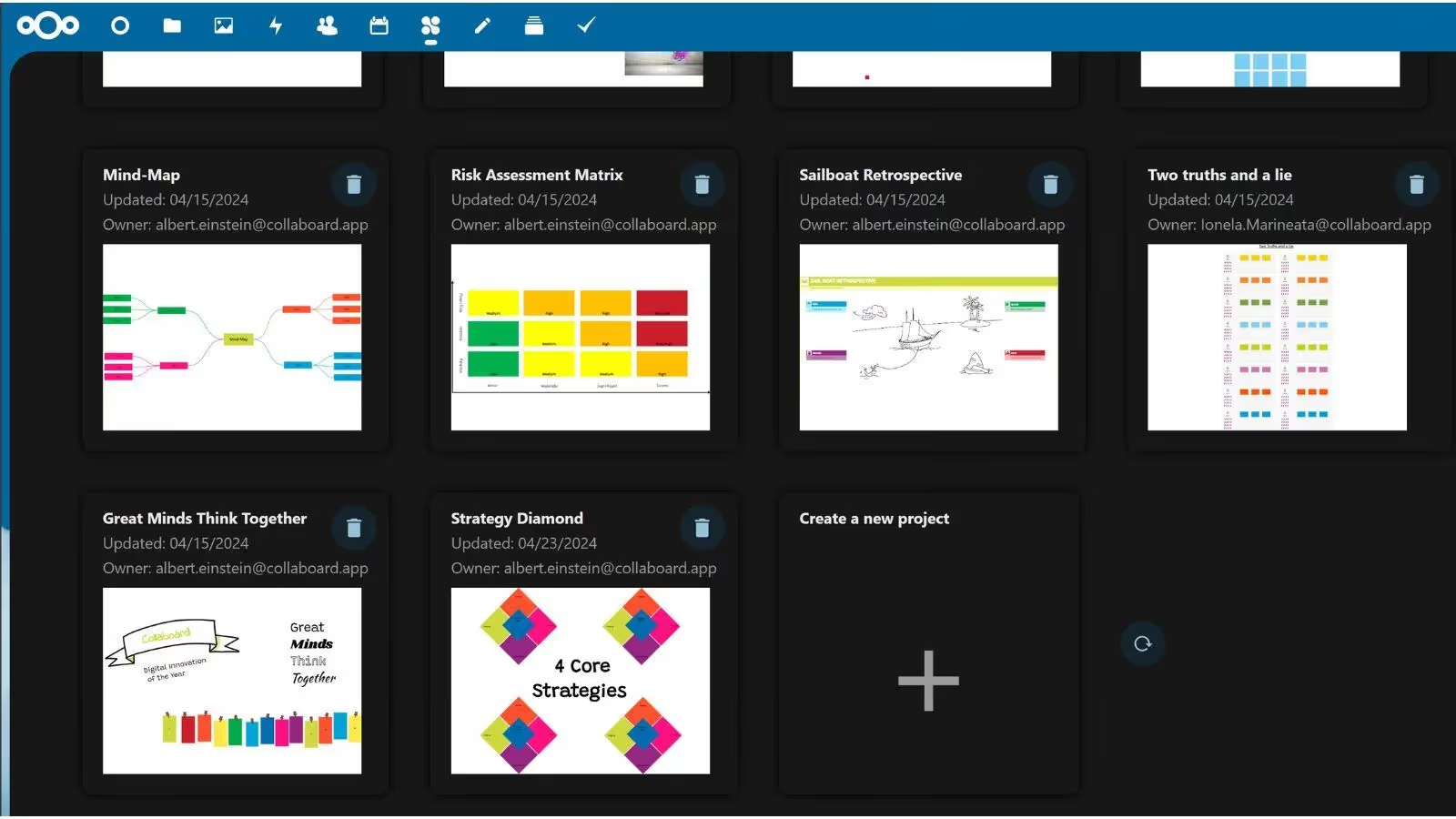
- New version of the Nextcloud integration

Collaboard Version 6.4.2
May 2024: Collaboard version 6.4.2 contains the following functions and improvements:
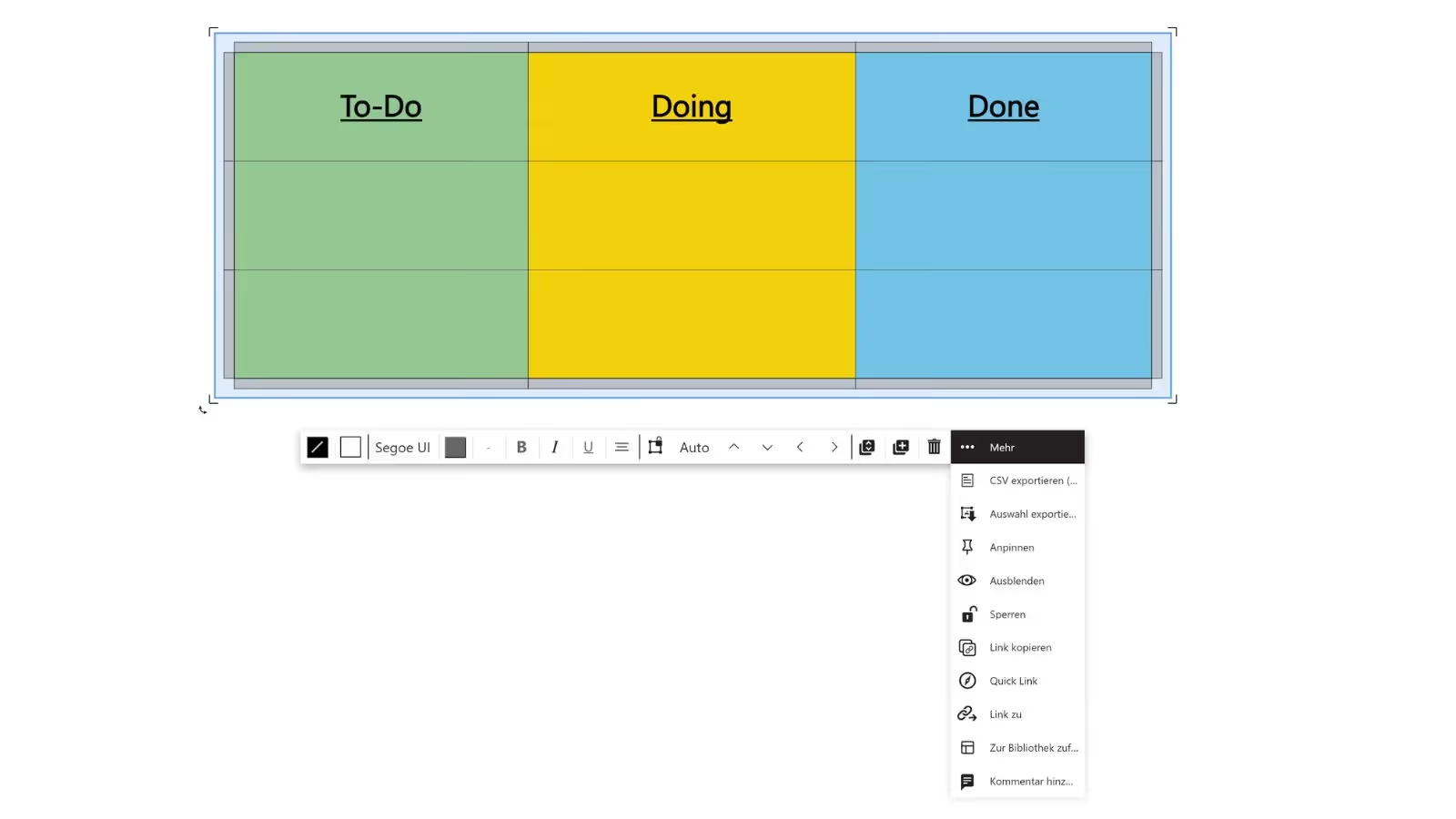
- Update of the table function
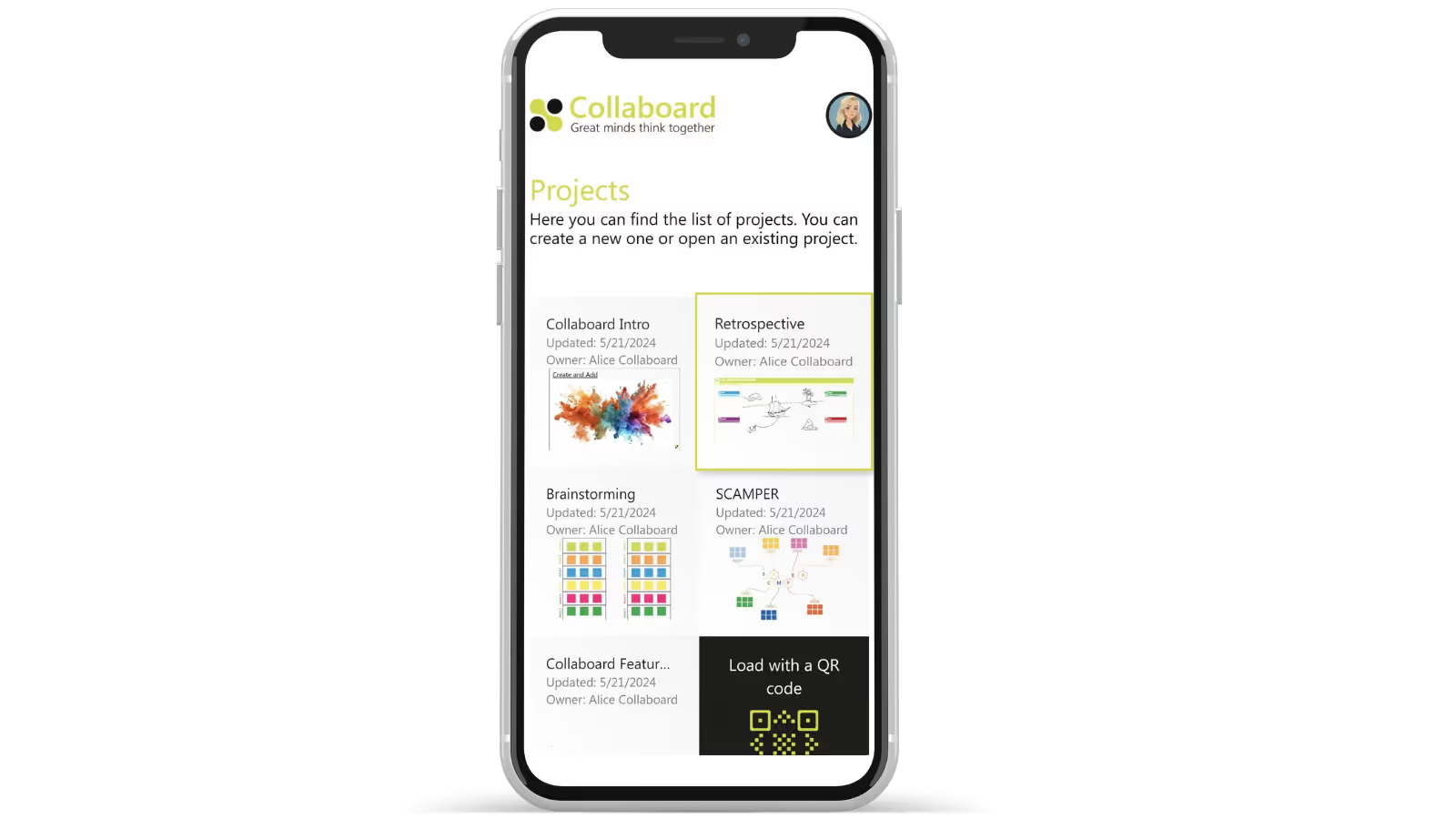
- Optimization for mobile devices
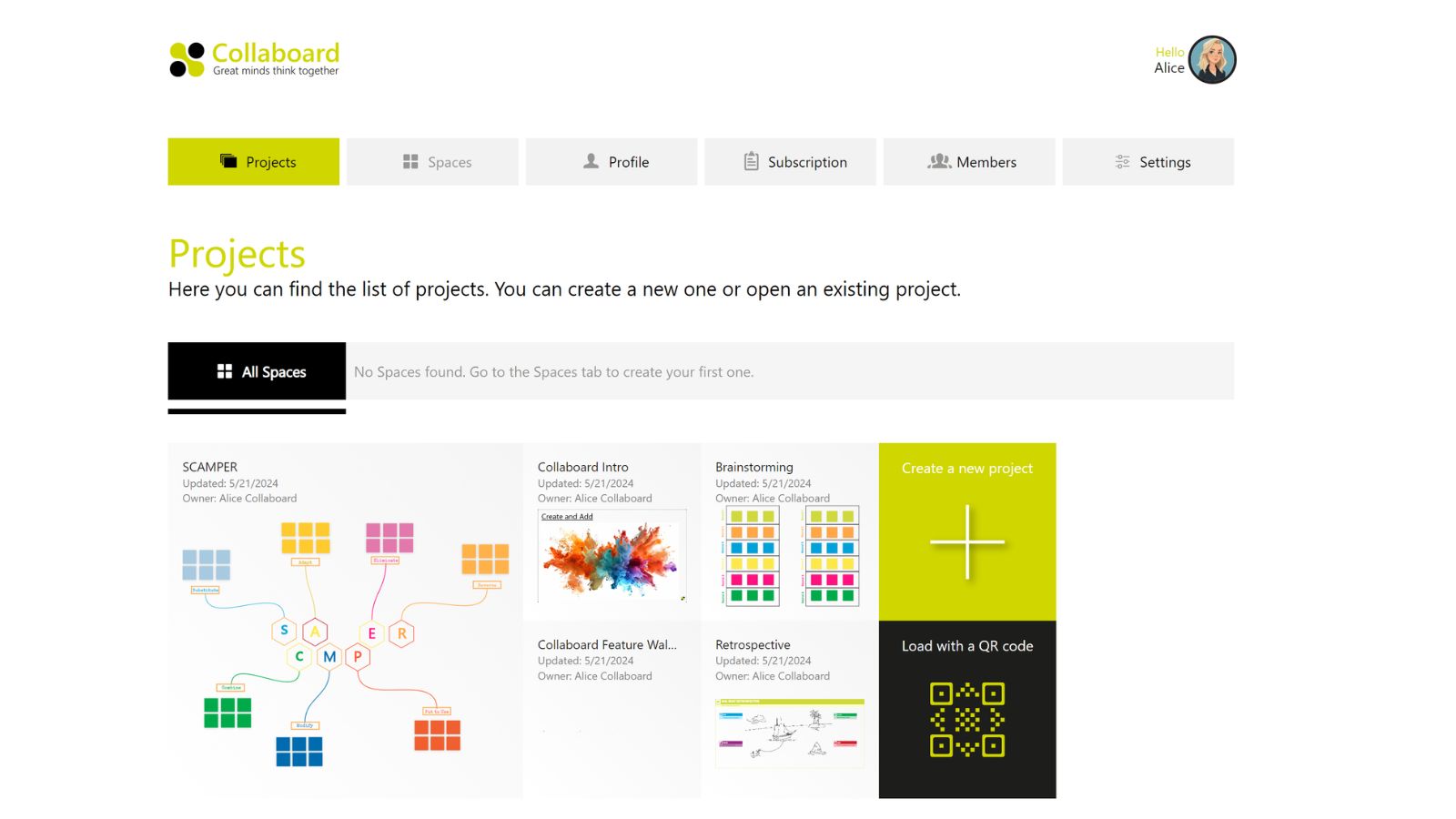
- New layout of the dashboard
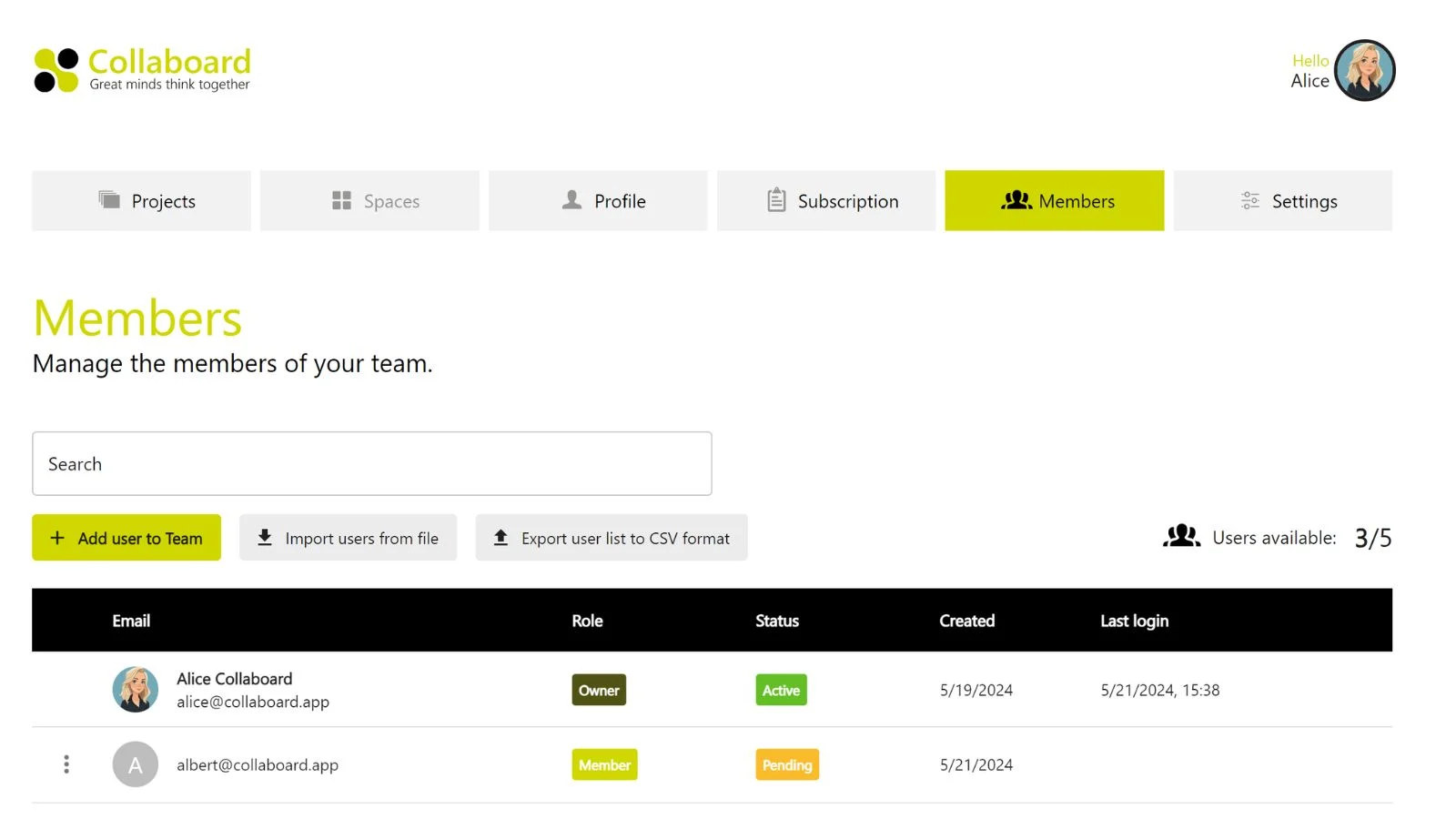
- Optimized layout of the team administration
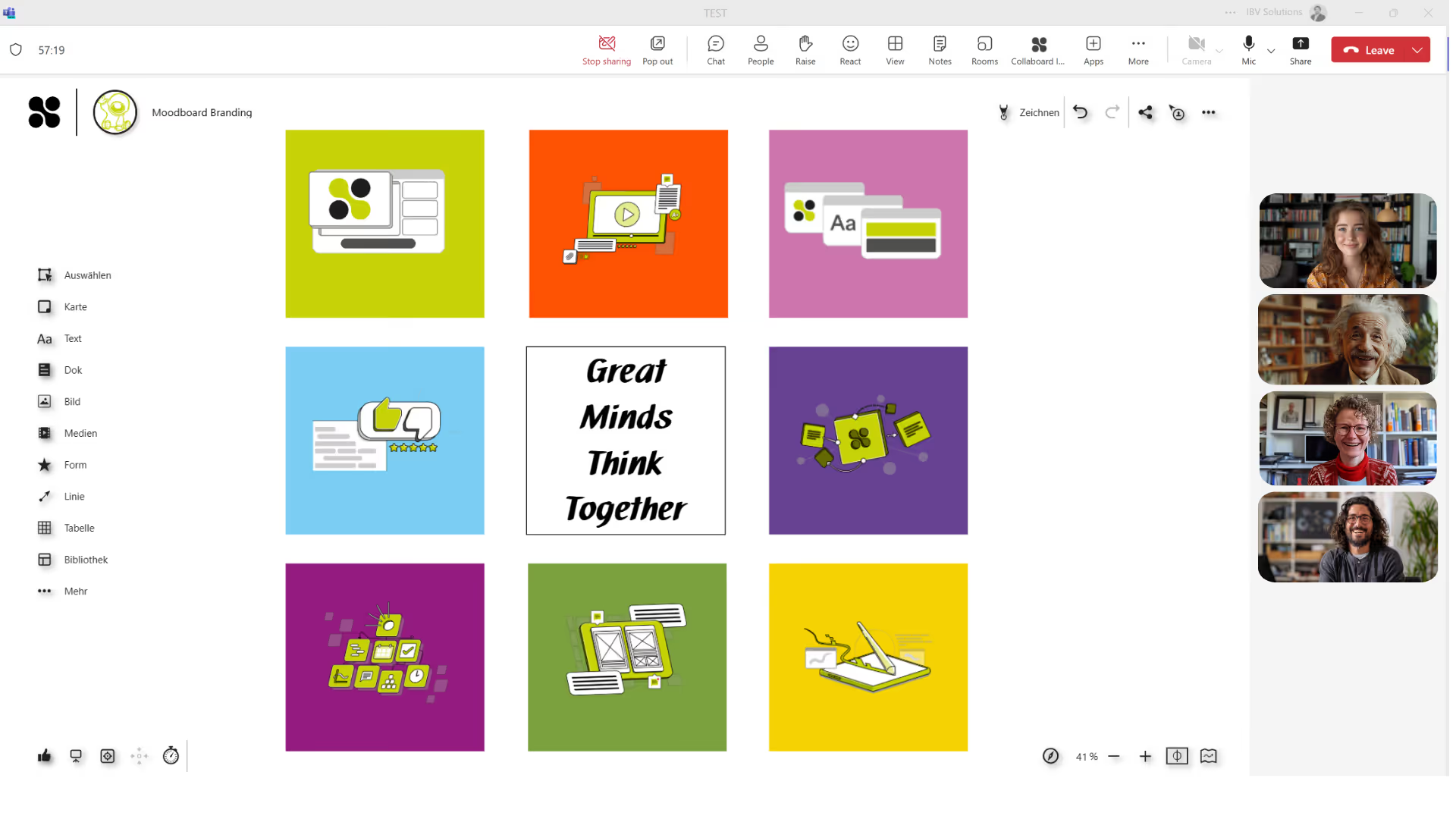
- New Collaboard integration for Microsoft Teams
Collaboard Version 6.4
March 2024: Collaboard version 6.4 contains the following features and upgrades:
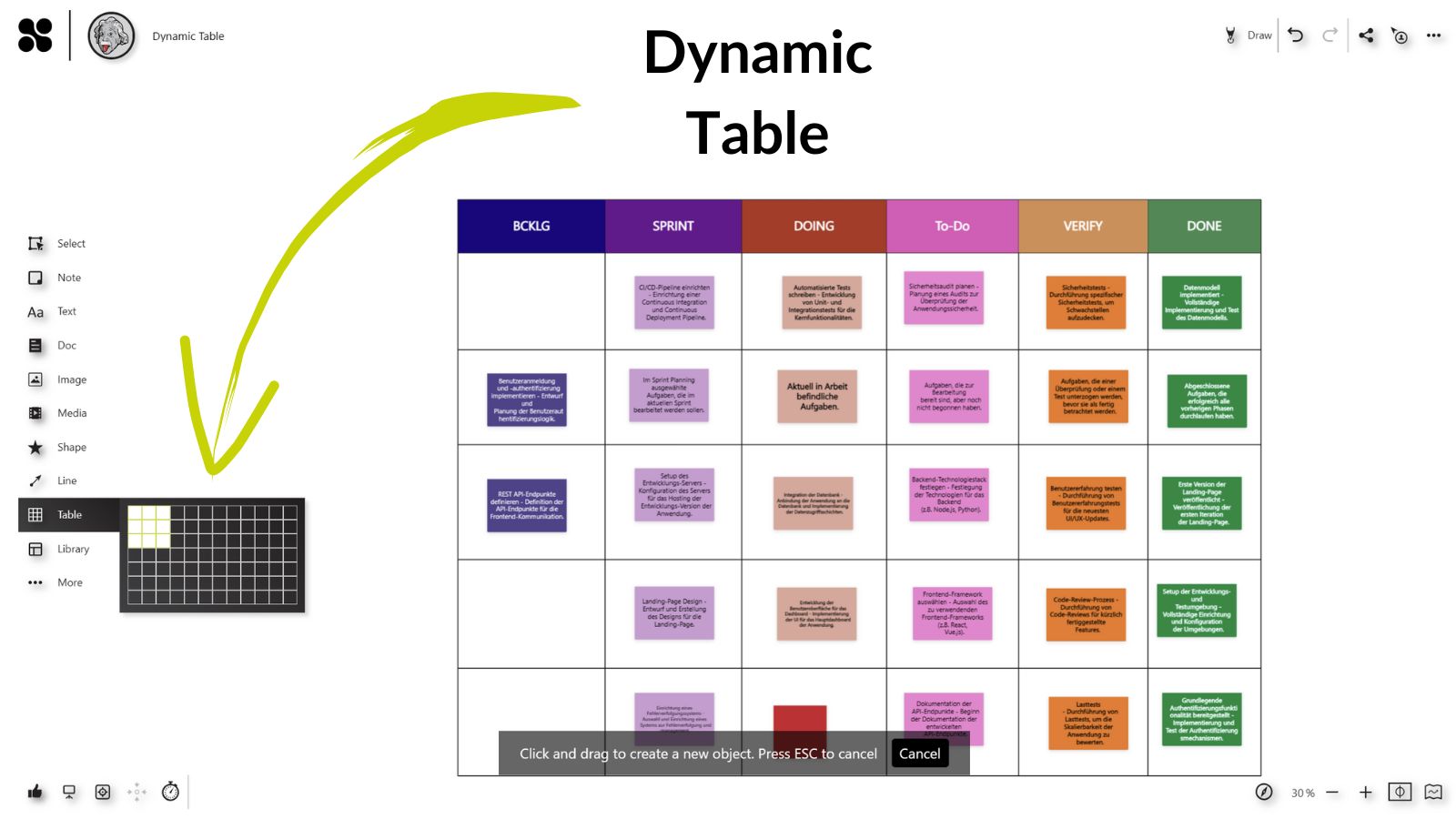
- Table
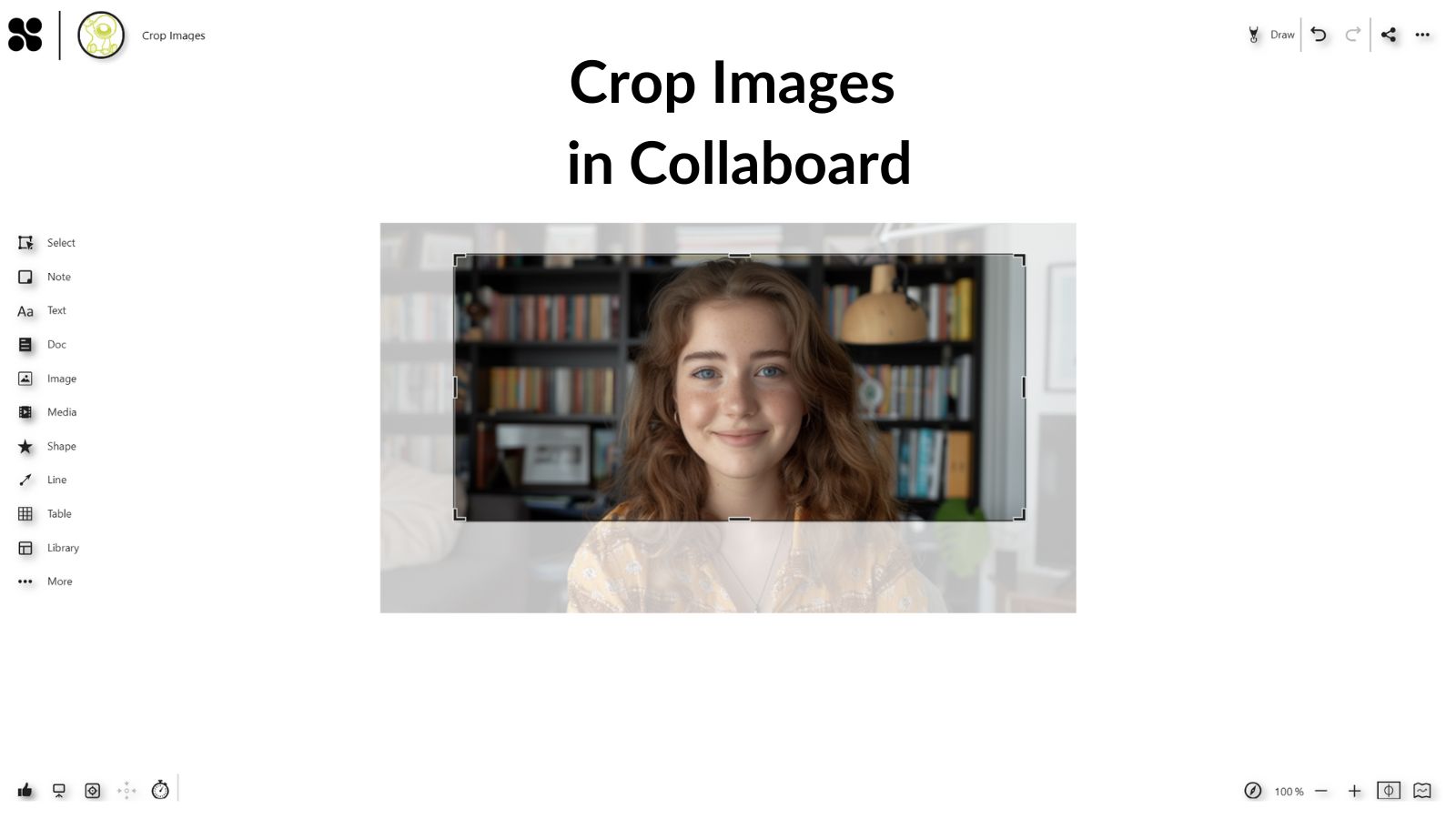
- Crop Images
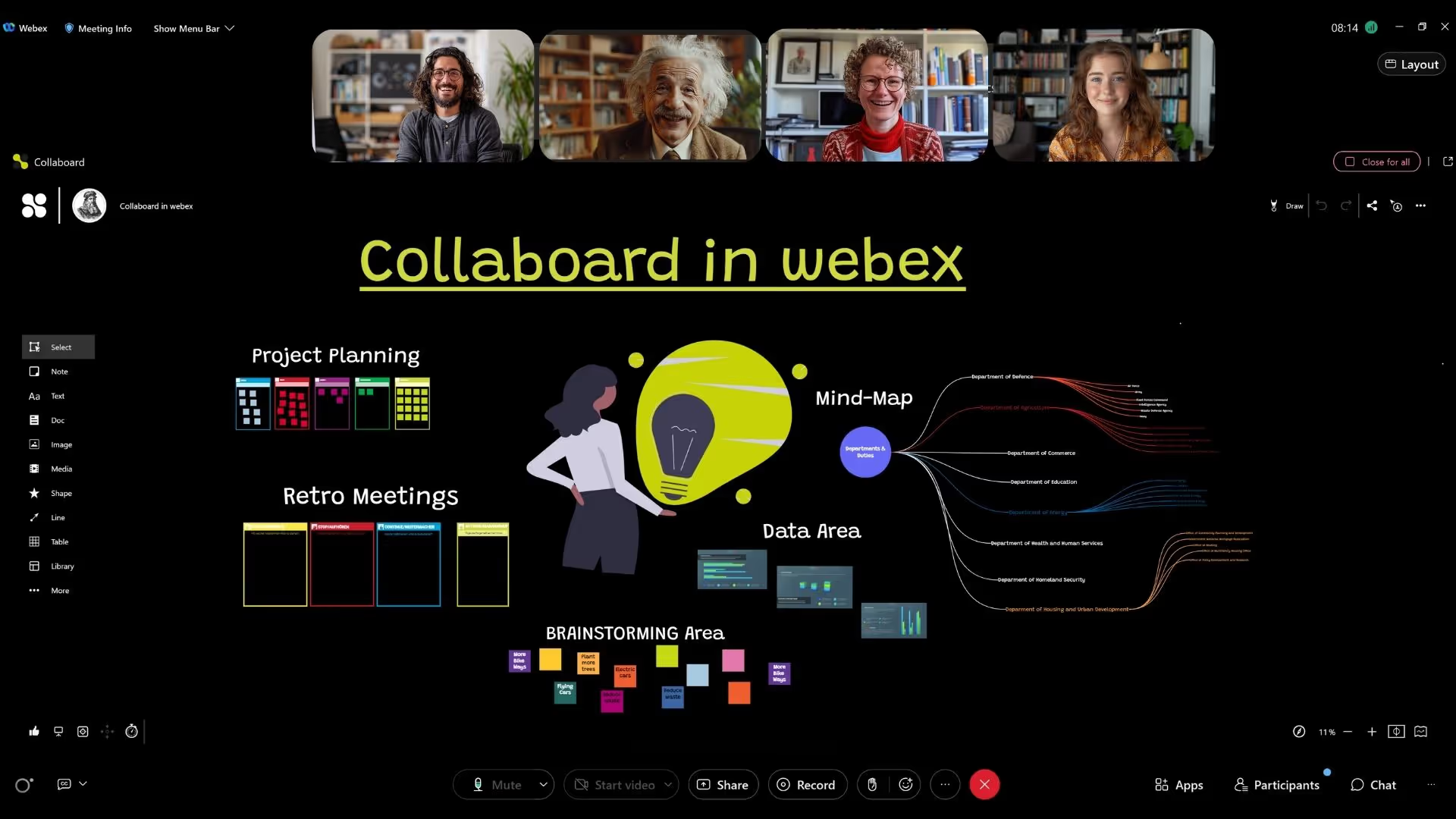
- New Webex integration of Collaboard
Collaboard Version 6.1.1
Collaboard version 6.1.1 contains the following features and upgrades:
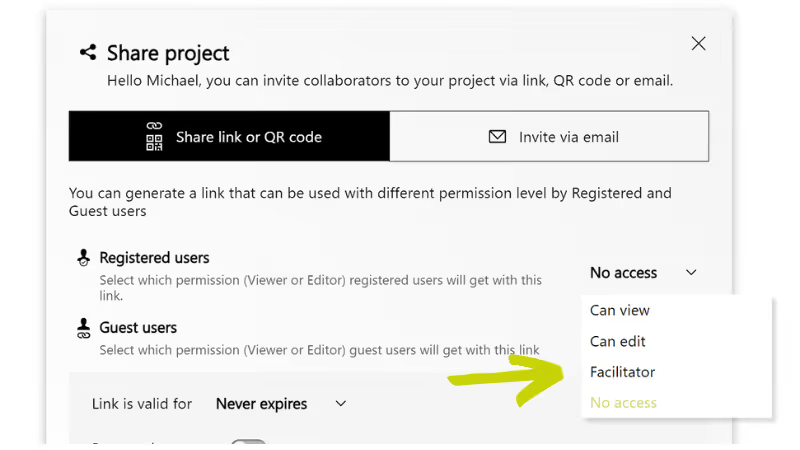
- Share a project with facilitator permissions
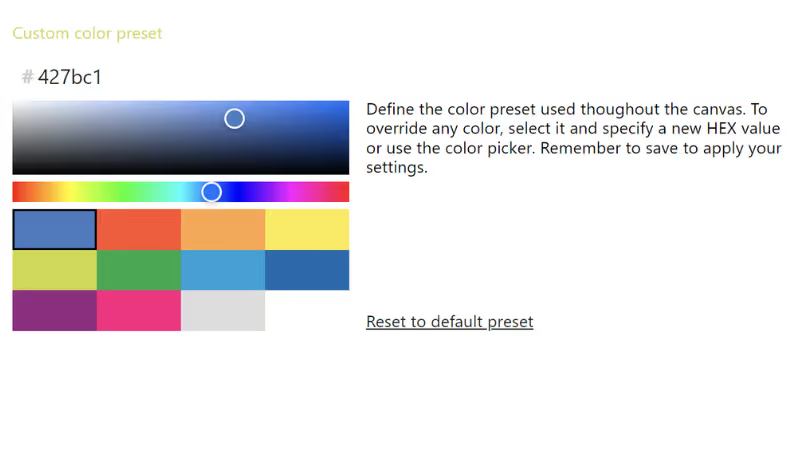
- Customize in-app colors for sticky notes, text & shapes
Collaboard Version 6.3.1
February 2024: Collaboard version 6.3.1 contains the following features and upgrades:
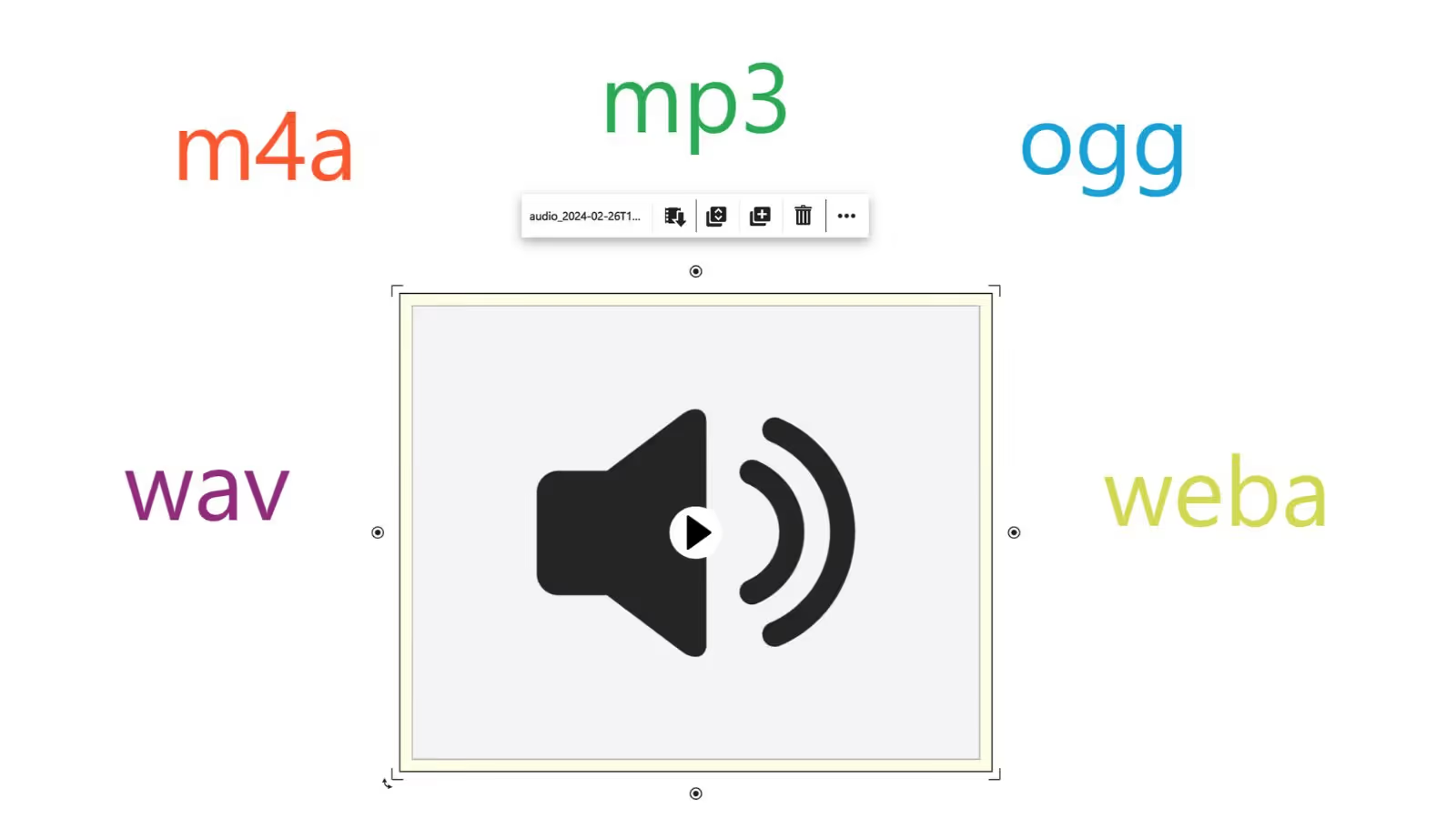
- Upload audio files
- Record audio
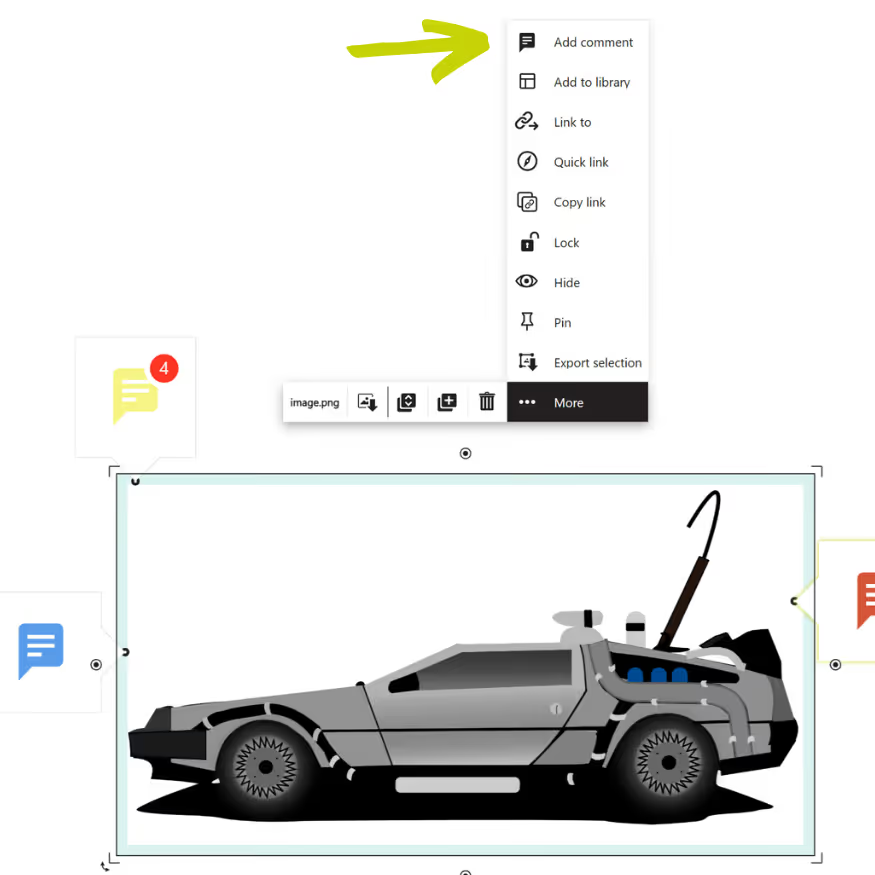
- Add comments to objects much faster
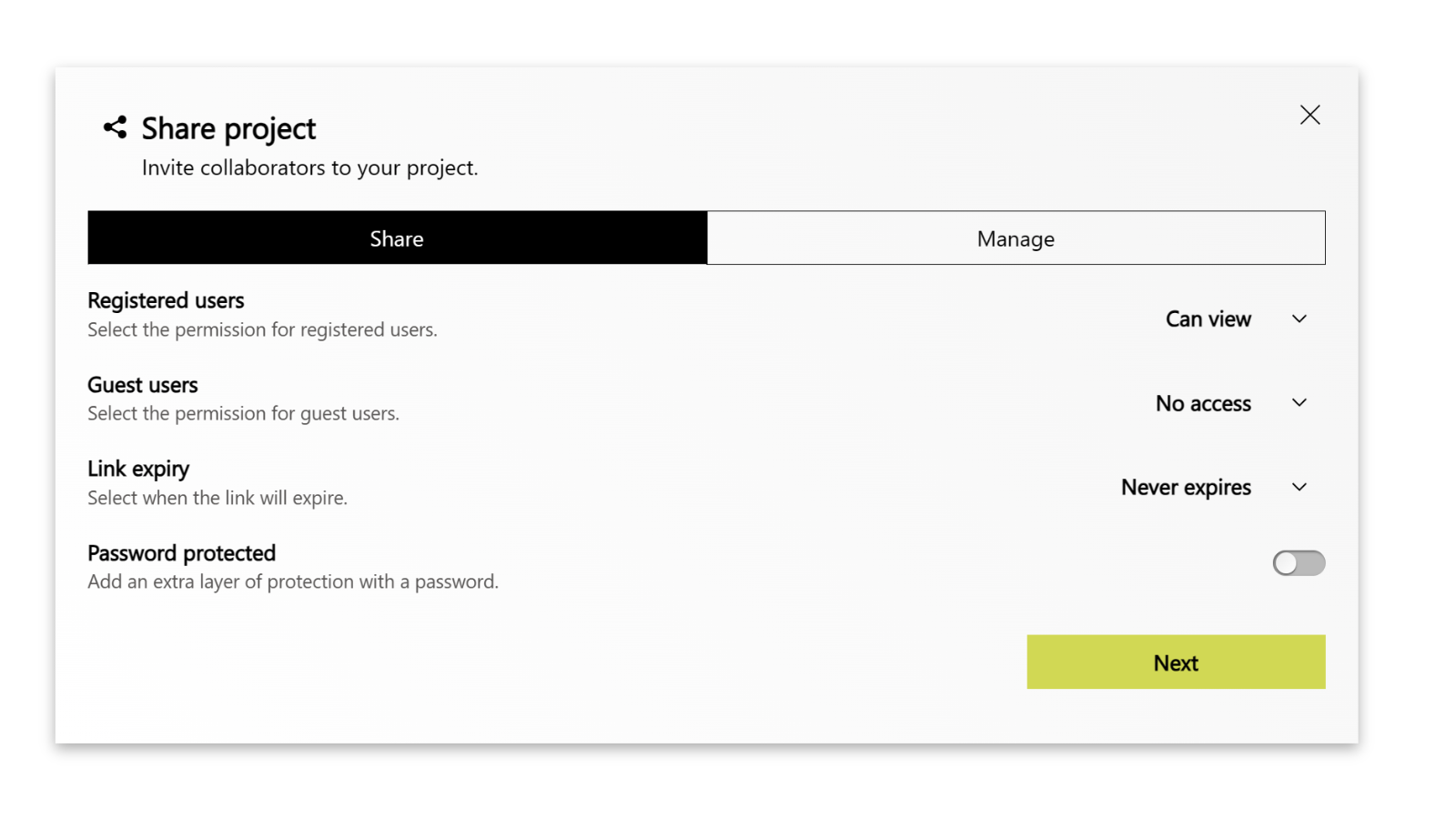
- Faster and easier to invite someone to your Collaboard project
- Get-Attention: Now by default set on "select all"
Collaboard Version 6.0.0
We are happy to announce the Collaboard version 6.0.0. With this new release we start to provide you with the detailed release notes on this website.
Collaboard version 6.0.0 contains the following features and upgrades:
- Focus mode
- Presentation mode upgrade
- Set start view for your board
- New menu for sharing boards
- Manage sharing-links
- User presence improvements
- Toolbar improvements
- Left panel improvements
- Delete account option
- Introducing: Collaboard settings
- Generate API Keys
- Custom welcome video
- SSO: Allow SAML certificates for encryption



Collaboard Version 6.2.0
Collaboard version 6.2.0 contains the following features and upgrades:
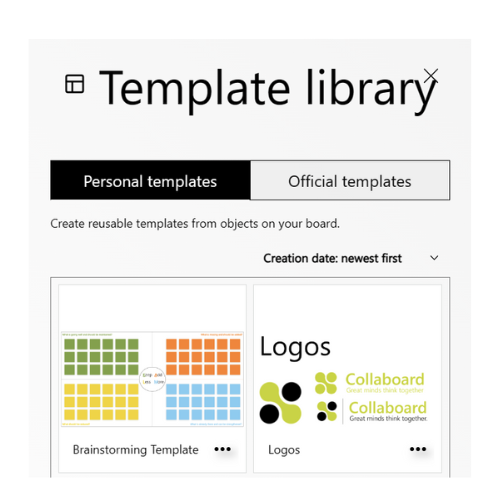
- Personal Templates
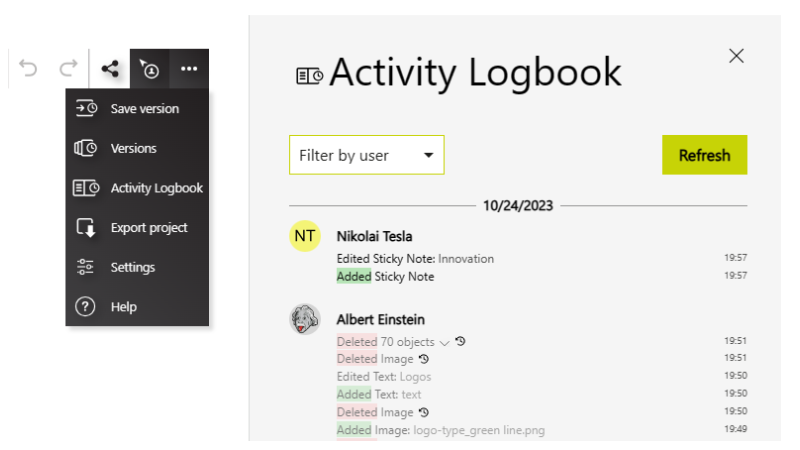
- Activity Logbook
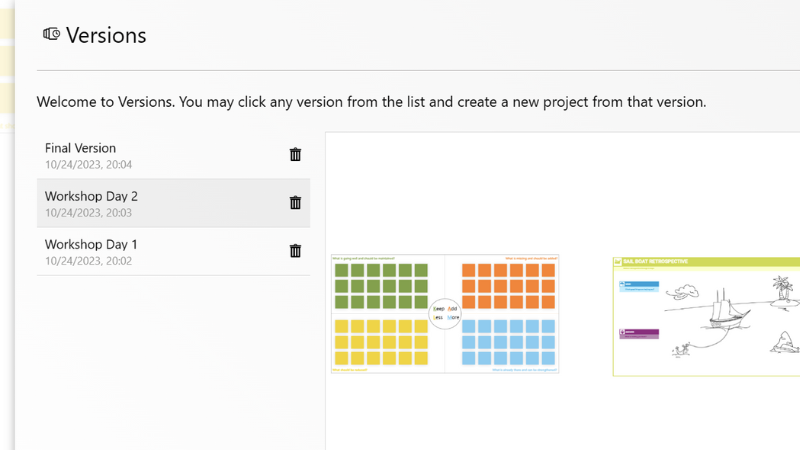
- Board Versions
Collaboard Version 6.1.0
We are happy to announce the Collaboard version 6.1.0 that will be available in the next days.
Collaboard version 6.1.0 contains the following features and upgrades:
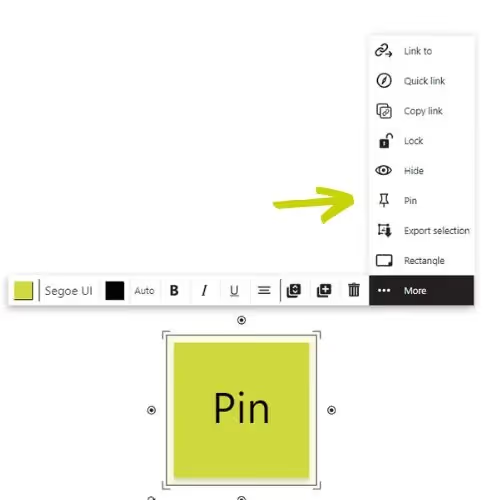
- Pin feature
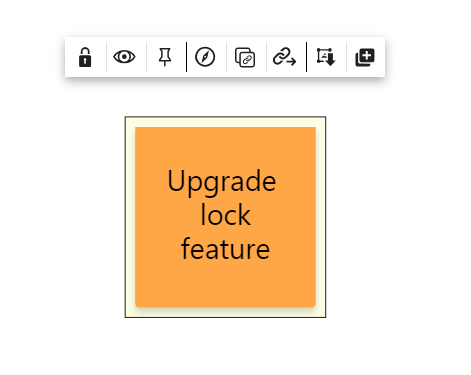
- Upgrade to the lock feature
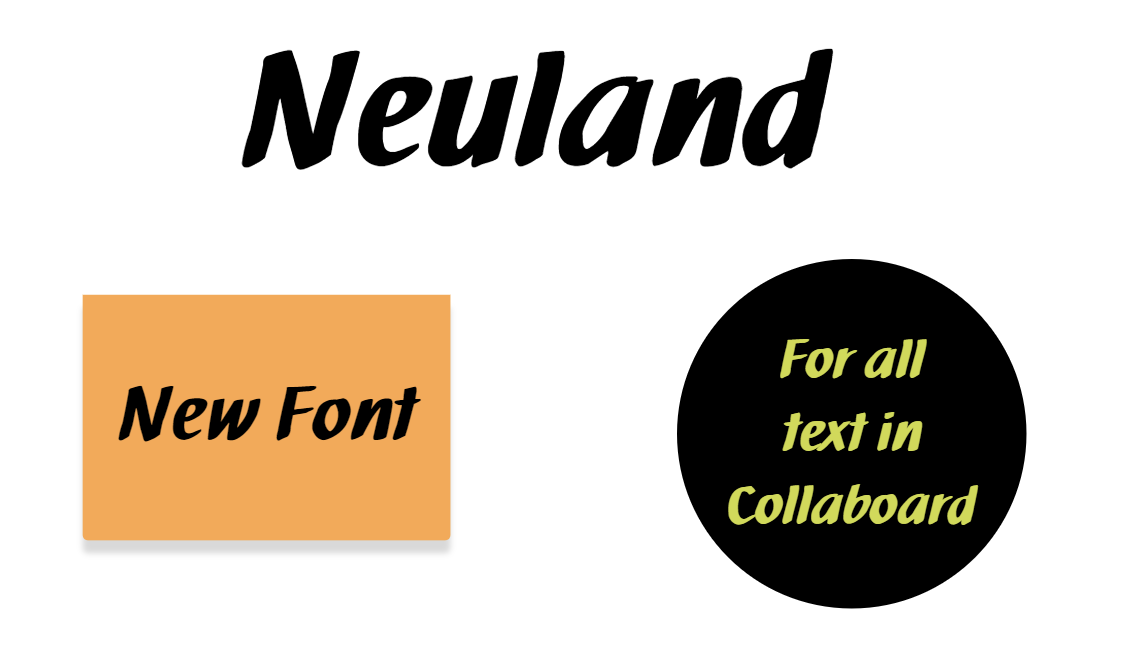
- New font: Neuland
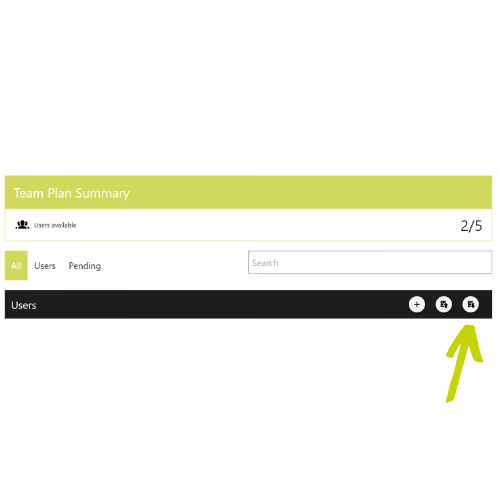
- Export user list
Collaboard Version 6.3.0
Collaboard version 6.3.0 contains the following features and upgrades:
- Updated area selection to work on touching the object only
- Added rotation indicator and rotation snapping using SHIFT, updated rotation cursor
- Optimization for Embedded Objects: canvas zoom does not zoom in the embed window, Interactivity is enabled on click, not when just moving the embed
- Voting/Rating: Improved accessibility and UX (font size on controls, background color changes, object selection)
- Line: Support rotation of lines. Support of grouping lines
Start your next whiteboard now
Get a free trial of Collaboard with up to 3 boards and five people per session. All key features are available for you to try out.

